
Best AI Tools for Interior Designers to Visualize and Present Designs in 2026
Last updated: June 2026 | 10 tools reviewed | Pricing verified
Introduction
Here is the core challenge of interior design that has nothing to do with talent.
You can see the finished room perfectly in your head. The exact tone of the walls at four in the afternoon. The way the rug pulls the whole palette together. The specific weight and texture of the linen on the sofa versus the velvet you almost chose instead. You have made this decision a hundred times, and you know it works.
The client cannot see any of that. They are standing in an empty room, or a dated one, holding a paint swatch and a fabric sample, trying to trust that the picture in your head is going to become the picture in their living room. That gap between what you can see and what the client can see is where a meaningful number of projects get won or lost. Not on talent. On communication.
The designers growing their businesses fastest in 2026 are not necessarily the most talented people in the room. They are the ones who have figured out how to close that visualization gap quickly — to show the client the vision instead of describing it, and to make the decision to move forward feel obvious rather than like a leap of faith.
AI visualization tools have changed what is achievable here more than any other category of software in the last few years. What used to require hiring a 3D rendering specialist and waiting a week for a single image can now happen in an afternoon, often during the client meeting itself. This article covers ten tools that genuinely help across the full lifecycle of a design project — concept, presentation, execution, and the business side that surrounds all of it — without pretending that any of them replace the taste, judgment, and relationship-building that actually make your work yours.
The Real Challenge of Interior Design Work
Why “Trust Me, It Will Look Great” Is a Hard Sell
Most residential clients are making one of the largest financial decisions of their year. A full room renovation or refresh is not an impulse purchase, and most people do not have the spatial visualization skills to confidently imagine an empty room transformed based on a verbal description and a few fabric swatches.
This creates a longer sales cycle than the design work itself requires. Clients hesitate. They second-guess. They ask for “just one more option” before committing, not because they are difficult but because they genuinely cannot picture the outcome with confidence. The faster and more convincingly you can show rather than describe, the faster a client commits — and the fewer rounds of back-and-forth revisions happen before everyone is aligned.
This is not a new problem. Designers have used mood boards, fabric swatches, and hand sketches for decades to bridge this gap. What has changed is how fast and how photorealistic the bridge can now be built.
Where Designers Actually Lose Time Outside of Design Work
Ask a working interior designer where their week actually goes, and the answer is rarely “designing.” It is sourcing — scrolling through dozens of vendor catalogs, trying to find a specific piece that matches a vision. It is building mood boards manually, screenshot by screenshot, in a design tool that was not built for fast iteration. It is writing proposals that try to put the vision into words because there is no image ready yet. It is following up with clients who have gone quiet, chasing invoices, and trying to keep three or four active projects organized without a system built for the specific complexity of design work — multiple vendors, multiple delivery timelines, multiple decision points per room.
None of this is the creative work that drew most designers into the profession. It is the overhead that surrounds it. And it is exactly the kind of work that AI tools are well-suited to compress.
How This List Was Put Together
Every tool here is organized by where it sits in the actual sequence of a design project — not by category, and not by an arbitrary ranking. The reason is simple: a designer’s needs change dramatically depending on what stage a project is in. The tool you need to generate concept imagery in week one is not the tool you need to track a project budget in week twelve. Organizing by stage makes it easier to find the right tool for where you are right now, rather than working through a list that mixes concept generation with invoicing software, with no logical thread connecting them.
The Tools — Grouped by Stage of a Design Project
Concept and Vision
This is the earliest stage of a project — before a specific room has been measured or a specific furniture piece has been chosen. The goal here is establishing direction and getting early buy-in on a feeling and a style before investing time in detailed execution.
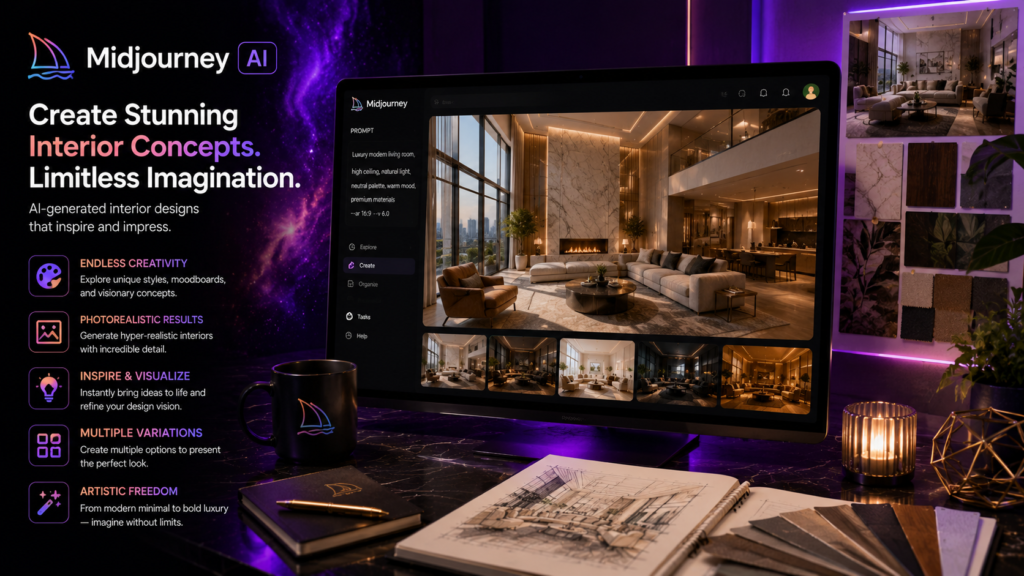
Midjourney — Generating Mood Board Imagery That Captures a Direction
Midjourney — Generating Mood Board Imagery That Captures a Direction
Midjourney is an AI image generation tool that has become something close to an industry standard for designers who want highly polished, atmospheric concept imagery without needing to source it from stock photography or build it from scratch in a design program.
The value here is specifically in mood and direction rather than literal accuracy. You describe the feeling you are pursuing — a warm, sun-drenched Mediterranean living room with terracotta tones and woven textures, or a moody, masculine study with deep green walls and brass fixtures — and Midjourney generates imagery that communicates that direction with a level of polish that often exceeds what a quick stock photo search would surface. For early client conversations where the goal is establishing whether you are aligned on a general direction before committing to anything specific, this kind of imagery is frequently more persuasive than a literal room render, because it is not yet tied to any particular constraint that the client might fixate on and object to.
Designers commonly use Midjourney to build the opening section of a mood board — the images that set the tone before getting into specific furniture, fabric, and material selections. The output is not meant to be a literal preview of the finished room. It is meant to get everyone nodding in the same direction before the detailed work begins.
Best for: Early-stage concept development, establishing mood and direction before detailed planning begins Free option: No — paid plans only Monthly cost: From $10/month What it is not for: Accurate room dimensions, specific furniture placement, or literal previews of a client’s actual space
Spacely AI — Turning a Client’s Actual Room Into a Designed Space
Spacely AI takes a different and arguably more persuasive approach than generic concept imagery. Instead of generating an inspirational image disconnected from the client’s actual space, it takes a photograph of the client’s real room and generates a redesigned version of that specific space.
This distinction matters more than it might initially seem. A beautiful inspiration photo of someone else’s home is interesting. A redesigned version of the client’s own actual living room — their windows, their proportions, their existing architectural features transformed according to your design direction — is something else entirely. It closes the visualization gap directly rather than asking the client to mentally translate someone else’s space into their own.
The workflow is straightforward. You upload a photo of the existing room, select or describe a style direction, and Spacely AI generates a redesigned version of that same room. Designers use this most often in the early sales and concept stage — showing a potential client what their specific space could look like before a contract is even signed, which removes a significant amount of the uncertainty that slows down project commitment.
Best for: Showing clients a realistic, specific vision of their own actual room rather than a generic inspiration image Free option: Limited free generations Monthly cost: From $19/month Limitation worth noting: Results can occasionally misjudge proportions or generate furniture that would not realistically fit the space — always review before presenting to a client.

Client Presentation
Once a general direction has been established, the next stage is presenting specific options to the client in a way that drives a clear decision rather than open-ended uncertainty.
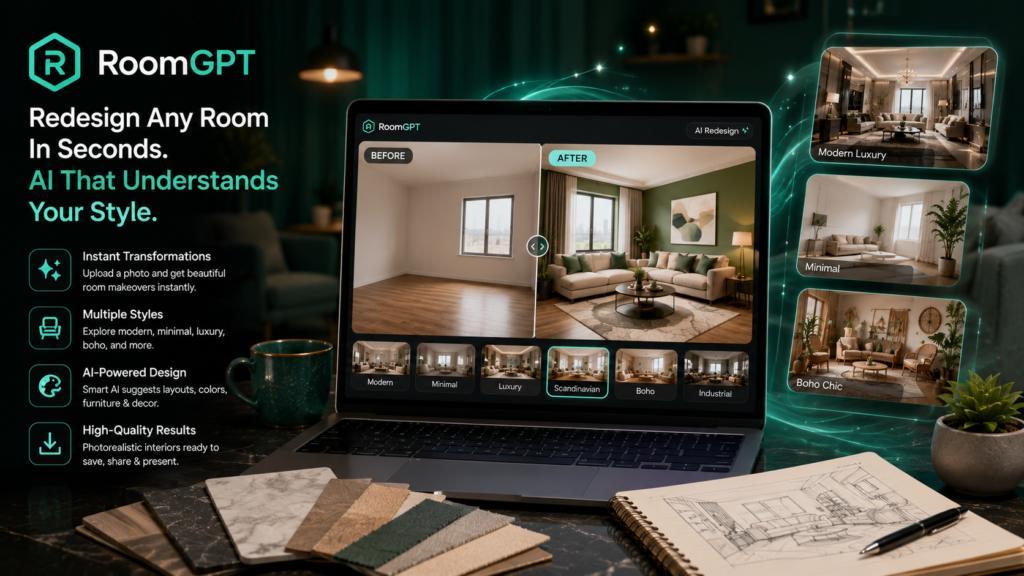
RoomGPT — Quick Style Variations Clients Can React To Immediately
RoomGPT is built around speed. Upload a photo of a room, and it generates multiple style variations almost instantly — modern, traditional, minimalist, coastal, and dozens of other style directions applied to the same space.
The practical value of this in a client meeting is significant. Rather than presenting one carefully considered direction and hoping the client agrees, you can generate four or five variations in real time during a conversation and gauge the client’s genuine reaction to each one. Clients often do not know what they want until they see options side by side — and the speed of RoomGPT means this exploration can happen live, in the room, rather than requiring a week of turnaround between meetings.
This is not the tool for a final, detailed presentation imagery. It is the tool for the early exploratory conversation where you are narrowing down direction before investing serious time into one specific concept.
Best for: Rapid style exploration during early client conversations, narrowing down direction quickly Free option: Yes — limited generations on the free tier Monthly cost: From $10/month
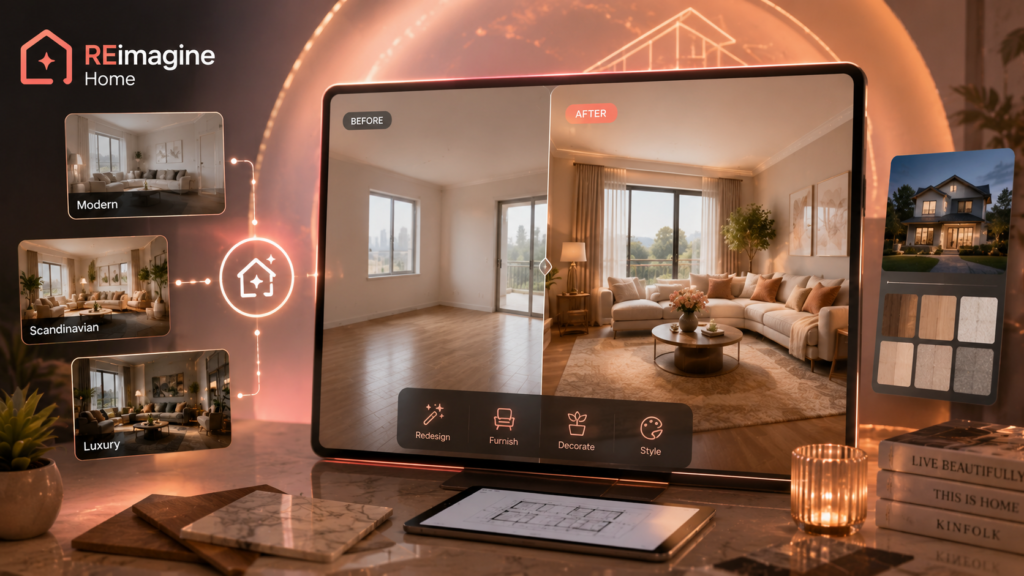
REimagineHome — Before and After Visuals That Win Renovation Projects
For designers who work specifically in renovation — taking dated, neglected, or poorly configured spaces and transforming them — the before-and-after image is consistently the single most persuasive asset in a sales presentation. It is the visual proof that the investment is worth making.
REimagineHome specializes specifically in this use case. Upload a photo of the current, unrenovated space, and the AI generates a transformed version showing what the space could become. For a kitchen renovation pitch, a bathroom remodel, or a full living space overhaul, this side-by-side comparison does more to convince a hesitant client than pages of a written proposal ever could.
The tool also handles interior redesign more broadly — not just renovation-specific transformations — but its particular strength and most common use case among designers is the dramatic before-and-after format that renovation work depends on for client conversion.
Best for: Renovation-focused designers who need persuasive before-and-after visuals to win projects Free option: Limited free tier Monthly cost: From $29/month
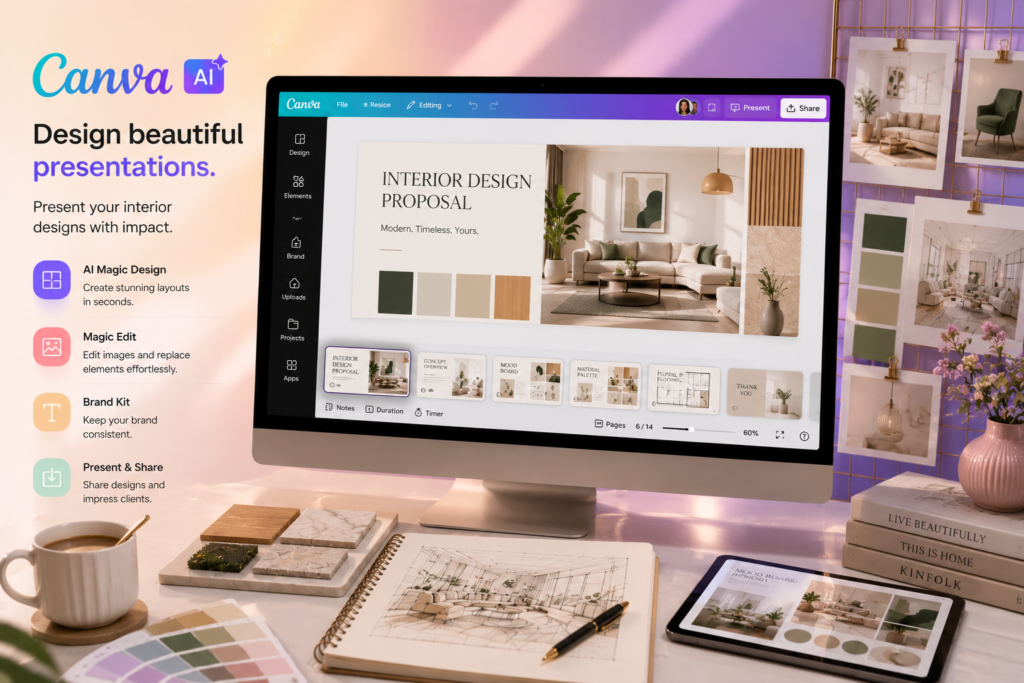
Canva AI — Polished Mood Boards and Proposal Decks
Once you have generated concept imagery, style variations, and before-and-after visuals, all of that needs to be assembled into something coherent that a client can review, share with a spouse or business partner, and ultimately approve. This is where Canva AI earns its place in the toolkit — not as a generation tool, but as the assembly and presentation layer that ties everything together.
Canva’s templates for mood boards, design proposals, and client presentation decks are genuinely professional, and the AI design suggestions help non-designers — and even designers who simply do not want to spend time on graphic layout — produce a polished, brand-consistent document quickly. The brand kit features your studio’s colors, fonts, and logo so that every proposal and mood board looks like it came from an established, professional practice rather than a collection of pasted-together images.
For designers who are currently sending clients a folder of disconnected images via email, Canva AI turns that into a single, cohesive, professional document that elevates how the entire pitch is perceived.
Best for: Assembling all visual concept work into a cohesive, professional client-facing presentation Free option: Yes — generous free tier Monthly cost: $15/month (Pro plan)
Planning and Execution
Once a direction is approved, the work shifts from persuasion to precision. This stage is about turning an approved concept into something that can actually be built, sourced, and installed correctly.
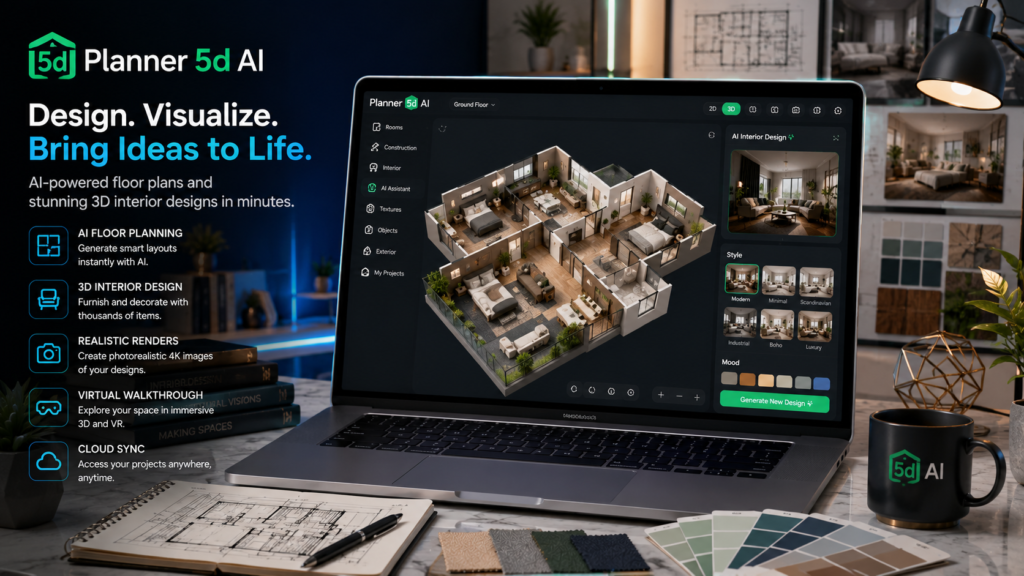
Planner 5D AI — Full Room Layouts With AI-Suggested Furniture Placement
Planner 5D allows designers to build full 3D space plans with accurate measurements, and its AI layout features suggest furniture placement and arrangement based on the room’s dimensions and the stated goals of the space.
This is a meaningfully different tool from the concept-stage generators covered above. Where Midjourney and RoomGPT produce evocative but not necessarily accurate imagery, Planner 5D is built around actual measured space planning — the kind of detail that matters once a client has approved a direction and the project moves toward execution. The AI suggestions for furniture placement take into account traffic flow, focal points, and proportional balance, which speeds up the layout process considerably compared to manually testing arrangements.
For designers who need to move from “the client loves this direction” to “here is exactly where every piece of furniture will sit and why,” Planner 5D bridges that gap with a level of precision the concept-stage tools are not designed to provide.
Best for: Translating an approved concept into a functional, accurately measured layout Free option: Yes — limited features on the free tier Monthly cost: From $9.99/month
ArchiGPT — Finding and Specifying Materials Without Hours of Manual Research
Sourcing is one of the most time-consuming parts of interior design work. Finding the right dining table — the right size, the right finish, the right price point, available within the project timeline — often means scrolling through dozens of vendor websites and catalogs, comparing specifications manually, and keeping track of options across scattered browser tabs and bookmarks.
ArchiGPT addresses this directly. You describe what you are looking for in natural language — a specific style, material, color palette, budget range, or dimensional constraint — and the AI searches across integrated supplier databases to surface matching products complete with specifications, pricing, and estimated lead times. Rather than manually cross-referencing dozens of sites, you get a shortlist of genuinely relevant options in minutes.
The tool also handles specification documentation, which is one of the more tedious administrative tasks in design work. Rather than manually copying dimensions, materials, and finish details from a vendor site into a formatted spec sheet for a client presentation or a trade order, ArchiGPT pulls that information directly and generates the formatted documentation automatically. For designers managing sourcing and specification across several active projects simultaneously, this compresses what used to be hours of manual research and documentation into a fraction of the time.
Best for: Designers managing significant sourcing and specification work across multiple active projects Free option: Limited free searches Monthly cost: From $29/month

Client and Business Management
The final category covers the business infrastructure that surrounds the creative work — the part of running a design practice that has nothing to do with taste and everything to do with keeping a business organized and profitable.
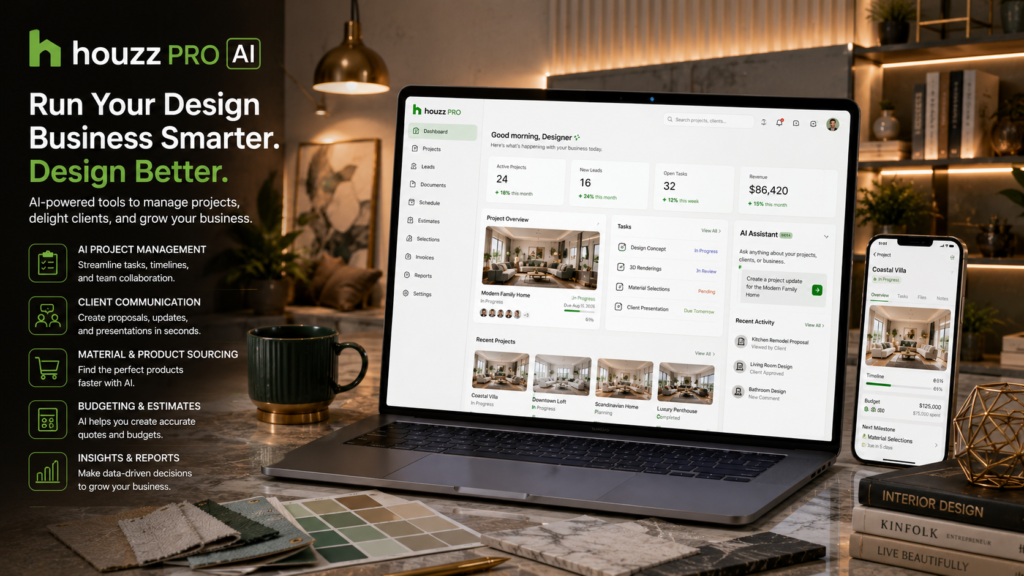
Houzz Pro AI — Managing Projects, Clients, and Communication in One Place
Houzz Pro is a project management and client relationship platform built specifically for design and home improvement professionals, which means it understands the specific complexity of design work — multiple vendors, phased project timelines, client approvals at various decision points, and the financial structure of design fees layered with materials and trade markups.
The AI features built into the 2026 version of Houzz Pro help draft client update communications based on project milestones, flag potential timeline risks before they become actual delays — for example, identifying when a material order’s lead time is going to conflict with an installation date that has already been communicated to the client — and provide proposal templates that can be customized quickly for each new project rather than built from scratch every time.
For designers currently managing projects through a combination of email, spreadsheets, and memory, Houzz Pro consolidates project tracking, client communication, proposals, and invoicing into one system built specifically around how design projects actually unfold.
Best for: Designers who want one comprehensive platform for project and client management rather than several disconnected tools Free option: Trial available Monthly cost: From $99/month
ChatGPT — Proposals, Sourcing Research, and Client Emails
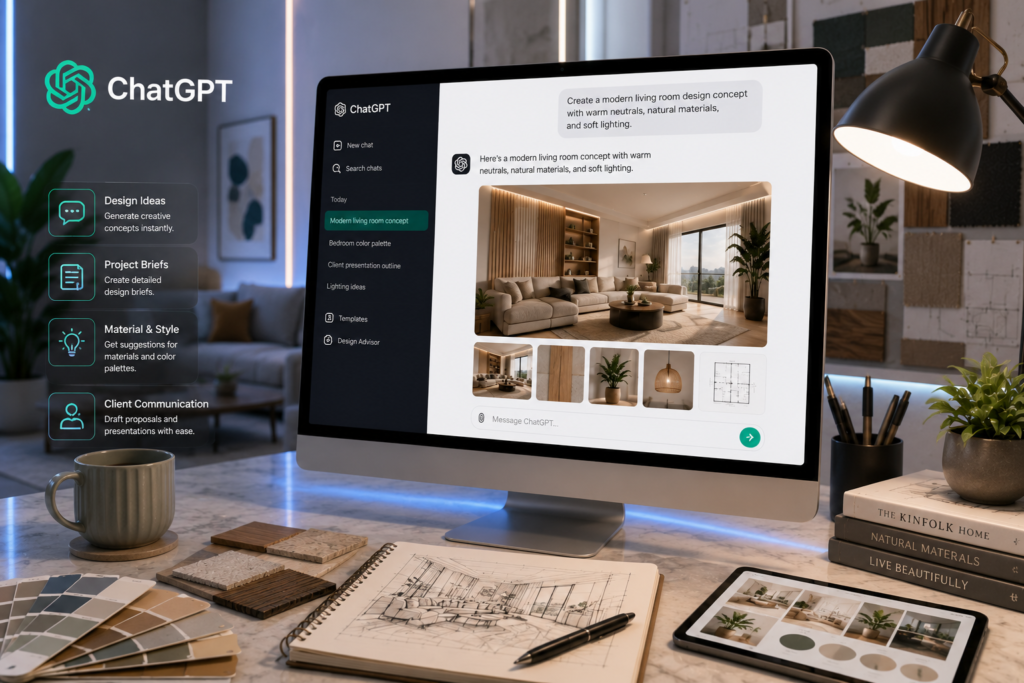
Every design project generates a significant volume of written communication that has nothing to do with the visual work itself but still takes real time to produce well. Proposal narratives that explain the design rationale behind a concept in a way that justifies the investment. Client update emails that need to strike the right tone between informative and reassuring. Research summaries on emerging design trends or specific material properties that inform a recommendation. Vendor communication that needs to be clear and professional.
ChatGPT handles all of this faster than producing it from scratch, and the quality is generally strong enough that what it produces requires editing and personalization rather than a complete rewrite. For a designer who is also the primary writer, marketer, and communicator for their practice, this is one of the highest-leverage tools on this entire list simply because of how broadly applicable it is across every stage of a project.
Best for: All written communication across the design process — proposals, client emails, research, and documentation Free option: Yes Monthly cost: $20/month (Plus plan) — the free plan handles the majority of these tasks for most designers
QuickBooks AI — Tracking Project Budgets and Getting Paid on Time
Interior design financials are genuinely more complex than a typical small service business. A single project might involve a design fee, a markup on furniture and materials, payments to multiple trades and vendors on different schedules, and a client who is paying in installments tied to project milestones. Tracking all of this accurately in a spreadsheet is possible but error-prone, and errors in a budget this complex can mean a project that looks profitable on paper but loses money in reality.
QuickBooks automates expense categorization, tracks income against project budgets in real time, and uses AI to flag anomalies — an expense that is unusually high relative to what was budgeted, or a cash flow pattern that suggests a project is heading toward a loss before it actually happens. The invoicing automation also reduces the awkward, time-consuming task of chasing clients for payment, since automated reminders handle the follow-up without the designer needing to personally send each one.
For independent designers managing their own books, the visibility QuickBooks provides into project-level profitability — not just whether the business overall is profitable, but whether each specific project is — is often the thing that reveals which types of projects are actually worth taking on in the future.
Best for: Tracking project-level budgets accurately and managing invoicing without it becoming a separate part-time job Free option: 30-day trial Monthly cost: From $30/month

Cost and Value Breakdown
| Tool | Project Stage | Free Option | Monthly Cost | Best For |
| Midjourney | Concept | No | $10 | Mood and direction imagery |
| Spacely AI | Concept | Limited | $19 | Redesigning a client’s actual room |
| RoomGPT | Presentation | Yes | $10 | Fast style variations during client meetings |
| REimagineHome | Presentation | Limited | $29 | Renovation before-and-after pitches |
| Canva AI | Presentation | Yes | $15 | Mood boards and proposal decks |
| Planner 5D AI | Planning | Yes | $9.99 | Measured layout and furniture placement |
| ArchiGPT | Planning | Limited | $29 | Material sourcing and spec sheets |
| Houzz Pro AI | Business | Trial | $99 | Project and client management |
| ChatGPT | Business | Yes | $20 | Proposals and written communication |
| QuickBooks AI | Business | Trial | $30 | Budget tracking and invoicing |
Which Tools Matter Depending on Your Design Work
Residential Designers Working With Individual Homeowners
The combination that matters most here is Spacely AI and RoomGPT for showing homeowners a credible vision of their own actual space early in the sales process, paired with Canva AI for assembling that work into a presentation that feels professional and considered. Houzz Pro becomes valuable once the project is underway, handling the client communication and milestone tracking that residential clients tend to expect, given the personal nature of the investment.
Commercial and Office Space Designers
Commercial work shifts the priority toward precision and scale. Planner 5D AI matters more here because commercial layouts involve functional considerations — workflow, capacity, code compliance — that go beyond aesthetic preference. ArchiGPT becomes more valuable as well, since commercial projects often involve sourcing materials and furniture in larger quantities across a tighter specification process. ChatGPT is useful for proposal writing aimed at business stakeholders and decision committees rather than individual homeowners, which requires a different tone and a different kind of justification.
Designers Specializing in Renovations
REimagineHome is close to essential for this specialization specifically. The before-and-after format is the single most persuasive sales tool available for renovation work, and very few other tools replicate that specific visual argument as effectively. Pairing it with Spacely AI provides additional style direction options once a client has been won over by the initial transformation visual.
Independent Designers Without a Studio Team
For a designer working alone without a team to delegate admin work to, consolidation matters more than having the single best tool in every category. Houzz Pro is worth the higher monthly cost specifically because it replaces what would otherwise be three or four separate subscriptions and a considerable amount of manual coordination between them. Adding ChatGPT for the writing tasks Houzz Pro does not cover rounds out a lean but complete toolkit for a solo practice.
Where AI Visualization Still Falls Short
This section matters more for interior designers than for almost any other professional audience covered in this series, because designers have a trained eye that will catch flaws immediately — and an article that oversells AI capability to this specific audience loses credibility fast.
Why AI Renders Sometimes Get Proportions and Materials Wrong
AI image generation tools are not working from precise measurements or real product databases when they generate an image — they are producing something that looks plausible based on patterns learned from training data. This occasionally produces a sofa that is subtly too large for the room it has been placed in, a piece of furniture floating slightly above the floor line, or a material texture that looks convincing in the generated image but does not correspond to any actual product you could purchase and install.
The practical implication is that every generated image needs a critical review before it goes anywhere near a client. An oddly proportioned chair or a window that has shifted position between the original photo and the generated version undermines client confidence in exactly the moment you are trying to build it.
The Difference Between an AI Mood Board and an Actual Design Plan
A beautiful AI-generated image communicates direction, mood, and a general sense of what a finished space could feel like. It is not a floor plan. It is not a material specification. It is not a budget. The actual deliverable that a project depends on — the precise plan that gets executed, the specific products that get ordered, the budget that gets tracked — still requires the detailed design work that tools like Planner 5D and ArchiGPT support, layered with your own professional judgment about what will actually work in the real, physical space.
Clients sometimes conflate the AI-generated concept image with the literal final outcome, and managing that expectation clearly from the outset prevents disappointment later when small details inevitably shift during sourcing and execution.
Why Client Expectations Need to Be Managed Around AI Visuals
Set the expectation explicitly and early: the AI-generated image communicates a direction and a feeling, not an exact, guaranteed final product down to the precise weave of every fabric. Clients who understand this going in tend to remain enthusiastic and flexible as the project moves from concept into the more granular reality of sourcing, lead times, and the occasional substitution that real-world availability requires. Clients who were not told this distinction clearly can feel misled when the finished room is wonderful but not pixel-identical to the concept image they fell in love with.
Questions Designers Actually Ask
Can AI actually design a room or just visualize one?
It visualizes. The actual design thinking — what genuinely works for this specific client’s lifestyle, how they actually use the space day to day, what their real budget allows for, and how all of the practical constraints of the physical room interact with their aesthetic preferences — still comes entirely from you. AI tools are excellent at generating a compelling image based on a description. They do not understand a client’s life the way you do after sitting in their home and asking the right questions during a real consultation.
Will AI render tools replace 3D rendering software like SketchUp?
No, and they are not trying to serve the same purpose. AI image generators are fast and excellent for concept exploration and client persuasion early in a project. SketchUp and comparable rendering and CAD tools provide the precise, measured, technically accurate plans that contractors, fabricators, and trades actually need to execute a project correctly. The two categories of tool complement each other rather than competing — fast concept imagery to win the project and align on direction, precise technical planning to actually build it.
Can clients tell when a presentation used AI images?
Sometimes, particularly if a generated image has a subtle proportion issue or an unusual texture that does not quite read as real. Most clients do not mind the use of AI imagery as long as the designer is transparent that it represents a concept and direction rather than a literal, guaranteed final result. The honesty about what the image represents matters more to most clients than the fact that AI was involved in producing it.
What is the best free AI tool for interior design mood boards?
Canva’s free plan combined with RoomGPT’s free tier covers basic mood board creation without any monthly cost — sufficient for a designer who is just starting out or who wants to test the workflow before committing to paid tools.
How accurate are AI-generated room measurements and layouts?
Not reliably accurate enough for anything that needs to be built, ordered, or installed. Treat AI-generated images from tools like Midjourney, RoomGPT, and Spacely AI as visual concepts intended to communicate direction and mood rather than measured plans. For anything requiring actual dimensional accuracy, use Planner 5D or your own manual measurement and planning process.
Can AI help me find and source furniture and materials?
Yes — tools like ArchiGPT search across integrated supplier databases based on a natural language description of what you need, which is significantly faster than manually browsing individual vendor catalogs one at a time. The tool surfaces relevant options with specifications and pricing, though final verification of availability, exact dimensions, and lead times with the actual vendor remains an important step before committing a client’s budget to any specific product.
Conclusion
Match the tool to the stage you are actually in. Concept work, where you are establishing direction and getting early client buy-in, needs Midjourney and Spacely AI. Client pitches, where the goal is converting interest into a signed agreement, need RoomGPT, REimagineHome, and Canva AI to assemble it all into something polished. Execution, where the approved concept becomes a real, buildable plan, needs Planner 5D and ArchiGPT. And the business side that keeps the whole practice running needs Houzz Pro and QuickBooks working quietly in the background.
None of this replaces what actually makes a client choose you over another designer. AI can generate a thousand variations of a room in an afternoon, but it cannot replace your specific eye for what genuinely works in three-dimensional space, your understanding of how a particular client actually lives in their home, or the trust you build across a project that makes someone comfortable handing you a meaningful piece of their budget and their home. That part has never been automatable, and the designers using these tools well understand that the tools exist to support that trust, not substitute for it.
For more honest AI tool reviews across every professional category, visit aitoolister.com.