Best Free AI Image Generators in 2026
Last updated: June 2026 | 10 tools tested | Free tier limits verified
Introduction
Here is the problem with most “free AI image generator” articles: half the tools they list are not actually free. They are free trials that expire in seven days, free plans that slap a watermark across everything you produce, or free tiers so limited — three images per day at thumbnail resolution — that they are more of a marketing tactic than a genuine offering.
This article takes a different approach. Every tool included here has a free tier that is genuinely usable for real work. Before each tool is recommended, the actual limits are stated clearly — how many images per day, whether watermarks are applied, what resolution you get, whether sign-up is required, and whether you can use the images commercially. No vague language. No buried asterisks.
The honest reality is that free AI image generation in 2026 is remarkably good compared to where it was two years ago. Several tools on this list produce images at a quality level that would have required a paid subscription in 2024. The gap between free and paid has narrowed significantly — though it has not disappeared entirely, and this article is clear about where that gap still matters.
Whether you are a blogger looking for post visuals, a small business owner creating marketing materials, a student working on a project, or a designer exploring concepts before committing to a paid tool, there is a free AI image generator on this list that fits your situation. The goal is to help you find it without wasting time on tools that disappoint.
What Actually Makes a Free AI Image Generator Worth Using
Before getting into the individual tools, it is worth establishing what separates a genuinely useful free tier from a frustrating one. These are the criteria that matter in practice.
Image Quality and Resolution
A free image that looks blurry at anything larger than a social media thumbnail is not useful for most real applications. The best free tools in 2026 produce images at 1024×1024 pixels or higher on the free tier — sufficient for blog headers, social media posts, presentations, and basic marketing materials. Tools that limit free output to 512×512 pixels or lower are noted accordingly.
Daily and Monthly Generation Limits
Some free tiers give you unlimited generations with slower processing speeds. Others give you a fixed number of credits that reset daily or monthly. Others start you with a credit balance that depletes permanently. Understanding which model a tool uses matters enormously for planning whether it fits your actual usage pattern.
Watermark Policies
A watermark on a free image makes it unusable for professional purposes. Some tools apply visible watermarks to all free output. Others apply subtle metadata watermarks that are not visible but affect commercial use rights. The clearest free tools apply no watermarks whatsoever on the free tier — and those are the ones worth prioritizing for any professional use.
Commercial Use Rights
This is the question most “free AI image” articles avoid entirely. Can you actually use the image you generated for free in a blog post that earns advertising revenue? In a social media account promoting a product? On a business website? The answer varies significantly between platforms, and the wrong assumption here creates real legal exposure. Each tool section addresses this directly.
Sign-Up Requirements
Some tools require an account before generating a single image. Others let you generate immediately with no registration. For users who want to test quality before committing personal information to another platform, the no-sign-up options are worth knowing about.
Top 10 Best Free AI Image Generators in 2026
1. Adobe Firefly — Best for Commercially Safe Images
Adobe Firefly has a stronger claim to being the most practically useful free AI image generator for professional and commercial use than any other tool on this list — and the reason comes down to one thing: how it was trained.
Most AI image generators were trained on data scraped from the internet, which includes copyrighted artwork and photography. This creates genuine uncertainty about the commercial use rights of images they produce. Adobe Firefly was highly trained exclusively on Adobe Stock images, openly licensed content, and public domain material — which means every image it generates is totally safe by design, with Adobe providing an IP indemnification for users on qualifying plans.
The free tier gives you a monthly credit allowance that covers a reasonable volume of image generation at high resolution. Images are produced at up to 2048×2048 pixels with no watermark on the free tier. The interface is clean and accessible for non-designers, and the quality of photorealistic and stylized outputs is among the best available at any price point.
For bloggers, marketers, and small business owners who need images they can use commercially without legal uncertainty, Firefly’s free tier is the strongest starting point on this list.
Free Tier Specifics:
- Monthly credits: 25 generative credits per month on the free plan
- Watermark: No watermark on generated images
- Resolution: Up to 2048×2048 pixels
- Sign-up required: Yes — free Adobe account
Key Free Features:
- Text to image generation
- Generative fill and expand tools
- Style reference matching
- Multiple aspect ratio options
- Integration with Adobe Express for design use
Commercial Use Rights: Yes — images generated with Firefly are commercially usable. Adobe provides content credentials and IP indemnification on qualifying plans.
Best For: Bloggers, marketers, small business owners, and anyone who needs commercially safe images without legal uncertainty.
Pros:
- Strongest commercial use case of any free tool on this list
- High-resolution output on the free tier
- No watermarks
- Clean, accessible interface for non-designers
Cons:
- 25 monthly credits deplete quickly for high-volume users
- Requires an Adobe account sign-up
- Less suitable for artistic or highly stylized image generation
2. Microsoft Designer with DALL-E — Best for Generous Free Limits
Microsoft Designer uses OpenAI’s DALL-E image generation model and is available free to anyone with a Microsoft account — which most Windows users already have. What makes it stand out for daily practical use is the generosity of its free tier relative to the output quality it produces.
Free users receive a significant number of image generation credits that reset regularly, and the quality of DALL-E’s outputs — particularly for photorealistic images, conceptual illustrations, and clean graphic designs — is consistently strong. The interface is built around a design workflow rather than a standalone image generator, which means generated images drop directly into a template or design canvas where they can be further edited, branded, and exported.
For users who already live in the Microsoft ecosystem — using Outlook, Teams, or Windows — the integration is seamless. Images generated in Designer can flow into presentations, documents, and social media posts without leaving the Microsoft environment. The Bing Image Creator, which uses the same underlying model, provides an alternative access point with no design interface required — just a text prompt and an output.
Free Tier Specifics:
- Daily credits: Substantial daily boost credits with slower generation available after boost depletes
- Watermark: No watermark
- Resolution: Standard output suitable for web and social use
- Sign-up required: Yes — free Microsoft account
Key Free Features:
- DALL-E powered text-to-image generation
- Design template integration
- Background removal tool
- Social media format templates
- Bing Image Creator access as an alternative interface
Commercial Use Rights: Generally, yes for personal and commercial use — verify current Microsoft terms as policies update periodically.
Best For: Windows users, Microsoft 365 users, and anyone who wants high-quality free image generation integrated into a broader design workflow without paying for a separate tool.
Pros:
- Generous free credit allocation compared to most tools
- High-quality DALL-E outputs
- Integrated design environment — not just a standalone generator
- No watermarks on free images
Cons:
- Generation slows significantly after boost credits are used
- Requires a Microsoft account
- Design interface adds complexity for users who just want a quick image

3. Canva AI Image Generator — Best for Images Inside a Design Workflow
Canva’s AI image generator is not the most powerful standalone image tool on this list — but it may be the most practical one for users who are already creating content in Canva, which is a large and growing portion of the non-designer content creator population.
The generator is embedded directly inside the Canva editor. You are working on a social media post, a blog header, or a presentation slide, and you need a specific image that does not exist in the stock photo library — you open the AI image generator, describe what you want, and the generated image drops directly into your design at the right dimensions. There is no downloading, uploading, cropping, or reformatting required. The workflow is seamless in a way that standalone generators cannot match.
The free plan includes a limited number of AI image generations per month — sufficient for occasional use but restrictive for high-volume content producers. Image quality is solid for design purposes, though it does not match the photorealistic output of Firefly or DALL-E at their best. The real value is the integration, not the generation quality in isolation.
Free Tier Specifics:
- Monthly credits: Limited free generations per month (approximately 50 on the free plan)
- Watermark: No watermark
- Resolution: Optimized for Canva design dimensions
- Sign-up required: Yes — free Canva account
Key Free Features:
- Text to image generation inside the design editor
- Direct placement into the active design canvas
- Multiple style options, including photographic, illustration, and abstract
- Aspect ratio matched to the design format in use
Commercial Use Rights: Yes — Canva’s terms permit commercial use of AI-generated images created on the platform.
Best For: Content creators, social media managers, and small business owners who already use Canva for design work and want AI image generation without switching between tools.
Pros:
- Seamless integration inside the design workflow
- No export and re-import required
- Commercial use permitted
- Easy to use for complete beginners
Cons:
- The monthly generation limit is restrictive for heavy users
- Image quality below the best standalone generators
- Full Canva design features require a Pro subscription
4. Ideogram AI — Best for Text Inside Images
Every other tool on this list struggles with the same problem to varying degrees: generating legible, correctly spelled text within an image. Ask most AI image generators to produce a poster with a specific headline, a mug with a personalized message, or a graphic with readable copy, and the result is typically garbled, misspelled, or visually distorted text that makes the image unusable.
Ideogram was built specifically to solve this. Its text rendering capability is the most reliable of any free AI image generator available in 2026, and the overall image quality surrounding that text — the design layout, the visual style, the composition — is strong enough that outputs are genuinely usable for marketing materials, social content, and product mockups without significant post-processing.
The free tier is generous by the standards of this tool category — a daily credit allowance that resets every twenty-four hours, no watermarks, and commercial use rights on free-generated images. For anyone creating promotional graphics, social media posts with text overlays, or any image where specific words need to appear accurately, Ideogram is the tool to start with.
Free Tier Specifics:
- Daily credits: 10 priority generations per day on the free plan, with additional slow generations available
- Watermark: No watermark
- Resolution: 1024×1024 and various aspect ratios
- Sign-up required: Yes — free account with Google or email
Key Free Features:
- Superior text rendering within generated images
- Multiple style presets, including design, illustration, and realistic
- Aspect ratio selection
- Image remix and variation tools
- Prompt enhancement suggestions
Commercial Use Rights: Yes — free plan images are available for commercial use under Ideogram’s standard terms.
Best For: Anyone creating promotional graphics, event posters, social media content with text, product mockups, or any image where specific readable text needs to appear accurately within the visual.
Pros:
- Best text-in-image rendering of any free tool available
- No watermarks
- Commercial use permitted
- Daily credit reset means consistent free access
Cons:
- The priority generation limit of 10 per day is restrictive for heavy users
- Slow generation mode is available after credits deplete, but noticeably slower
- Less strong for purely photorealistic image generation
5. Playground AI — Best for High Volume Free Generation
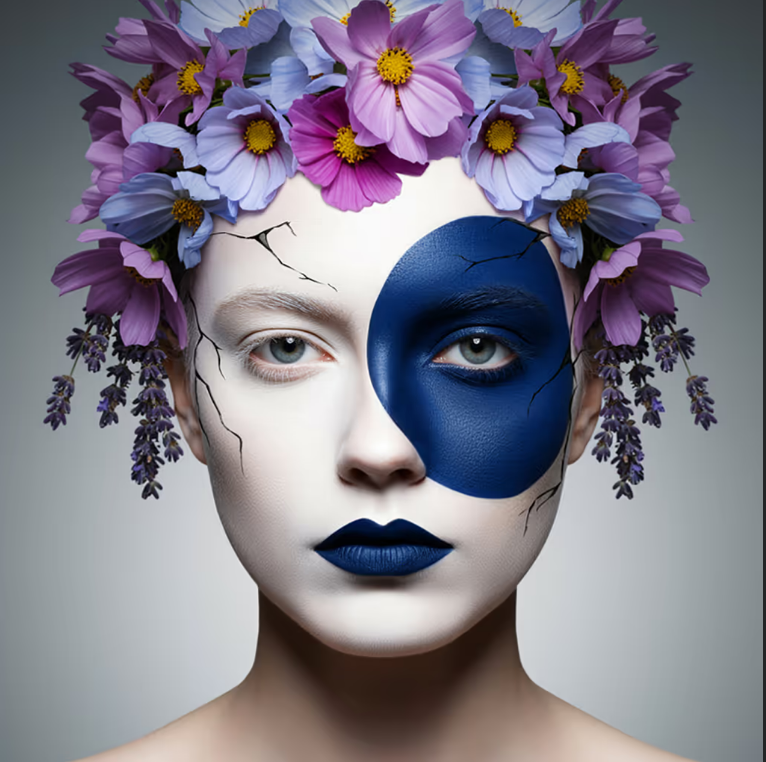
If your primary concern is getting the largest number of usable images from a free plan, Playground AI offers one of the most generous free tiers in the category — a daily image generation allowance significantly higher than most competing tools, with quality that is more than sufficient for content creation, social media, and design reference purposes.
The platform gives free users access to multiple generation models, including stable diffusion variants and its own Playground model, which produces particularly clean and aesthetically polished outputs. The interface is designed for users who want more control than simple text-to-image tools allow — canvas size, image strength, quality settings, and negative prompts are all accessible without switching to a paid plan.
For bloggers who need multiple images per article, social media managers producing daily content, or designers using AI for concept exploration across multiple directions, Playground AI’s free volume allowance makes it the practical choice when quantity matters alongside quality.
Free Tier Specifics:
- Daily images: 50 free images per day on the free plan
- Watermark: No watermark
- Resolution: Up to 1024×1024 pixels
- Sign-up required: Yes — free account required
Key Free Features:
- Multiple AI model options, including Playground v2.5
- Negative prompt support
- Canvas size and aspect ratio control
- Image-to-image generation
- Style filter options
Commercial Use Rights: Yes — free plan images can be used commercially. Verify current terms as policies update.
Best For: Bloggers, content creators, and social media managers who need a high daily volume of images and find the limits on other free tools restrictive.
Pros:
- 50 images per day is among the most generous free allowances available
- Multiple model options give style flexibility
- No watermarks
- Negative prompt support improves output control
Cons:
- Interface has more complexity than beginner-friendly tools
- Image quality varies significantly between models
- Free daily limit resets every 24 hours — no credit rollover
6. Leonardo AI — Best for Detailed and Artistic Images
Leonardo AI positions itself as a platform for creative professionals and serious content creators, and the quality of its free tier outputs reflects that positioning. The image detail, stylistic range, and artistic quality available without paying are genuinely impressive — particularly for fantasy, concept art, character design, game asset creation, and highly stylized illustration work.
The free plan provides a daily token allowance that regenerates every twenty-four hours. Tokens are consumed at different rates depending on the complexity of the generation — faster, simpler generations use fewer tokens while high-resolution, high-quality outputs use more. Learning how to use tokens efficiently is a small but worthwhile investment that extends the effective free capacity significantly.
The model library is one of the most extensive available on a free tier — dozens of community and official models covering photorealism, anime, concept art, architecture, product photography, and more. For users who want stylistic control and quality depth that most free tools do not offer, Leonardo’s free plan delivers more than any other option at no cost.
Free Tier Specifics:
- Daily tokens: 150 tokens per day (approximately 15 to 30 images depending on settings)
- Watermark: No watermark
- Resolution: Up to 1536×1536 pixels on the free tier
- Sign-up required: Yes — free account required
Key Free Features:
- Access to dozens of AI models and styles
- Image-to-image generation
- Canvas editor for outpainting and editing
- ControlNet features for pose and composition guidance
- Motion generation for animated outputs
Commercial Use Rights: Yes — images generated on Leonardo AI free plan can be used commercially. Verify current terms before use at scale.
Best For: Artists, designers, game developers, content creators, and anyone who needs high artistic quality and stylistic flexibility rather than just photorealistic outputs.
Pros:
- Highest artistic quality ceiling of any free tool on this list
- Extensive model library with diverse style options
- No watermarks
- High-resolution output available on the free tier
Cons:
- The token system requires learning to use it efficiently
- Interface is more complex than beginner-friendly tools
- Heavy daily use will deplete tokens before the reset
7. Craiyon — Best With No Account Required
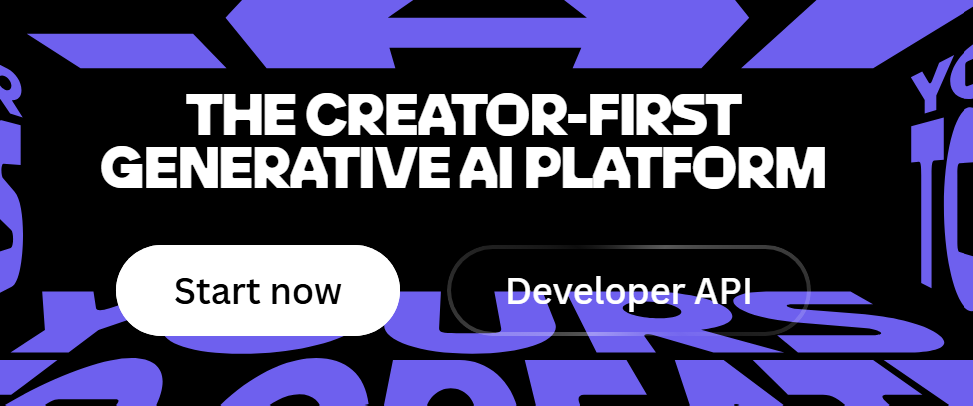
Craiyon — formerly known as DALL-E mini — occupies a unique position on this list: it is the only tool here that requires no account, no email address, and no sign-up of any kind. You open the website, type a prompt, and images are generated. That’s it.
The trade-off for this level of accessibility is image quality. Craiyon’s outputs are noticeably lower quality than most other tools on this list — the style is distinctive and somewhat abstract, and photorealistic outputs in particular fall short of what tools like Firefly or DALL-E produce. For casual use, experimentation, and getting a rough visual idea of how a concept might look without any commitment whatsoever, Craiyon is unmatched in its simplicity.
The free tier generates nine image variations per prompt with no daily limit enforced beyond occasional slowdowns during high-traffic periods. Free images include a small Craiyon watermark on the image grid output, though individual images downloaded from the grid do not carry a watermark. For casual personal use, the tool is entirely functional at zero cost and zero friction.
Free Tier Specifics:
- Daily images: Unlimited — no enforced daily cap
- Watermark: Grid watermark on free tier — individual images downloadable without watermark
- Resolution: Lower resolution outputs compared to other free tools
- Sign-up required: No — fully accessible without account
Key Free Features:
- No account or sign-up required
- Unlimited generations on the free tier
- Nine variations per prompt
- Negative word filter support
- Art style selection
Commercial Use Rights: Limited — Review Craiyon’s current terms before commercial use. Safer for personal and editorial use.
Best For: Casual users, students, and anyone who wants to experiment with AI image generation immediately without creating an account or sharing personal information.
Pros:
- Zero barrier to entry — no sign-up whatsoever
- Unlimited free generations
- Good for concept exploration and casual use
- Simple interface accessible to anyone
Cons:
- Noticeably lower image quality than most other tools on this list
- Not suitable for professional or commercial use
- Slower generation speeds during peak usage periods
8. Stable Diffusion via DreamStudio — Best for Advanced Users Who Want Full Control
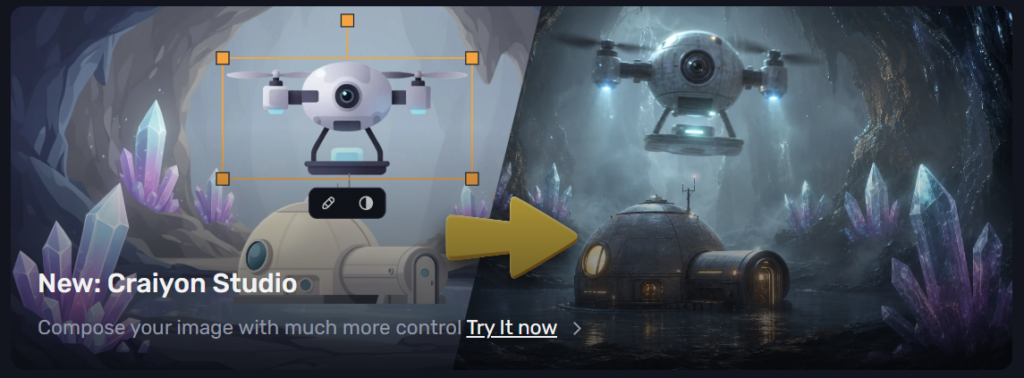
Stable Diffusion is the open-source AI image generation model that underpins dozens of tools across this list and many others not on it. DreamStudio is the official interface for Stable Diffusion built by Stability AI, and it gives technically inclined users more direct control over the generation process than any other free tool available.
New accounts receive a free credit allowance that provides a meaningful number of image generations before requiring a paid top-up. The interface exposes parameters that most consumer tools hide — CFG scale, sampling steps, sampling method, seed values, and image strength — which allows users who understand these settings to produce significantly better results than the same prompt would generate with default settings.
The learning curve is steeper than any other tool on this list. For a non-technical user, DreamStudio is not the right starting point. For a designer, developer, or technically curious user who wants to understand how AI image generation actually works and extract maximum quality from precise parameter control, it is the most powerful free option available.
Free Tier Specifics:
- Starting credits: Approximately 25 free credits on new account creation
- Watermark: No watermark
- Resolution: Flexible — user-defined up to high resolution
- Sign-up required: Yes — account required
Key Free Features:
- Full parameter control — CFG scale, steps, sampling method
- Multiple Stable Diffusion model versions
- Image-to-image generation
- Inpainting and outpainting tools
- API access for developers
Commercial Use Rights: Yes — Stable Diffusion-generated images are generally available for commercial use. Verify current Stability AI terms for specific use cases.
Best For: Technically inclined users, developers, designers who want parameter-level control over image generation, and anyone who wants to understand the underlying mechanics of AI image generation, rather than using a simplified consumer interface.
Pros:
- Maximum technical control of any tool on this list
- No watermarks
- Commercial use rights are clear and well-documented
- Gateway to the broader Stable Diffusion ecosystem
Cons:
- Starting credits are limited and do not regenerate on the free plan
- Steepest learning curve on this list
- Not suitable for non-technical or casual users
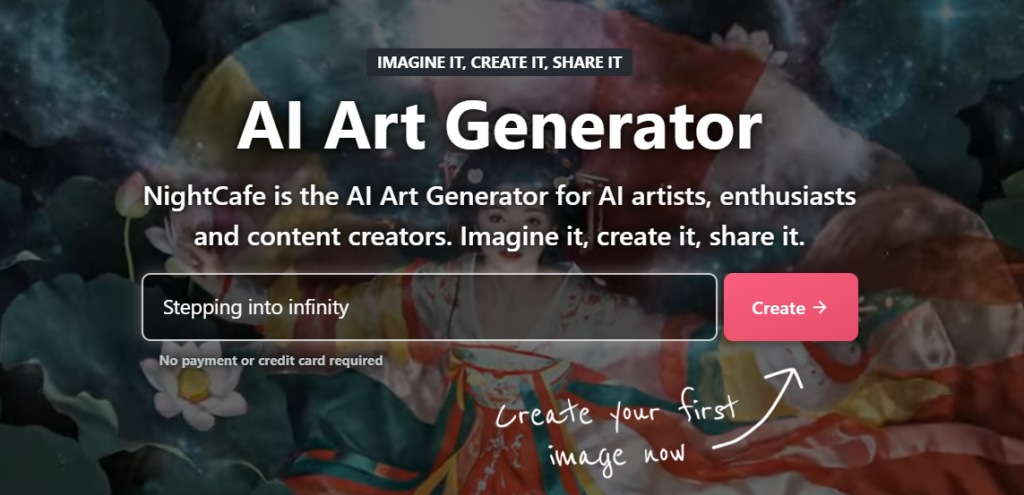
9. NightCafe — Best for Artistic Style Exploration
NightCafe is one of the longest-running AI art platforms, and its free tier has remained genuinely useful through successive waves of competition from better-funded tools. What it does distinctively well is artistic style exploration — the range of art styles, visual movements, and aesthetic directions available within a single generation session is wider than most tools at any price point.
The credit system on NightCafe’s free tier is built around daily earnings rather than a fixed allowance — free users earn credits through daily login bonuses, participating in community challenges, and rating other users’ creations. This community-oriented model means that active users can maintain a meaningful free generation capacity indefinitely, while passive users who do not engage with the community features will find their credits deplete quickly.
Image quality on NightCafe’s best models is strong, particularly for painterly, illustrative, and stylized outputs. The community gallery is one of the most active in the AI art space, which provides a useful reference for how specific prompts and style combinations perform before committing credits to an experiment.
Free Tier Specifics:
- Daily credits: 5 free credits per day — additional credits earned through community participation
- Watermark: No watermark on downloaded images
- Resolution: Standard resolution on free tier — higher resolution uses more credits
- Sign-up required: Yes — free account required
Key Free Features:
- Multiple AI models, including DALL-E, Stable Diffusion, and proprietary models
- Extensive art style and movement presets
- Community gallery for prompt inspiration
- Bulk creation for multiple variations
- Print-on-demand integration for physical products
Commercial Use Rights: Yes on most plans — verify specific terms for commercial application.
Best For: Artists, hobbyists, and creative professionals exploring visual styles, building an AI art portfolio, or looking for stylistic inspiration across a broad range of artistic movements and aesthetics.
Pros:
- Widest range of artistic styles of any free tool on this list
- Community features extend free credit capacity for active users
- The active gallery provides excellent prompt reference
- No watermarks on downloaded images
Cons:
- The base daily credit allowance of 5 is low without community engagement
- Community participation requirement to maximize free access feels transactional
- Interface is older and less polished than newer tools
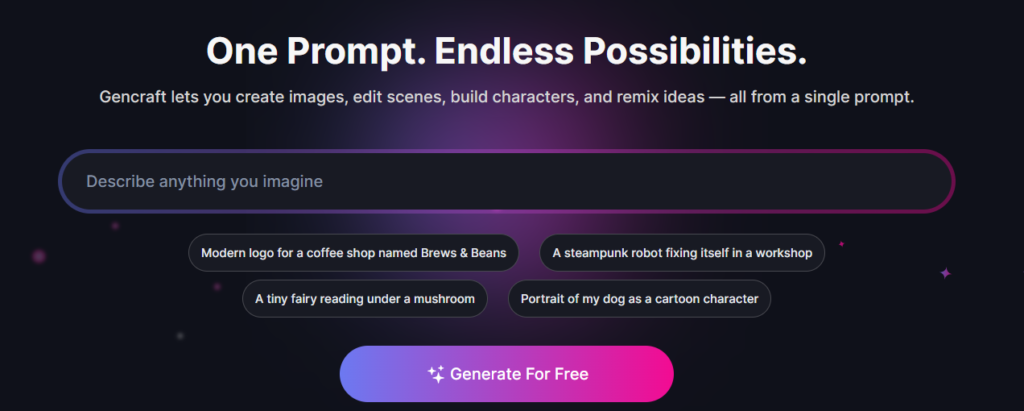
10. Gencraft — Best Free Mobile AI Image Generator
Every tool reviewed so far is primarily a desktop experience. Gencraft fills a specific and underserved gap: it is genuinely built for mobile-first image generation, with an app experience on iOS and Android that is as capable and intuitive as the best desktop tools — and a free tier that is among the most usable on mobile.
The app interface is clean and fast, prompt input is optimized for mobile typing, and the generation speed on mobile is comparable to desktop alternatives. The style library is extensive, covering photorealistic, anime, painting, digital art, and multiple other aesthetic directions. The image quality on the free tier is strong enough for social media use, personal projects, and content creation from a phone.
For content creators who work primarily on mobile, social media managers who need images generated on the go, and anyone whose primary device for content creation is a smartphone rather than a laptop, Gencraft delivers a mobile image generation experience that desktop-first tools simply do not match.
Free Tier Specifics:
- Daily credits: Free daily credit allowance with an ad-supported model
- Watermark: Watermark on some free outputs — removable with paid plan
- Resolution: Mobile-optimized resolution on the free tier
- Sign-up required: Yes — account or social login required
Key Free Features:
- iOS and Android native apps
- Multiple style presets optimized for mobile browsing formats
- Text to image and image to image generation
- Vertical and square format options for social media
- Community feed for style inspiration
Commercial Use Rights: Limited on free tier — watermarked images not recommended for commercial use. Paid plan removes watermark and clarifies commercial rights.
Best For: Mobile-first content creators, social media managers generating content from their phone, and anyone who needs AI image generation as a mobile workflow rather than a desktop one.
Pros:
- Best mobile app experience of any AI image generator
- Fast generation on mobile devices
- Intuitive interface optimized for small screens
- Good style variety for social media content
Cons:
- Watermark on free-tier images limits professional use
- Commercial use unclear on free plan
- Desktop experience is less developed than mobile
Free Tier Comparison Table
Tool Free Images Per Day Watermark Sign-Up Required Commercial Use Best For
Adobe Firefly 25/month No Yes Yes Commercially safe images
Microsoft Designer Generous daily boost No Yes Generally yes High quality free generation
Canva AI ~50/month No Yes Yes Design workflow integration
Ideogram AI 10 priority + slow No Yes Yes Text inside images
Playground AI 50/day No Yes Yes High volume generation
Leonardo AI ~15-30/day (tokens) No Yes Yes Artistic and detailed images
Craiyon Unlimited Grid only, No Limited, No account, quick generation
DreamStudio ~25 starting credits No Yes Yes Advanced user control
NightCafe 5/day + earned No Yes Yes Artistic style exploration
Gencraft Daily allowance Yes (free) Yes Limited (free) Mobile generation
Which Free Tool Should You Actually Use
The comparison table helps, but the right answer depends on your specific situation. Here is a practical breakdown.
For Blog and Website Images
Adobe Firefly is the clearest recommendation. The commercial use rights are the most unambiguous of any free tool available; the image quality is high, and there are no watermarks. The 25 monthly credits are the limiting factor — for a blogger publishing two to three posts per week, those credits will be used within the first week. Supplement with Playground AI’s 50 daily generations for higher volume needs where commercial rights are less critical.
For Social Media Content
Ideogram AI for any post that requires text within the image — event announcements, promotional graphics, quote cards. Playground AI for pure visual content where volume matters. Canva AI for users who are already creating social media graphics in Canva and want to generate images without leaving the design environment.
For Business and Marketing Use
Adobe Firefly for any image that will appear in a professional context — website, marketing materials, presentations. The commercial safety guarantee is worth the 25 monthly credit limitation for business use. Microsoft Designer is the backup option with more generous limits when Firefly credits are depleted.
For Art and Creative Projects
Leonardo AI offers the highest artistic ceiling on the free tier. The model library depth and output quality for stylized, illustrative, and concept art work is unmatched at no cost. NightCafe is the alternative for users who want broader style exploration and are willing to engage with the community features to earn additional credits.
For Beginners With No Design Experience
Microsoft Designer and Canva AI are the most accessible entry points. Both have interfaces designed for non-designers, integrate with design workflows that help put the image to use immediately, and produce strong quality without requiring knowledge of AI generation concepts or prompt engineering.
For Users Who Want Zero Friction
Craiyon — open the website, type a prompt, get images. No account, no credits, no limits. The quality trade-off is real, but if you want to understand what AI image generation is before committing to any platform, Craiyon gives you that experience in sixty seconds.
How to Get Better Results From Any Free AI Image Generator
The single biggest difference between disappointing AI image outputs and genuinely useful ones is not the tool — it is the prompt. Here is what actually improves results across every platform on this list.
Be Specific About What You Actually Want
“A coffee shop” produces a generic coffee shop. “A cozy independent coffee shop interior on a rainy afternoon, warm lighting, wooden furniture, steam rising from cups on the counter, film photography style” produces something specific and usable. The more detail you provide about subject, setting, lighting, mood, style, and composition, the closer the output matches your intention.
Describe the Style Explicitly
Most AI image generators respond well to explicit style references. Mentioning the medium — oil painting, watercolor, digital illustration, photography, pencil sketch — dramatically changes the output character. Adding lighting descriptors — golden hour, studio lighting, overcast natural light, neon-lit — produces more professional and intentional results. Mentioning a visual style period or movement — Art Deco, Bauhaus, mid-century modern, contemporary minimalist — can entirely transform the aesthetic of an otherwise identical prompt.
Use Negative Prompts on Tools That Support Them
Negative prompts tell the AI what to exclude from the image. On tools like Playground AI, Leonardo AI, and DreamStudio, adding negative prompts for common AI image problems — “blurry, distorted hands, extra fingers, low quality, watermark, text” — significantly improves output quality by steering the generation away from the failure modes that AI image generators are prone to.
Match the Aspect Ratio to the Intended Use Before Generating
Generating a square image and then trying to use it as a horizontal blog header produces a cropped, poorly composed result. Set the aspect ratio before generating — 16:9 for web headers and presentations, 1:1 for social media posts, 9:16 for Stories and Reels, 4:5 for Instagram feed posts. Generating at the right ratio from the start saves significant post-processing time.
Stretch Your Free Credits by Iterating Efficiently
On tools with daily credit limits, the most efficient approach is to generate one or two variations of a prompt, evaluate what is working and what is not, refine the prompt specifically based on those results, and generate again. Generating ten variations of an unrefined prompt wastes credits. One refined prompt after evaluation is more likely to produce a usable result.
Understanding Commercial Rights on Free AI Images
This section is worth reading carefully before using any free AI-generated image in a professional context.
The commercial use rights on free AI images vary significantly between platforms and are not always clearly communicated in the tool interface itself. Adobe Firefly has the clearest and most business-friendly rights policy — it was built specifically to be commercially safe. Microsoft Designer, Canva AI, Ideogram, Playground AI, and Leonardo AI all permit commercial use on their free tiers under their standard terms, though those terms can change and should be verified periodically.
Craiyon and Gencraft have more ambiguous or restrictive commercial use rights on free tiers and are better treated as personal use tools unless you have reviewed their current terms and are comfortable with the specifics.
The broader question of copyright ownership of AI-generated images remains legally unsettled in most jurisdictions. In the United States, the Copyright Office has consistently held that purely AI-generated images without meaningful human creative input are not eligible for copyright protection — which means no one owns them, including you. For most practical purposes, this is not a problem. For use cases where copyright ownership matters — licensing the image to others, building a business around the IP — the legal landscape warrants proper legal advice.
Frequently Asked Questions
Which AI image generator is completely free with no limits?
Craiyon is the only tool on this list with no enforced daily generation limit and no sign-up requirement. It is genuinely unlimited in that sense. The trade-off is image quality — Craiyon produces lower quality outputs than every other tool reviewed here. For quality without limits, Playground AI’s 50 daily generations represent the best free volume-to-quality balance available.
Can I use free AI-generated images commercially?
It depends on the specific tool. Adobe Firefly, Canva AI, Ideogram AI, Playground AI, and Leonardo AI all permit commercial use on their free tiers under current terms. Craiyon and Gencraft have more restrictive or ambiguous free-tier terms. Always review the current terms of service for the specific platform before commercial use — policies update more frequently than most users realize.
Which free AI image generator has the best quality?
For photorealistic images, Adobe Firefly and Microsoft Designer produce the strongest results on free tiers. For artistic and stylized images, Leonardo AI has the highest quality ceiling of any free tool. For text-within-images specifically, Ideogram is significantly better than every other option. Quality is also heavily dependent on prompt quality — a well-written prompt on a mid-tier tool often outperforms a vague prompt on the best tool.
Do free AI image generators put watermarks on images?
Most do not. Adobe Firefly, Microsoft Designer, Canva AI, Ideogram, Playground AI, Leonardo AI, NightCafe, and DreamStudio all provide watermark-free images on their free tiers. Craiyon applies a watermark to the image grid, but individual downloaded images are clean. Gencraft applies a watermark on the free tier that requires a paid plan to remove.
Which AI image generator requires no sign-up?
Craiyon is the only tool on this list that requires no account, no email, and no sign-up of any kind. Every other tool requires a minimum free account creation before generating images.
What is the best free AI image generator for beginners?
Microsoft Designer and Canva AI are the most accessible for complete beginners — both have clean interfaces, helpful design templates, and do not require any understanding of AI generation concepts to produce useful results. Adobe Firefly is also beginner-friendly while offering the commercial use rights that matter for any professional application.
Can free AI image generators create realistic photos?
Yes — Adobe Firefly, Microsoft Designer, and Playground AI all produce photorealistic images on their free tiers that are convincing enough for most content and marketing applications. The realism quality at free tiers in 2026 is significantly better than it was two years ago, though the very highest quality photorealistic outputs — at the level used in advertising and professional photography — still generally require paid plans or specialized tools.
What is the best free AI image generator for text on images?
Ideogram AI is the clear answer. It was built specifically to address the text rendering problem that other AI image generators consistently fail at. For any image where specific words, headlines, or labels need to appear legibly and correctly spelled within the visual, Ideogram’s free tier delivers results that no other free tool can match.
Are free AI image generators safe to use?
For personal and professional use, the established tools on this list are safe in the sense of being legitimate platforms operated by reputable companies. The safety considerations worth noting are data privacy — your prompts and generated images may be used to improve the platform’s models unless you opt out — and content moderation — all platforms apply filters that prevent the generation of harmful, illegal, or explicitly sexual content. Review each platform’s privacy policy before using it with sensitive or confidential prompt content.
What is the difference between free and paid AI image generators?
The practical differences in 2026 come down to five things: volume, resolution, speed, features, and rights. Paid plans offer significantly higher daily generation limits, higher resolution outputs, faster generation speeds, access to more advanced models and features, and in some cases stronger commercial use rights and IP indemnification. The free tiers on this list cover the needs of most casual and moderate users well. The upgrade to paid makes sense when you consistently hit daily limits, need images at print resolution, require the fastest possible generation speeds, or need the legal clarity of a paid commercial license.
Conclusion
The free AI image generation landscape in 2026 is genuinely impressive. Several tools on this list produce images that would have required a paid subscription two years ago — and the best of them do so with no watermarks, reasonable daily limits, and clear commercial use rights.
The honest closing advice is to test two or three tools from this list using the same prompt before committing to one as your primary tool. Quality perception is subjective, and the tool that produces the best output for your specific use case — your style, your subject matter, your intended application — is the right tool for you, regardless of where it lands in any ranking.
Start with Adobe Firefly if commercial safety is your priority. Start with Playground AI if volume is your priority. Start with an ideogram if you need text within images. Start with Leonardo AI if artistic quality is what you are after. Start with Craiyon if you want to try AI image generation in the next sixty seconds without creating an account.
All of them are free. All of them are accessible right now. There is no reason to wait.
For more honest reviews of AI tools across every category — writing, design, video, business, and more — explore the full library at aitoolister.com.