Ahsan Javaid
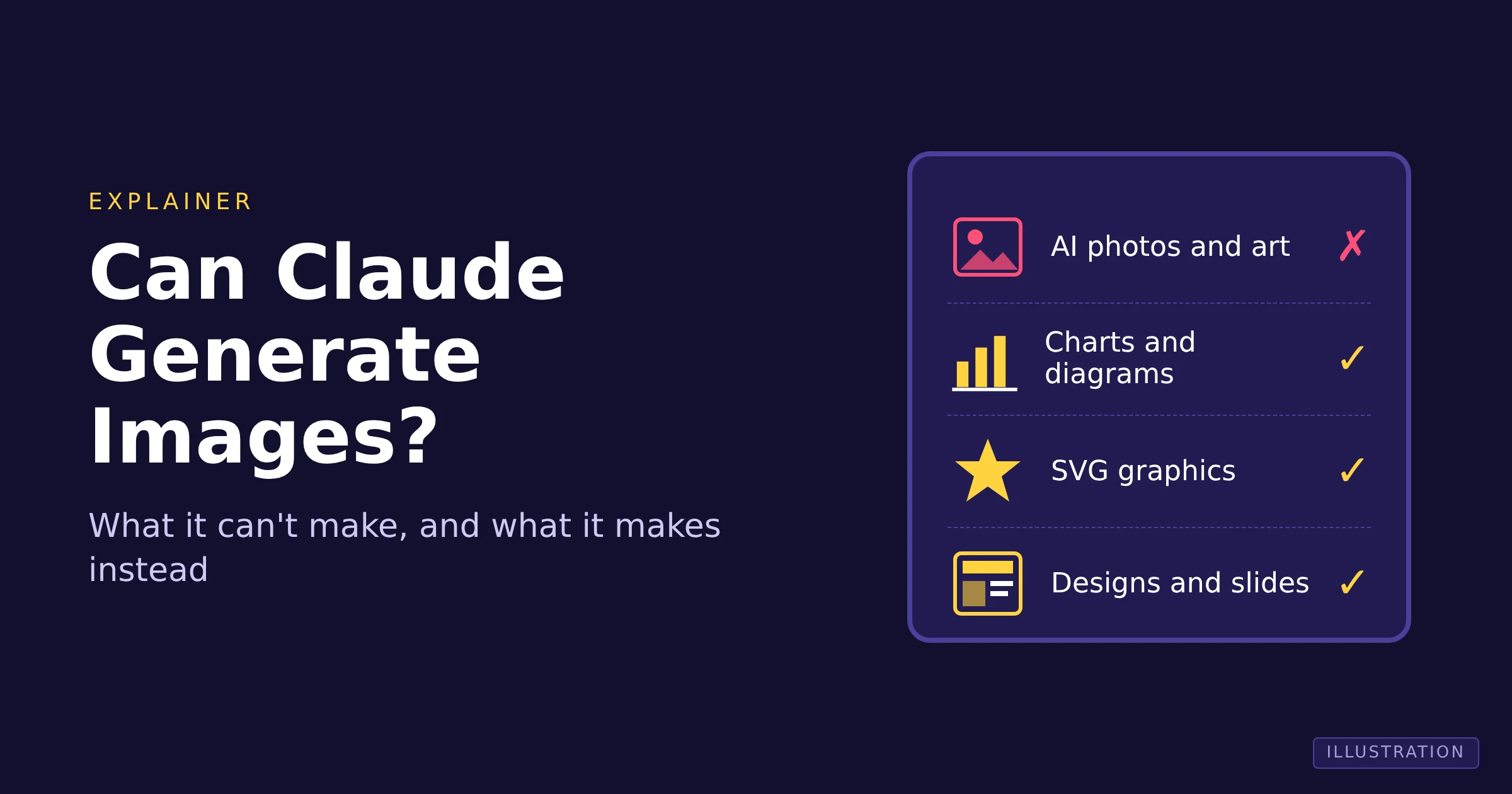
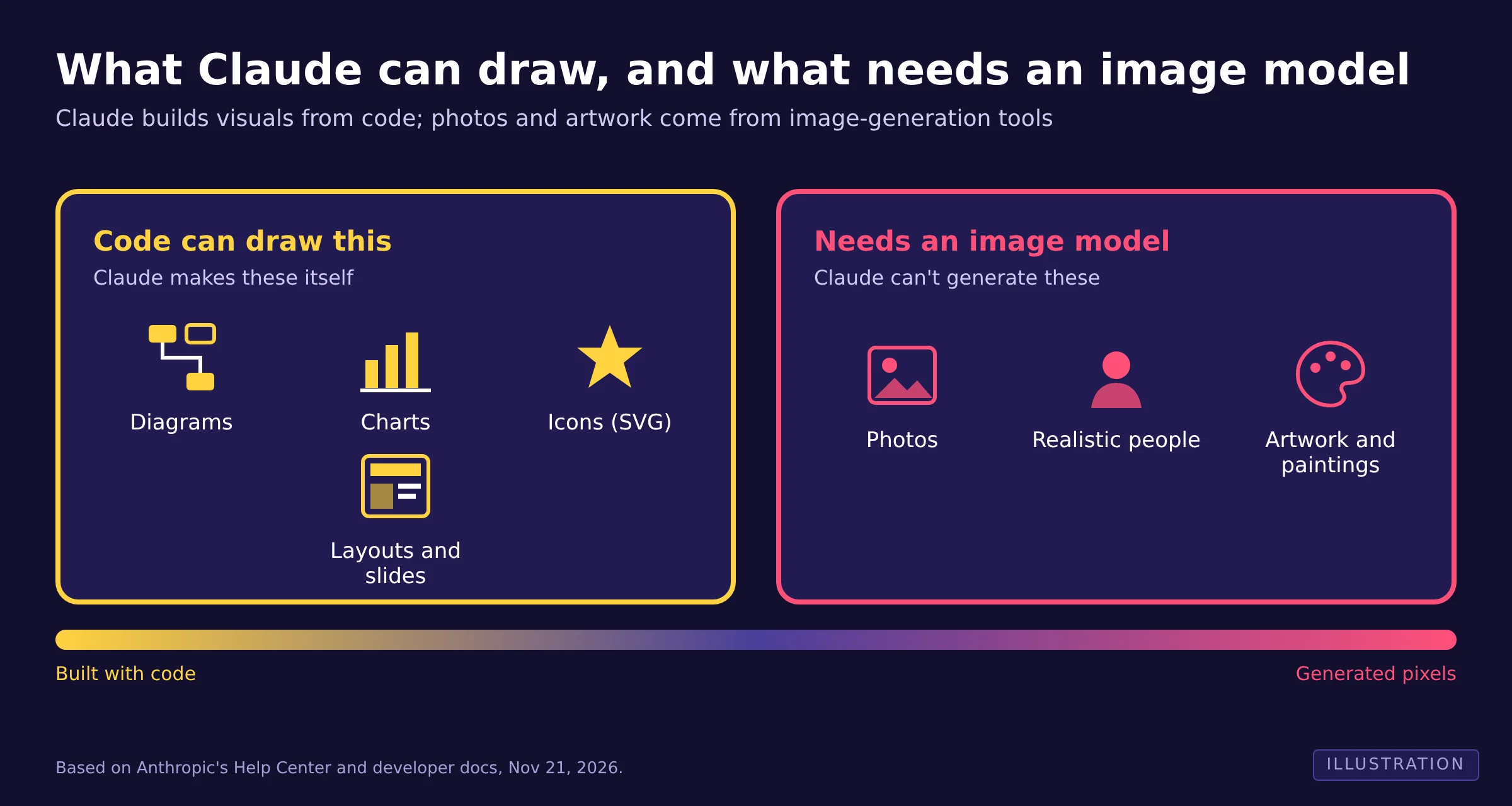
Can Claude generate images? No. Claude can’t generate photos, artwork or other AI images from a text prompt. Anthropic’s Help Center says Claude “doesn’t generate photos or illustrations the way image-generation tools do,” and its developer documentation describes Claude as “an image understanding model only.”
That doesn’t mean Claude is useless for visuals. It can read and analyze images you upload, draw diagrams and charts right in the chat, write graphics as code, and build designs, mockups and slides in Claude Design. With some setup, it can also hand image requests to tools that do generate pictures. This guide covers what Claude can and can’t do with images, how to get real AI images while working with it, and how it compares with ChatGPT and Gemini. If you’re still deciding whether Claude fits your work in general, start with our guide to what Claude is good for.
What Claude Can and Can’t Do With Images
| Task | Can Claude do it? | How |
|---|---|---|
| Create a photo or illustration from a prompt | No | Use an image generator or a connected image tool |
| Edit or retouch a photo | No | It can describe the changes; an image editor makes them |
| Analyze an uploaded image | Yes | Up to 20 images per message on claude.ai, 10 MB each |
| Diagrams, charts and interactive visuals | Yes | Custom visuals in chat (beta, web and desktop) |
| Icons and simple graphics | Yes | Written as SVG code |
| Designs, mockups, one-pagers and slides | Yes | Claude Design |
| AI-generated images | With setup | Connectors or Claude Code calling an image service |
Anthropic’s developer documentation answers “No” to whether Claude can edit images; it can describe the changes instead.
Image analysis is where Claude does handle pictures directly. It accepts JPEG, PNG, GIF and WebP files up to 8000 x 8000 pixels and can describe and answer questions about what’s in them. One limit worth knowing: Anthropic says Claude can’t tell whether an image is AI-generated and may be wrong if you ask.
What Claude Can Make Instead
Diagrams, charts and interactive visuals in chat
When a picture would explain something better than text, Claude can build a visual right in the conversation: a flowchart of a process, a chart from a CSV you upload, or a side-by-side comparison. You don’t need to turn anything on. Ask for it directly (“draw this as a diagram,” “chart this data”) and Claude builds it from HTML, so you can click, adjust and ask for changes.
These custom visuals are in beta for all users on Claude’s web and desktop apps. They don’t appear in the iOS or Android apps, and Anthropic notes that Opus models perform best at visualization tasks.
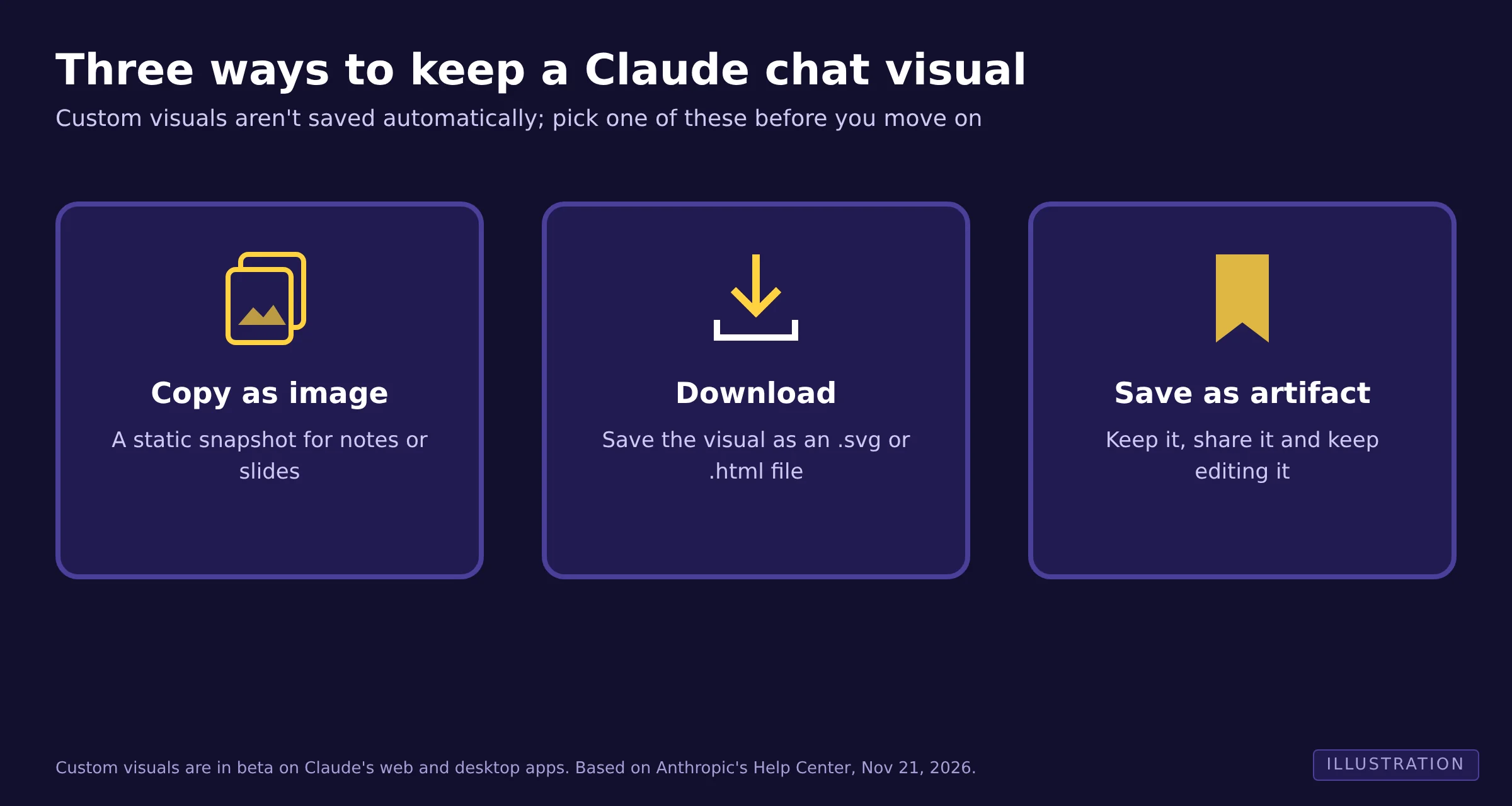
Custom visuals aren’t saved separately as the conversation moves on, so keep the ones you need. You have three options:
- Copy as image for a quick snapshot in notes or slides.
- Download the visual as an .svg or .html file.
- Save as artifact to keep it, share it and keep editing it.
Graphics drawn with code (SVG)
Claude can also write SVG, a text format that describes shapes, lines, colors and text, which any browser displays as an image. That’s how people end up saying “Claude made me an image”: Claude wrote code, and the code drew the picture.
SVG works well for icons, simple illustrations, logo drafts, badges, patterns and labeled diagrams, and it stays sharp at any size. It’s a poor fit for anything photorealistic, such as portraits, product photos or detailed scenes, because each shape has to be described in code.
Designs and slides in Claude Design
Claude Design lets you create designs, interactive prototypes, one-pagers and other visual work by chatting with Claude, then refine them on a canvas with comments and direct edits. It’s available on every plan, including Free. You can upload screenshots or images as reference (“make it look like this”), and Claude builds the layout around them.
When you’re done, you can export a design as a PDF, a PowerPoint file, Google Slides or standalone HTML, or send it to tools such as Canva and Adobe for Creativity. Claude Design draws from the same usage limits as the rest of Claude. Anthropic’s Claude Design guide covers the full workflow.
Anthropic’s guide doesn’t describe Claude Design creating photos or artwork; it builds designs from your prompts and the images you upload.
How to Get AI-Generated Images With Claude
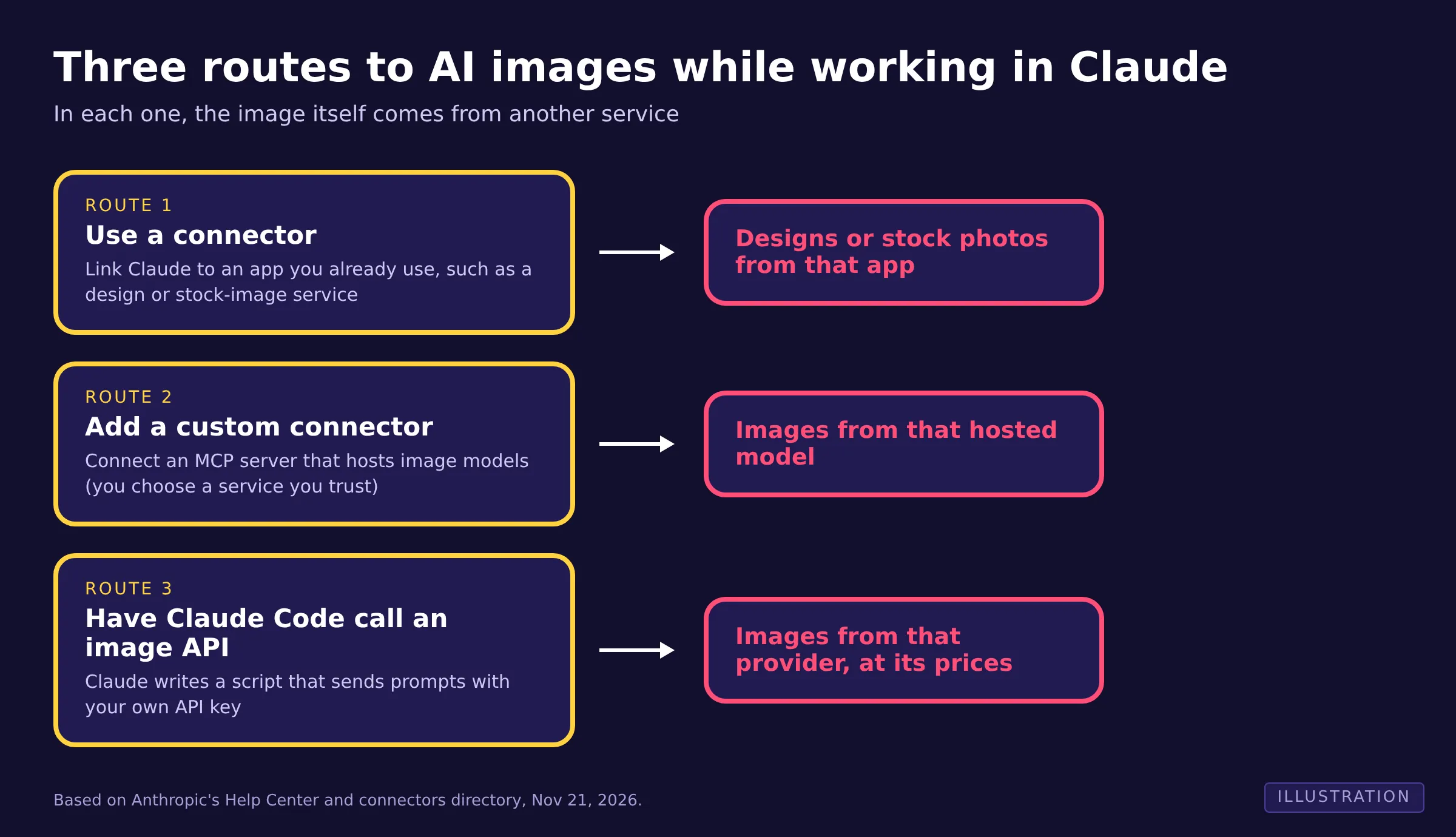
If you need real AI images and want to keep working in Claude, you have three routes. Each one hands the image itself to another service.
Use a connector
Connectors link Claude to other apps. Canva’s connector lets Claude “search, create, autofill, and export Canva designs,” which is useful when your image work lives in Canva. It works with Canva designs rather than acting as an image model inside Claude. Stock-image connectors such as Unsplash and Getty Images help Claude find existing photos rather than create new ones.
When we searched Anthropic’s connectors directory for “image generation” on November 21, 2026, it returned no matches. The directory changes often, so check it again if you’re reading this later.
Add a custom connector to an image model
You can also add a custom connector, which links Claude to a service through the Model Context Protocol (MCP). Hugging Face published a guide in 2025 showing how to connect Claude to its MCP server and use image tools hosted there; its examples included FLUX.1 Krea [dev] and Qwen-Image. Hugging Face says a free account comes with free credits but doesn’t state an amount.
You add one under Customize > Connectors (Team and Enterprise admins use Organization settings > Connectors). Custom connectors work on every Claude plan, but the Free plan is limited to one. On Team plans, only Owners and Primary Owners can add them. Anthropic warns that custom connectors can reach services that haven’t been verified by Anthropic and that a malicious server may include hidden instructions, so connect only to services you trust.
Have Claude Code call an image API
If you’re comfortable with code, Claude Code can write and run a script that sends your prompts to an image-generation service and saves the results to your project. You use your own API key for that service, pay its prices and follow its license terms for the images. Nothing about the image comes from Anthropic; Claude writes the code that asks for it.
About “Claude image generator” websites
Searches for a Claude image generator also turn up independent websites with Claude in their name that sell image credits. Anthropic doesn’t offer an image generator, so these sites aren’t Anthropic products. Before paying, check who runs the site, which image model it actually uses, and its pricing and refund terms. Anthropic’s own Claude runs on its website, its desktop and mobile apps, and Claude Code.
Claude vs ChatGPT and Gemini for Images
| Task | Claude | ChatGPT | Gemini |
|---|---|---|---|
| Generate images from a prompt | No | Yes, on all tiers | Yes |
| Edit an existing image | No | Yes | Yes (18+) |
OpenAI’s Help Center says “ChatGPT Images is available on all tiers,” and you can upload an existing image and describe the changes you want. Google’s Gemini apps generate and edit images with its Nano Banana models; some of those models need a Google AI plan, image generation has a daily quota, and editing isn’t available to users under 18. If image generation is a must, either is a better pick than Claude for that job. Claude’s strengths lie elsewhere: analyzing images you upload, and building diagrams, charts and designs. For the bigger picture, see our ChatGPT vs Claude comparison and our roundup of free AI image generators.
Frequently Asked Questions
Why can’t Claude generate images?
Claude responds with text and code, including HTML and SVG visuals; it doesn’t include an image-generation model. Anthropic hasn’t published a reason, and it hadn’t announced image generation for Claude when we checked. For pictures, use a dedicated image tool or connect one to Claude.
Why do some people say Claude can make images?
Usually because Claude wrote SVG or HTML code that draws a graphic, or because they connected Claude to an image tool through a connector. In both cases, the picture comes from code or from another service, not from Claude itself.
Can Claude edit images?
No. Anthropic’s documentation says Claude can’t generate or edit images. It can analyze a photo and describe exactly what to change, but you need an image editor, or an image tool connected to Claude, to make the edit.
Is Claude free for making visuals?
Yes, within your plan’s usage limits. Custom visuals in chat are available to all users on Claude’s web and desktop apps, and Claude Design is included on the Free plan as well as every paid plan.
What AI is best for generating images?
It depends on the job. ChatGPT and Gemini both have built-in image generation in their chat apps, and dedicated image generators are another option when you need more control over style or output.
How we checked: We reviewed Anthropic’s Help Center articles on images, custom visuals, Claude Design and custom connectors, Anthropic’s vision documentation and connectors directory, Hugging Face’s Claude guide, and OpenAI’s and Google’s image help pages on November 21, 2026. This guide is based on that documentation, not on hands-on testing.
Keep Exploring