Ahsan Javaid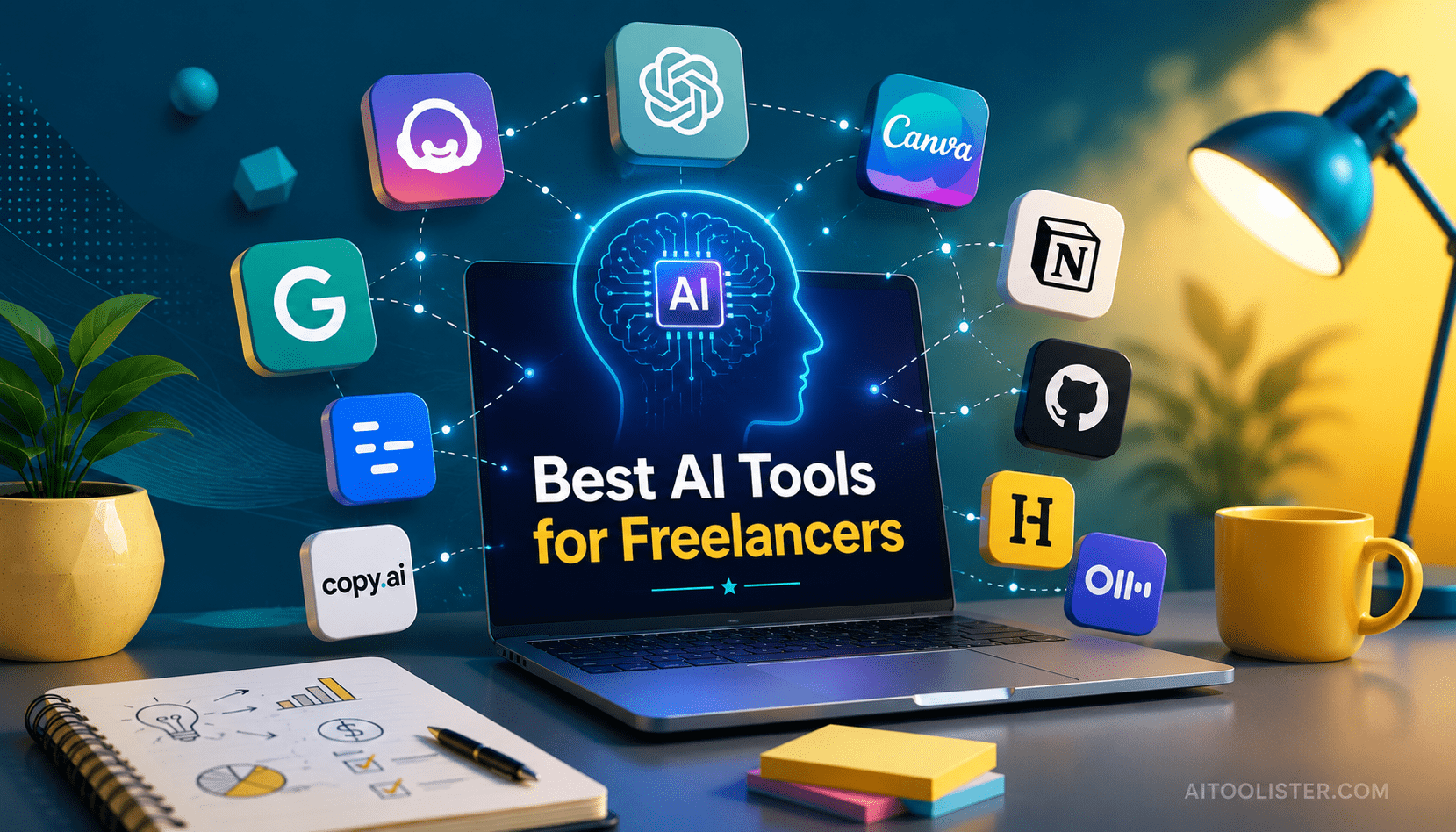
Oct 2, 2026 · @Ahsan Javaid
The best AI tools for freelancers in 2026 are the ones that cover the work around the work: a general AI assistant such as ChatGPT for proposals, research and client emails; Grammarly for polishing everything that leaves your desk; Canva AI for visuals; and a client-management tool such as HoneyBook for proposals, contracts and payments. For specialists, add the one tool built for their craft: GitHub Copilot for developers, Descript for video and podcast editors, or Jasper for high-volume content writers.
Freelancers don’t just write, design, or develop. They also act as the sales team, the project manager, the accounts department and the person answering client emails at 9 p.m. Since most of that work is not billable, AI tools save the most time there.
This guide covers 10 AI tools for freelancers, what each one does in a freelance workflow, what it costs today, and when you can skip it. You do not need all ten. Most freelancers get the best results from 2 to 4 tools that fit together, so the guide ends with ready-made stacks for different types of freelance work.
Best AI Tools for Freelancers at a Glance
| ChatGPT | Every freelancer | Free plan | Go $8/mo; Plus $20/mo | Proposals, research, client emails |
| Jasper | High-volume content writers | 7-day trial | $59/seat/mo (annual) | Brand-consistent marketing content |
| Copy.ai | Short-form copy at volume | No free plan | $24/mo (annual) or $29 monthly | Ad copy and email variations |
| Grammarly | Anyone who writes to clients | Free plan | Pro $12/mo (annual) | Polishing every deliverable |
| Canva AI | Visual deliverables | Free plan | Pro price varies by offer | Social graphics, decks, mockups |
| Descript | Video editors and podcasters | Free plan | $16/mo (annual) | Text-based audio and video editing |
| GitHub Copilot | Freelance developers | Free plan | Pro $10/mo | Coding, debugging, documentation |
| Notion AI | Multi-client organization | Free plan with AI trial | Business $20/mo (annual) for full AI | Client hubs, briefs, SOPs |
| Otter.ai | Client call notes | Free plan (300 min/mo) | Pro $8.33/mo (annual) | Meeting transcripts and summaries |
| HoneyBook | Client management and payments | 30-day trial | From $29/mo | Proposals, contracts, invoices |
All prices are U.S. list prices and change often; annual billing is usually cheaper than monthly.
How These Freelancer Tools Were Selected
Big freelancer tool lists are useful for discovery, but they rarely tell you what to actually install. This guide does the opposite: fewer tools, chosen around the questions a freelancer paying out of their own income needs answered.
- Does it solve a real freelance problem? Each tool must cover a recognisable part of the freelance workflow: winning work, delivering it, communicating with clients, or getting paid.
- Is it worth the money for one person? Freelancers pay for software personally, so free plans, trials and the realistic paid tier matter more than enterprise features.
- Can you adopt it without an IT department? Tools that take weeks to configure rarely get used by solo workers.
- Is the output good enough for client work? A tool that produces drafts you have to rewrite completely doesn’t save time.
We checked pricing and plan details against official vendor pages and current pricing references in September and October 2026. This is editorial analysis based on those sources and on common freelance workflows, not a claim that every product was tested hands-on.
The workflow behind the list looks like this: find and win work (proposals, outreach) → deliver the work (writing, design, video, code) → communicate (calls, emails, updates) → run the business (projects, contracts, invoices). Accordingly, the tools below are grouped by the stage they help most.
Writing, Proposals and Client Communication
Almost every freelancer writes for a living, even if writing is not the service they sell. Proposals, scope documents, client updates and follow-ups all take time.
1. ChatGPT: The All-Round Assistant for Every Freelancer
ChatGPT is the most versatile tool in this guide and has the widest reach across freelance disciplines. Although it is not built for freelancers, it handles a remarkable share of their non-billable work.
Freelance tasks it handles well include drafting a proposal from a client brief, turning rough notes into a scope of work, writing a polite but firm reply to scope creep, summarising a long client document, brainstorming content ideas, and producing first drafts in almost any format. Developers use it for documentation and technical explanations; consultants use it to structure reports and slide outlines.
The key is to treat it as a first-draft partner and thinking tool, not a finished-output machine. The more specific the context you give it about the client, the project and your own voice, the more useful the result. Otherwise, generic prompts produce generic work, and clients notice.
- Free option: Yes. The free plan includes unlimited everyday text chats, with limits on uploads, image creation and deep research.
- Paid: Go is $8/month in the U.S. and provides higher usage limits and expanded access to core ChatGPT features. Plus is $20/month and provides broader model and tool access, higher limits, and advanced reasoning access (ChatGPT pricing)
- Pros: Immediate value, no setup, covers writing, research, analysis and image creation in one place
- Cons: Output needs human review. Privacy: On personal ChatGPT accounts, eligible content may be used to improve OpenAI’s models depending on your Data Controls settings; users can opt out
- Choose it if: You want one tool that saves time across proposals, emails and first drafts. Freelancers who prefer a different writing style can compare ChatGPT vs Claude, as Claude is a strong alternative for long documents.
2. Jasper: Best for Freelance Content Writers Managing Several Brands
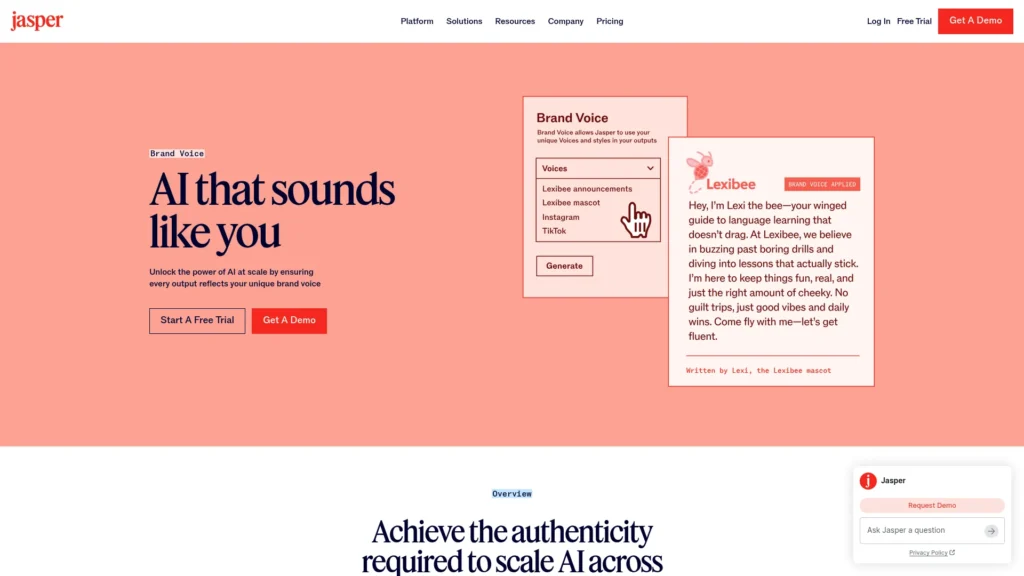
Jasper is built for marketing content. Its value for freelancers is not that it writes better than a general assistant, but that it keeps brand context organised. As a result, you can store each client’s brand voice, product information and audience notes, then produce blog posts, emails and campaign copy that stay consistent across clients.
That matters most for a freelance content writer on several retainers. Switching between three clients’ tone, terminology and style guides is where mistakes and rework happen.
- Free option: No free plan; a 7-day free trial on Pro
- Paid: Pro is $59 per seat/month billed annually or $69 monthly; Business is custom-priced. Newer features such as agents run on credits (Jasper pricing)
- Pros: Strong brand voice and knowledge management for multi-client writers; built around marketing formats
- Cons: Expensive for one person; Pro includes a limited number of brand voices, so freelancers with many clients may outgrow it
- Choose it if: Content writing is your main income and you produce marketing content for several brands every week. Occasional writers should stick with ChatGPT or Claude.
3. Copy.ai: For Freelancers Who Write Short-Form Copy at Volume
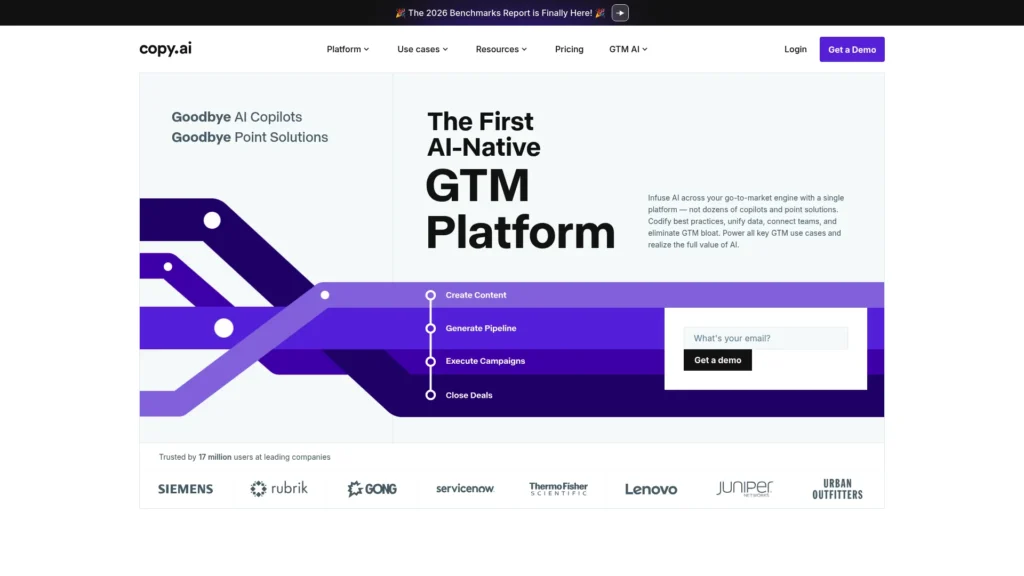
Copy.ai began as a copywriting tool and has since repositioned itself as an AI platform for go-to-market teams. Even so, its entry-level Chat plan still gives access to AI chat with brand context and multiple AI models, which a freelance copywriter can use to quickly produce ad headlines, email subject lines, and product description variations.
The honest assessment: Copy.ai is no longer the obvious freelancer pick it was a few years ago. The free plan has been retired, and its workflow automation features sit on team-priced tiers far beyond a freelance budget.
- Free option: No free plan for new sign-ups
- Paid: Chat is $29/month or $24/month billed annually, and includes up to five seats.
- Pros: Quick variation generation for ads and emails; seats can be shared with a small team or subcontractors
- Cons: Most of the platform’s development now targets sales and marketing teams; a general assistant covers similar ground for many freelancers
- Choose it if: You are a copywriter or paid-ads freelancer who needs high volumes of short-form variations, or you work with a small group of collaborators who would share seats. Otherwise, ChatGPT or Claude is the simpler choice.
4. Grammarly: The Final Check Before Anything Reaches a Client
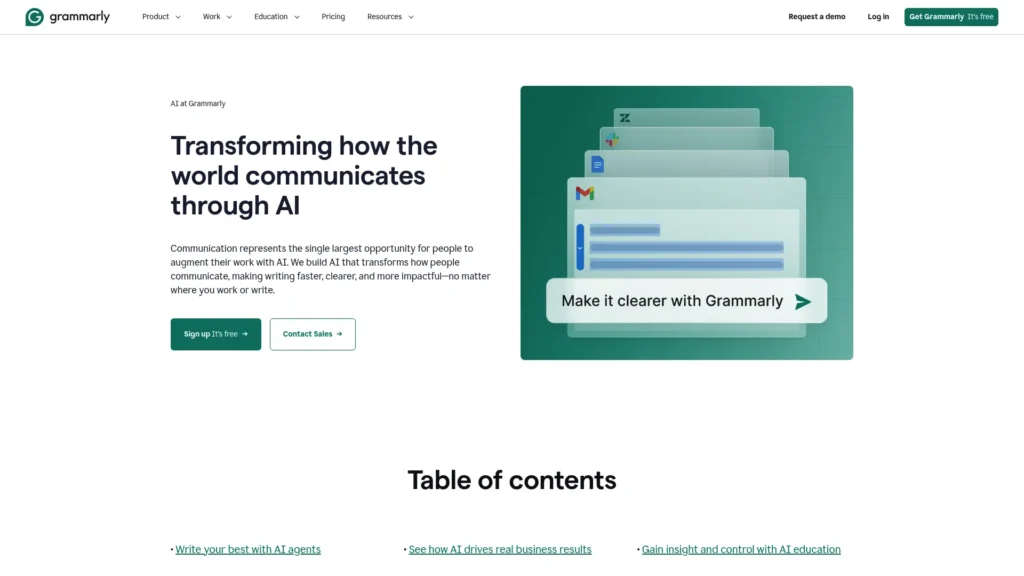
Grammarly sits behind everything a freelancer sends: deliverables, proposals, emails and messages. Beyond spelling and grammar, it flags unclear sentences, adjusts tone and suggests rewrites, and it works inside browsers, email and document editors without copying text into another app. As part of the Superhuman suite, it is still sold separately.
The tone feature is particularly useful when you write to several clients with different expectations: casual with a startup founder, formal with a corporate procurement team.
- Free option: Yes, including 100 AI prompts per month
- Paid: Pro is $12 per member/month billed annually (Grammarly Support)
- Pros: Works wherever you write; especially valuable for non-native English speakers working with English-speaking clients
- Cons: Some suggestions flatten a deliberate style; overlaps with AI assistants if you already draft and edit in ChatGPT or Claude
- Choose it if: Your reputation depends on clean written communication, which describes most freelancers.
Design, Video and Audio
5. Canva AI: Professional Visuals Without Specialist Software
Canva is a staple for freelancers who produce visual deliverables alongside other work: social media managers, content marketers and consultants building client decks. Its AI tools generate designs and images from text prompts, remove backgrounds, edit photos, and resize designs for different platforms, while brand kits keep each client’s colours, fonts, and logos separate and consistent.
For freelance designers, Canva is less a replacement for professional software than a fast way to produce supporting assets, quick mockups and social versions of a main design. If image generation is a big part of your work, AIToolister’s guide to the best free AI image generators compares dedicated options and lists more.
- Free option: Yes, with up to 20 Standard or Premium AI uses per month; actual usage varies by task complexity, and free users see short pauses after reaching the allowance
- Paid: Canva Pro pricing varies by billing and current offer; check Canva’s pricing page for the price shown in your market
- Pros: No design training needed; brand kits suit multi-client work; strong free plan for occasional visuals
- Cons: Templates are widely used, so work can look generic without customisation; AI image quality is inconsistent
- Choose it if: You produce social graphics, presentations or marketing visuals for clients but are not a full-time designer.
6. Descript: Text-Based Editing for Video Editors and Podcasters
Descript changes how you edit spoken-word content. It transcribes your recording, and you edit the media by editing the text: delete a sentence from the transcript, and it disappears from the audio or video. For interviews, podcasts, webinars and talking-head videos, that is often faster than working frame by frame on a timeline.
Its AI features include filler-word removal, Studio Sound to clean up audio recorded in imperfect rooms, AI voice tools to fix small mistakes without re-recording, and Underlord, an AI co-editor that can handle editing tasks from instructions. Since Descript’s pricing overhaul, these AI features draw on a monthly allowance of AI credits, separate from your media-hour allowance.
- Free option: Yes, with 1 media hour per month and limited AI usage
- Paid: Hobbyist is $16/month billed annually ($24 monthly) with 10 media hours and 400 AI credits per month; Creator is $24/month billed annually ($35 monthly) with 30 media hours, 800 AI credits and 4K exports
- Pros: Much faster editing for spoken content; recording, editing and publishing in one tool
- Cons: Two usage meters (media hours and AI credits) can make costs harder to predict; not a replacement for professional editors on complex, effects-heavy video
- Choose it if: You edit podcasts, interviews or talking-head videos for clients.
Development
7. GitHub Copilot: The Coding Assistant for Freelance Developers
GitHub Copilot works inside your code editor, suggesting code as you type, answering questions about a codebase, and, in agent mode, carrying out multi-step coding tasks you describe. For a freelance developer billing by the project, faster delivery of boilerplate, tests and documentation translates directly into better margins or more capacity.
It is especially useful when a client project lands you in an unfamiliar framework or API. Copilot can suggest the right syntax and patterns faster than searching documentation, though you still need to understand and check what it produces.
- Free option: Yes, with a limited monthly allowance of code completions and chat or agent use
- Paid: Pro is $10/month; Pro+ is $39/month for heavier use of premium models. Since June 2026, Copilot uses GitHub AI Credits for chat, agents and other AI interactions, while code completions and next-edit suggestions remain unlimited on paid plans.
- Pros: Works inside popular editors such as VS Code and JetBrains IDEs; excellent value at the Pro tier
- Cons: Suggested code can be insecure or inefficient if accepted without review; heavy agent use can exhaust monthly credits
- Choose it if: Code is your main deliverable. Check client contracts for rules on AI-generated code.
Organisation, Meetings and Client Management
These are freelance productivity and freelancer management tools: systems that keep projects organised, calls documented, and clients paying on time.
8. Notion AI: A Central Hub for Multi-Client Work
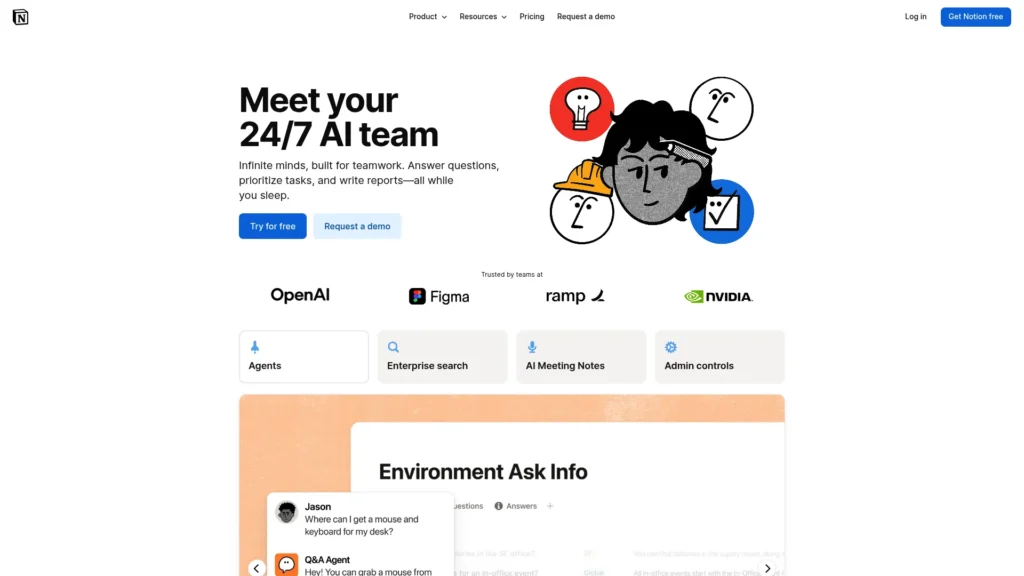
Notion AI works best as the place where each client’s information lives: briefs, project notes, content calendars, research, standard processes and meeting records. Without a system like this, that information ends up scattered across email threads, downloads folders and memory.
Notion’s AI can summarise long pages, turn meeting notes into action items, draft project plans from a short description, and answer questions about what is stored in your workspace. A freelancer can keep one page per client with the brief, deadlines and feedback history, then ask Notion to draft a status update from it.
- Free option: Yes, with a limited trial of AI features
- Paid: Plus is $10 per member/month billed annually; full Notion AI is included in Business at $20 per member/month billed annually. The old cheap AI add-on is no longer how Notion sells AI.
- Pros: Flexible enough for almost any freelance workflow; reduces switching between apps
- Cons: Needs time to set up a system; full AI costs twice as much as the Plus plan
- Choose it if: You juggle several clients and projects at once. If you work with one or two clients and keep notes in Google Docs, the free plan or nothing may be enough.
9. Otter.ai: Notes and Summaries From Client Calls
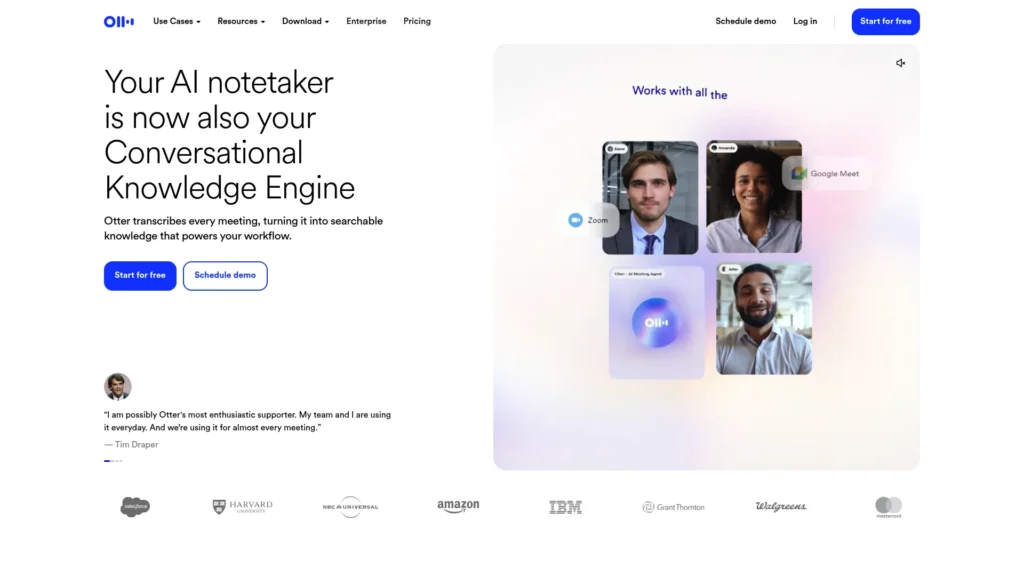
Discovery calls, briefings, feedback sessions, and check-ins contain the details projects depend on: what the client wants, what was agreed, and what changed. Taking notes while listening splits your attention, and memory is unreliable when a disagreement arises three weeks later.
Otter.ai can join Zoom, Google Meet and Microsoft Teams calls, transcribe them in real time, identify speakers, and produce a summary with action items. The transcript then becomes a searchable record you can use to draft the project brief or the follow-up email.
- Free option: Yes, with 300 transcription minutes per month, a 30-minute limit per conversation and three lifetime file imports
- Paid: Pro is $8.33/month billed annually or $16.99 monthly, with 1,200 minutes per month and up to 90 minutes per conversation
- Pros: Removes note-taking during calls; searchable archive of client conversations
- Cons: The free plan’s 30-minute limit cuts off typical discovery calls; accuracy drops with poor audio or heavy crosstalk
- Choose it if: You hold several client calls a week. Always tell participants when you’re recording, as consent rules vary by country and state. Fireflies.ai is an alternative notetaker worth comparing if you meet across many platforms.
10. HoneyBook: Proposals, Contracts and Payments in One Place
HoneyBook covers the side of freelancing that most AI tools ignore: turning an inquiry into a signed, paid project. It combines lead capture, proposals, contracts with e-signatures, invoices, scheduling and online payments, so a client can review a proposal, sign and pay a deposit in one flow.
Its AI features draft email replies, prioritise the day’s tasks, and build automated workflows from a plain-language description of your process. For freelancers currently stitching together email, a document template and a separate payment app, that consolidation removes a lot of administrative back-and-forth.
- Free option: 30-day free trial, no credit card required
- Paid: Plans start at $29/month; payment processing fees apply when clients pay through HoneyBook (HoneyBook pricing)
- Availability: Only for businesses based in the U.S., Canada, the United Kingdom and Australia
- Pros: Covers the full client lifecycle; automated reminders reduce invoice chasing
- Cons: Unavailable to freelancers in most countries; monthly cost is hard to justify with irregular client volume; not a full accounting system
- Choose it if: You are a service freelancer in one of HoneyBook’s four markets who books clients through proposals and contracts. Freelancers elsewhere need an alternative for invoicing and contracts.
Freelancer AI Tools Compared
This comparison focuses on what matters after the headline price: where each tool fits in the freelance workflow, how far the free option goes, and how quickly you can get value.
| ChatGPT | Win, deliver, communicate | Daily writing and research | Plus ($20/mo) for heavy use | Easy | Grammarly, Notion AI |
| Jasper | Deliver | 7-day trial only | Pro ($59/mo annual) | Moderate | Grammarly |
| Copy.ai | Deliver | None | Chat ($24/mo annual) | Easy | Canva AI |
| Grammarly | Deliver, communicate | Core corrections, 100 AI prompts/mo | Pro ($12/mo annual) | Easy | Any writing tool |
| Canva AI | Deliver | Up to 20 AI uses/mo | Pro (price varies) | Easy | ChatGPT, Copy.ai |
| Descript | Deliver | 1 media hour/mo + limited AI usage | Hobbyist or Creator | Moderate | Otter.ai, ChatGPT |
| GitHub Copilot | Deliver | Light coding help | Pro ($10/mo) | Easy for developers | ChatGPT, Notion AI |
| Notion AI | Run the business | Workspace plus AI trial | Business ($20/mo annual) for full AI | Moderate | Otter.ai, HoneyBook |
| Otter.ai | Communicate | 300 min/mo, 30-min calls | Pro ($8.33/mo annual) | Easy | Notion AI |
| HoneyBook | Win, run the business | 30-day trial | From $29/mo | Moderate | ChatGPT, Grammarly |
Best AI Tools by Type of Freelancer
The right freelancer tools list depends on what you sell. Each stack below starts with the tool to adopt first.
Freelance writers and content creators. Start with ChatGPT or Claude for research, outlines and first drafts, and Grammarly for final polishing. Add Otter.ai once client briefing calls become regular, and Jasper only if you write marketing content for several brands every week. A realistic workflow: research and outline with an AI assistant, write and edit yourself, run the final draft through Grammarly, and keep each client’s brief and feedback in Notion.
Designers and creative professionals. Canva AI for supporting assets, social versions and quick mockups; ChatGPT for proposals and client emails; HoneyBook (where available) for proposals and contracts. Designers who generate imagery should also compare the dedicated image generators mentioned in the Canva section.
Developers and programmers. GitHub Copilot is the clear first purchase. Add ChatGPT or Claude for documentation, client explanations and scoping, and Otter.ai for technical requirement calls where details matter.
Marketers and social media managers. Canva AI for visual content, ChatGPT for strategy documents, reports and captions, and Copy.ai or Jasper only if short-form or long-form content volume justifies a specialist tool. AIToolister’s guide to the best AI marketing tools lists further options.
Video editors and podcasters. Descript is the core tool for spoken-word editing. ChatGPT helps with scripts, show notes and episode descriptions, and Otter.ai is useful for transcribing interviews you need to reference before editing.
Consultants and general freelancers. ChatGPT for most written work, Notion AI to manage several engagements, Otter.ai for client meeting notes, and HoneyBook for the proposal-to-payment workflow where available.
Beginner freelancers on a tight budget. Start entirely on free plans: ChatGPT, Grammarly, Canva and Notion. Add Otter.ai’s free plan for short calls. Pay for your first tool only when a free limit actively slows down client work.
How to Build Your Freelancer AI Stack
A collection of subscriptions is not a workflow. The goal is a small set of tools that each handle a clearly defined part of your work and connect naturally.
1. Find your biggest time drain. For one week, note where your non-billable hours go. Point proposals and emails to an AI assistant. Visuals point to Canva. Post-production points to Descript. Contracts and invoice chasing point to HoneyBook. Scattered information points to Notion.
2. Start with free plans. Most tools here offer a free plan or trial. Use the free version on real client work for two weeks before paying for anything.
3. Pay only for the bottleneck. Upgrade the tool whose free limit is actually slowing you down, not the one with the most impressive features.
4. Connect the stages. A practical example for a freelance consultant: an Otter.ai transcript of the discovery call becomes the input for a ChatGPT-drafted proposal; the signed proposal and invoice run through HoneyBook; the brief, deadlines and feedback live in Notion; Grammarly checks every client-facing document along the way.
5. Review every six months. AI tools and their pricing change quickly. Cancel anything you no longer use, and check whether a tool you already pay for now covers a job you pay a second tool to do.
Free vs Paid: What Freelancers Actually Need
A beginner can run a capable freelance business on free plans: ChatGPT, Grammarly, Canva, Notion and Otter.ai all have free tiers that cover light use. Common pressure points include message and usage limits in the AI assistant, Descript’s one-hour monthly media limit, Otter.ai’s 30-minute call limit, and Canva’s monthly AI allowance.
Paying makes sense when a limit costs you billable time or looks unprofessional to a client. A rough guide for a solo freelancer: one AI assistant (around $20/month) plus one specialist tool for your craft (GitHub Copilot at $10, Descript from $16, or Otter.ai from $8.33 annually) usually delivers more value than several mid-priced subscriptions. Add a client-management tool such as HoneyBook once proposals, contracts and late payments become a regular headache.
Risks of Using AI for Client Work
AI tools help freelancers work faster, but client work carries obligations that a tool cannot handle for you.
Quality and accuracy. AI can state wrong facts confidently, invent sources, or produce code with security problems. Everything that goes to a client should be checked by you, because your name and reputation are on it, not the tool’s.
Client confidentiality. Pasting a client’s unreleased product details, financial data or private documents into an AI tool sends that information to a third party. Personal plans of tools such as ChatGPT may use your content to train models unless you opt out. Read each tool’s data settings, opt out where you can, and never paste information a client has asked you to keep confidential.
Contract terms and disclosure. Some clients, publications and agencies restrict or prohibit AI use, or require disclosure. Check contracts and briefs before using AI on a project, and if a client has not addressed it, a short, honest conversation is safer than an assumption.
Ownership and originality. Rules on who owns AI-generated material differ by country and are still developing. For deliverables where ownership matters, such as logos, brand assets, or code a client will rely on, make sure your own creative and technical contribution is substantial and review the tool’s terms of use.
Pricing pressure. If AI makes a task faster, clients may expect lower prices for that task. Freelancers who hold their rates tend to price around outcomes, expertise and judgment rather than hours of production. AI speeds up drafting; it does not replace knowing what the client actually needs.
Frequently Asked Questions
What are the best AI tools for freelancers in 2026?
For most freelancers, the best starting set is ChatGPT for writing and research, Grammarly for polishing, and Canva AI for visuals. Specialists should add the tool built for their work: GitHub Copilot for developers, Descript for video and podcast editors, and Jasper for high-volume content writers. Notion AI, Otter.ai and HoneyBook cover organisation, call notes and client management.
What are the best free AI tools for freelancers?
ChatGPT, Grammarly, Canva, Notion, Otter.ai, Descript and GitHub Copilot all offer free plans. Together, they cover drafting, editing, design, project notes, call transcription, light video editing and coding help. Each free plan has limits, such as Otter.ai’s 30-minute call cap or Descript’s one-hour monthly media limit, so upgrade only the tool whose limit affects client work.
Which tools do freelancers need to manage clients and projects?
At minimum, freelancers need a place to organise projects, a record of client conversations, and a way to send proposals, contracts, and invoices. Notion AI works well as a project and client hub, Otter.ai captures call details, and HoneyBook handles proposals, contracts and payments for freelancers in the U.S., Canada, the UK and Australia.
Can AI tools help freelancers find clients?
Yes, indirectly. AI assistants help you write tailored proposals faster, personalise outreach, turn past projects into case studies, and keep a consistent presence on LinkedIn or a portfolio site. Freelance marketplaces such as Upwork and Fiverr remain common places to find work, but AI doesn’t replace the reputation, referrals, and relationships that bring in steady clients.
Are AI tools worth paying for as a freelancer?
A paid tool is worth it when it saves more billable time than it costs or removes a limit clients would notice. One AI assistant plus one specialist tool for your craft is usually the best first investment. Avoid paying for several overlapping tools before the free versions have proven useful in real client work.
Is AI replacing freelancers?
AI is changing freelance work, but its impact varies considerably by task and profession. Routine tasks such as basic copy and simple edits are increasingly automated, while freelancers can also use AI to speed up research, drafting, analysis, and production. The practical advantage is using AI for efficiency while continuing to compete on expertise, judgment, creativity, and client relationships.
Should freelancers tell clients when they use AI?
Follow the contract first: some clients prohibit AI or require disclosure. Where nothing is specified, transparency is the safer choice for anything substantial, especially written content, creative work and code the client will own. Using AI for internal tasks such as organising notes or drafting your own emails rarely needs disclosure.
What is the best AI tool for a beginner freelancer?
ChatGPT’s free plan is the best starting point because it helps with proposals, client emails, research and first drafts from day one. Pair it with Grammarly and Canva’s free plans, and add paid tools only once you have regular clients and a clear bottleneck.
Final Thoughts
The best freelancer tools are the ones you actually open every day. For most freelancers, that means one AI assistant, one specialist tool for your craft, and one system for clients and projects, adopted one at a time and kept only if they save real time.
Start with the part of your week that earns nothing: proposals, follow-ups, call notes or invoice chasing. Fix that first with a free plan, then build from there. If your freelance work is growing into a small agency or team, AIToolister’s guide to the best AI tools for business covers CRM, automation and support tools for that next stage.
Keep Exploring