AI Education

9 AI tools

AI education tools help teachers and schools streamline lesson planning, student support, assessment, content creation, and other time-consuming classroom tasks.

Showing 9 of 9 tools

Showing 1-9 of 9 results

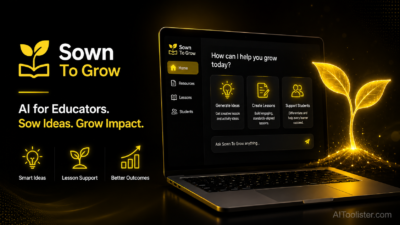
Sown To Grow

From $180/month

Verified

Schools wanting a structured goal-setting, reflection, and SEL platform with AI-assisted flagging of students who may need support

RunningFlaggingDelivering

Sown To Grow

Twee

From $11.95/month

Verified

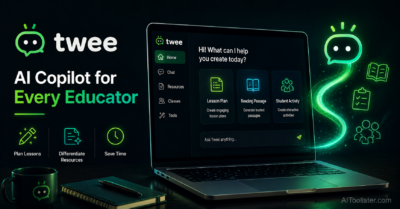
Language teachers who want to quickly turn articles, YouTube videos, or topics into ready-to-use ESL and language lesson materials

VideoGrammarTurning

Twee

Eduaide.AI

From $5.99/month

Verified

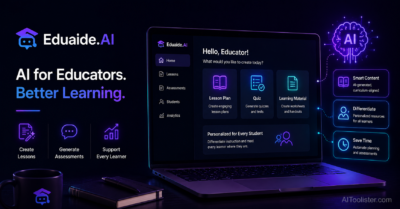
Budget-conscious teachers wanting a broad library of content generation tools without a per-seat cost that adds up quickly

GeneratingCreatingBuilding

Eduaide.AI

Gradescope

From Custom pricing

Verified

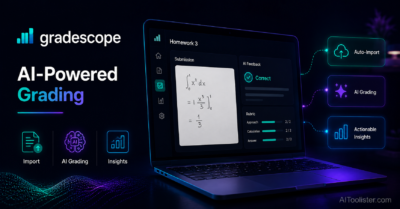
Higher education instructors grading large volumes of structured exams, problem sets, and coding assignments

GradingGroupingManaging

Gradescope

Brisk Teaching

From Custom pricing

Verified

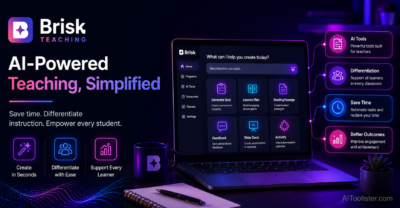
Teachers already working inside Google Docs and Slides who want AI feedback and leveling without leaving their existing documents

WritingDocumentsPresentations

Brisk Teaching

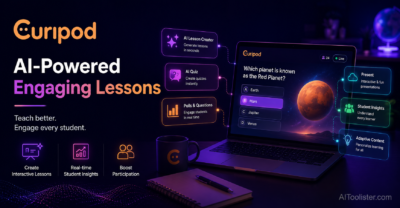
Curipod

From $9/month

Verified

Teachers wanting live, interactive classroom lessons with real-time student polls, word clouds, and discussion widgets

GeneratingRunningLayering

Curipod

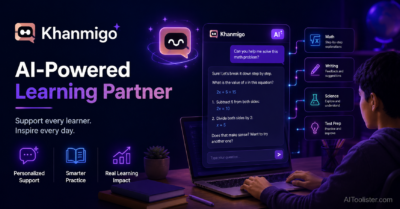
Khanmigo

From $4/month

Verified

Students, parents, and teachers wanting a Socratic AI tutor tied directly to Khan Academy's full K-12 content library

GettingScienceOr

Khanmigo

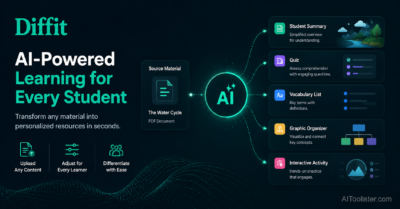
Diffit

From $14.99/month

Verified

Teachers in mixed-ability classrooms who need to quickly generate the same content at multiple reading levels

GeneratingCreatingBuilding

Diffit

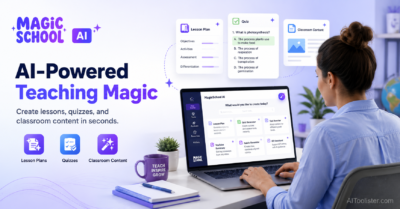
MagicSchool AI

From $8.33/month

Verified

K-12 teachers and school districts wanting one broad, FERPA-compliant AI toolkit covering planning, assessment, and student-facing tools

WritingGeneratingDrafting

MagicSchool AI

About AI Education Tools

AI education tools help teachers and schools streamline lesson planning, student support, assessment, content creation, and other time-consuming classroom tasks. Ask most teachers where their time actually goes and the answer rarely involves teaching. It’s the lesson planning that stretches into Sunday evenings, the stack of assignments waiting to be marked, the constant challenge of adapting materials for students who are working at five different levels in the same classroom. The work that happens around teaching often crowds out the teaching itself. AI education tools are increasingly being used to address exactly that imbalance.

AI education tools are software applications that use artificial intelligence to assist educators with the planning, creation, assessment, and administrative tasks that make up a significant portion of a teacher’s working week. Depending on the tool, that assistance might mean generating lesson plans from a curriculum standard, creating differentiated reading materials at multiple levels from a single source text, producing quiz questions and discussion prompts automatically, providing structured feedback on student writing, grading assignments, or supporting student reflection and goal-setting. The common thread is reducing the time teachers spend on tasks that follow predictable patterns — so more time and energy can go toward the parts of teaching that actually require a human in the room.

The technology behind these tools applies natural language processing and generative AI to educational contexts. Tools designed for lesson and resource creation interpret a teacher’s input — a topic, a standard, a reading passage, a grade level — and generate structured educational content that the teacher can review, adapt, and use. Assessment tools apply AI to analyse student work, identify patterns, and provide feedback at a speed and scale that would be impractical for a single teacher to match manually across a full class. Student-facing tools use conversational AI to guide learners through questions and concepts, providing a responsive interaction that adapts to where the student is in their understanding.

The educators benefiting most from AI education tools span a wide range. K-12 teachers in classroom settings use resource creation tools to reduce planning time and generate differentiated materials for students with varying needs. Higher education instructors use AI-assisted grading and feedback tools to manage large student loads more sustainably. School administrators and instructional coaches use tools that give visibility into student progress and engagement. Curriculum designers use AI to accelerate the development of structured learning resources. Even students benefit directly from tools like Khanmigo, which provides guided, conversational support that extends learning beyond the classroom without giving away answers.

Choosing the right AI education tool requires thinking carefully about which part of the teaching workflow it’s designed to support. A tool built around lesson planning serves a different need from one focused on grading, student reflection, or reading level adaptation — and the best match depends on where a teacher’s time pressure is most acute. Integration with learning management systems and existing classroom platforms matters, since tools that sit outside an established workflow often go unused despite good intentions. For school and district adoption, data privacy and student data protection are critical considerations — any tool used with student information must comply with applicable regulations, and providers should be transparent about how data is collected, stored, and used. Pricing and free tier availability vary significantly, and ease of use affects whether a tool actually gets picked up by busy teachers who have limited time for onboarding. Scalability matters for administrators evaluating tools for wider school or district rollout.

The AI education tools listed below cover a range of these use cases across lesson creation, assessment, student support, and classroom engagement. You can compare them directly by features, subject and grade level coverage, pricing, LMS integrations, and use case fit to find the option that best fits your teaching context.

Frequently Asked Questions

What are AI education tools?

AI education tools are software applications that use artificial intelligence to assist teachers, educators, and students with tasks related to teaching and learning. For educators, they commonly help with lesson planning, resource creation, differentiated instruction, assignment generation, grading, and student feedback. For students, some tools provide conversational tutoring, guided practice, and personalised support. What distinguishes them from general productivity software is that they’re built specifically around educational contexts — curriculum standards, grade levels, pedagogical approaches, and the specific workflows teachers and learners engage in every day.

How do AI tools help teachers save time?

They save time primarily by automating the creation of materials and feedback that would otherwise require significant manual effort. Generating a differentiated reading passage at three reading levels, creating a quiz from a lesson topic, producing structured feedback on a student essay, or building a week’s worth of discussion prompts are all tasks that AI tools can complete in seconds rather than the hours they would take manually. The time saving compounds across a full teaching week — particularly for teachers managing large class sizes or complex differentiation needs — freeing capacity for instruction, relationship building, and the parts of teaching that require human judgment.

Are AI education tools suitable for use with students?

Some are designed specifically for student use, and others are built for teachers only. Student-facing tools — like conversational tutoring assistants — are designed to support learning directly, providing guided practice and adaptive support. Teacher-facing tools generate resources and assessments that the teacher then delivers. For any tool used directly with students, data privacy is a critical consideration: verify that the tool complies with applicable student data protection regulations in your region before deploying it in a classroom. Parental consent requirements and age-appropriate content standards also vary by jurisdiction and should be reviewed before use with minors.

Can AI tools replace teachers?

No. Teaching involves far more than content delivery — it requires building relationships with students, reading a room, making real-time instructional decisions, navigating social and emotional dynamics, and providing the kind of mentorship and encouragement that influences a student’s relationship with learning over years. AI tools handle specific, defined tasks within the teaching workflow, but they don’t replicate the human dimensions of effective teaching. The more useful framing is that they reduce the administrative and preparation burden on teachers, creating more space for the interactions and relationships that make teaching meaningful — and that only a human can provide.

What subjects and grade levels do AI education tools cover?

Coverage varies considerably between tools. Some are designed as general-purpose teaching assistants that support multiple subjects and grade levels. Others focus on specific areas — reading and literacy, mathematics, STEM, or writing feedback, for example. Grade level coverage also differs: some tools are built specifically for K-12 contexts, while others are more appropriate for higher education or adult learning. Before committing to a tool, verify that it supports the subjects and grade levels relevant to your teaching context, and test its output quality on the specific types of content you need to produce.

How do AI education tools handle student data and privacy?

Student data privacy is a serious consideration in this category, and practices vary between providers. Tools used with student information must comply with applicable regulations — including FERPA and COPPA in the United States and equivalent frameworks in other regions. Reputable education AI tools document their compliance posture clearly and provide data processing agreements for schools and districts. Before deploying any AI tool in a classroom or school setting, review the provider’s current privacy policy, confirm compliance with relevant regulations, and understand what data is collected, how it’s stored, and who has access to it. Assumptions about compliance are not sufficient — verify directly with the provider.

Are there free AI education tools available?

Several tools in this category offer free plans or trial access designed specifically for individual teachers or smaller use cases. Free tiers typically restrict the number of resources you can generate per month, limit access to advanced features, or exclude institutional capabilities like LMS integration and admin dashboards. For school or district-wide adoption, paid plans are generally required. Pricing structures vary — some tools charge per teacher seat, others by school or student count. Check the current pricing page of each tool directly, as availability and terms on free plans are updated regularly and can differ between individual and institutional accounts.

What should I compare when choosing an AI education tool?

Start with use case fit — identify which specific part of your teaching workflow needs the most support, whether that’s lesson planning, differentiated resource creation, grading and feedback, student engagement, or assessment. Match the tool’s core capability to that need rather than choosing based on the broadest feature list. Verify that it supports your subject area and grade level effectively by testing it with real content before committing. For school adoption, prioritise data privacy compliance and LMS integration compatibility. Consider ease of use carefully — a tool that requires significant setup or a steep learning curve is less likely to be adopted consistently by a busy teaching staff. Pricing and scalability matter for decisions that affect a whole team or institution.

Sign In

Register

Reset Password

Please enter your username or email address, you will receive a link to create a new password via email.