Ahsan Javaid
Last updated: September 2026
Therapists spend meaningful time outside sessions on work unrelated to clinical skill: writing progress notes, chasing scheduling back-and-forth, responding to intake inquiries, and managing the business side of a practice. AI for therapists is starting to reduce some of that load by drafting documentation, coordinating schedules, and handling administrative writing, so therapists can do more with their time. This guide covers ten AI tools for therapists and mental health professionals in 2026, organized by the workflow problem each one addresses, with attention to privacy and HIPAA considerations that generic “best AI tools” articles usually skip.
Quick Comparison
| Freed AI | AI-generated session notes | Ambient listening generates a structured clinical note after a session | States it is HIPAA compliant with a BAA included in its Terms of Use; verify current terms directly | 7-day free trial | Starter $39/mo (capped notes); Core $79/mo (unlimited); Premier $104–119/mo (adds EHR push, ICD-10 coding) |
| Mentalyc | AI notes with EHR integration | Generates structured notes from session audio across multiple formats | States HIPAA and SOC 2 Type II compliance with a signed BAA and no recording storage; verify current terms directly | 14-day free trial | From $14.99/month |
| SimplePractice | All-in-one practice management | Scheduling, billing, telehealth, client portal, with AI note drafting | States HIPAA compliance with a BAA in place; verify current terms directly | No free plan; 30-day trial | Starter $49/mo; Essential $79/mo (telehealth, insurance billing); Plus $99/mo |
| Calendly AI | Scheduling coordination | Automated booking, reminders, and availability suggestions | Not built or marketed for clinical data — use only for scheduling logistics | Yes — functional free plan | Standard $10/seat/month billed annually |
| Tidio AI | After-hours inquiry response | AI chatbot answers common questions and captures basic contact info | Configure to collect only non-clinical contact information | Yes — up to 50 conversations/month | From about $29/month |
| Woebot | Between-session client support | CBT-based conversational support for clients | Consumer app access has changed significantly — see note below before recommending it | Previously free to clients | Currently enterprise/partner access only |
| Elomia | Between-session client support | Conversational AI emotional support | Free to download; not a HIPAA-covered clinical tool since therapists don’t access client conversations | Yes — free with paid tiers | Free basic version; paid subscription tiers available |
| ChatGPT | Business writing and non-clinical admin | General-purpose AI writing assistant | No BAA for the consumer product — do not enter identifiable client information | Yes | $20/month (Plus) |
| Canva AI | Marketing and practice materials | AI design suggestions for websites, handouts, social content | Do not include client information in any design | Yes — free tier | About $12/month (Pro, billed annually) |
| QuickBooks | Practice finances and billing | Expense tracking, invoicing, financial reporting, AI-assisted categorization | Financial/business data is generally not PHI on its own, but avoid including clinical details in memos or notes | No free plan; trial commonly offered | Solopreneur $20/mo; Simple Start $38/mo; higher tiers scale up |
Pricing and compliance terms change; confirm current details directly with each vendor, especially anything you plan to use with client information.
Privacy and HIPAA: Read This Before Anything Else
Most “AI tools for therapists” articles skip this section. For therapists, it isn’t optional reading.
For HIPAA-covered workflows, covered entities and business associates generally need a written Business Associate Agreement when a vendor creates, receives, maintains, or transmits PHI on their behalf — PHI generally means anything that could identify a client alongside their health information. This is a legal and contractual requirement, not a marketing claim a vendor can simply assert. Before entering any client information into an AI tool, confirm three things directly with the vendor: whether they offer a current BAA, where data is stored and who can access it, and whether their terms of service allow your inputs to be used for AI model training. If the answer to the training question is yes, that’s a problem for clinical data.
This article describes what each vendor currently states about its own HIPAA posture and BAA availability, sourced from each company’s published materials. That is different from AIToolister independently verifying or guaranteeing compliance. Vendor compliance claims, security certifications, and BAA terms can change, and the specific configuration you use matters. Always verify a vendor’s current BAA and data-handling terms directly before using any tool with identifiable client information. This article does not constitute legal advice.
Several widely used general-purpose AI tools, including the consumer version of ChatGPT, do not currently offer a BAA and are not suitable for use with identifiable client information. A general template — an intake form structure, a psychoeducational handout with no client details — is a reasonable use. By contrast, a client’s name paired with session content is not.
Documentation and Note-Taking
This is where many therapists lose the most non-clinical time, and it is where the tools in this category focus.
Freed AI
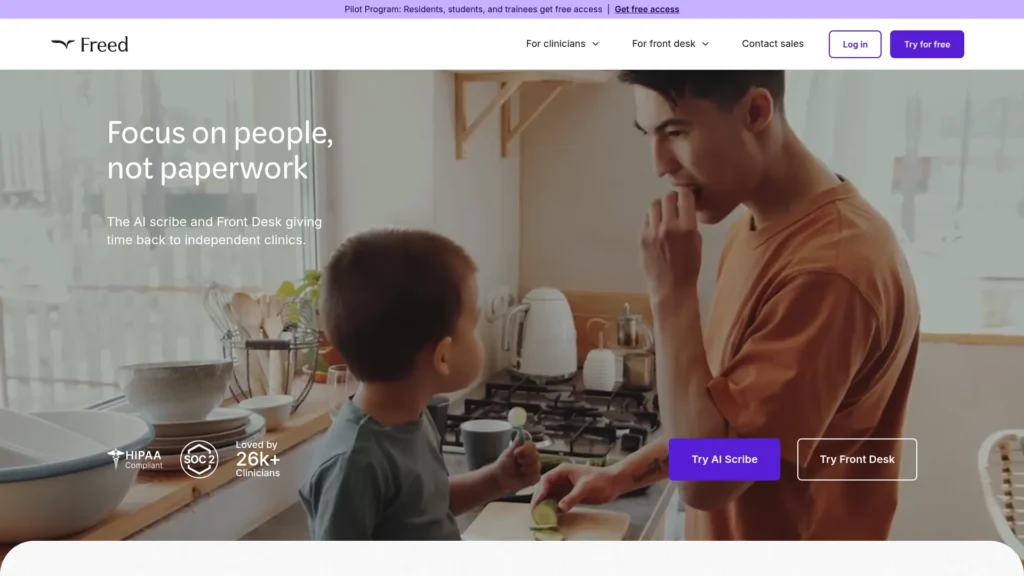
Freed AI is an ambient AI scribe: a clinician starts a recording at the beginning of a session, with the client’s informed consent, and after the session ends, Freed generates a structured note — commonly in SOAP, DAP, or similar formats — that the therapist reviews, edits, and approves before it becomes part of the clinical record. The note is a structured clinical document generated from the session, not a verbatim transcript.
Freed states that it is HIPAA-compliant, is SOC 2 Type 1 and Type 2 certified through independent audits, encrypts data both in transit and at rest, and does not use client data for AI model training. Verify the current BAA and data-handling terms directly with Freed before using it with client information, since certifications and terms can change.
Freed’s pricing structure changed in 2026: a Starter tier runs $39/month with a cap on the number of notes per month, a Core tier at $79/month removes that cap, and a Premier tier at $104/month (billed annually) or $119/month (billed monthly) adds direct EHR integration and medical coding assistance. A 7-day free trial is available, and higher-volume group pricing is available on request.
What it replaces: post-session note writing. Best for: therapists who currently write their own session notes and want a faster first draft to review rather than write from scratch. Limitation: as with any AI-generated draft, note quality and the amount of editing required can vary by session type. Sessions with extended silence, heavily nonverbal, or somatic content may produce a thinner draft than a verbally active session, so review time varies accordingly.
Mentalyc
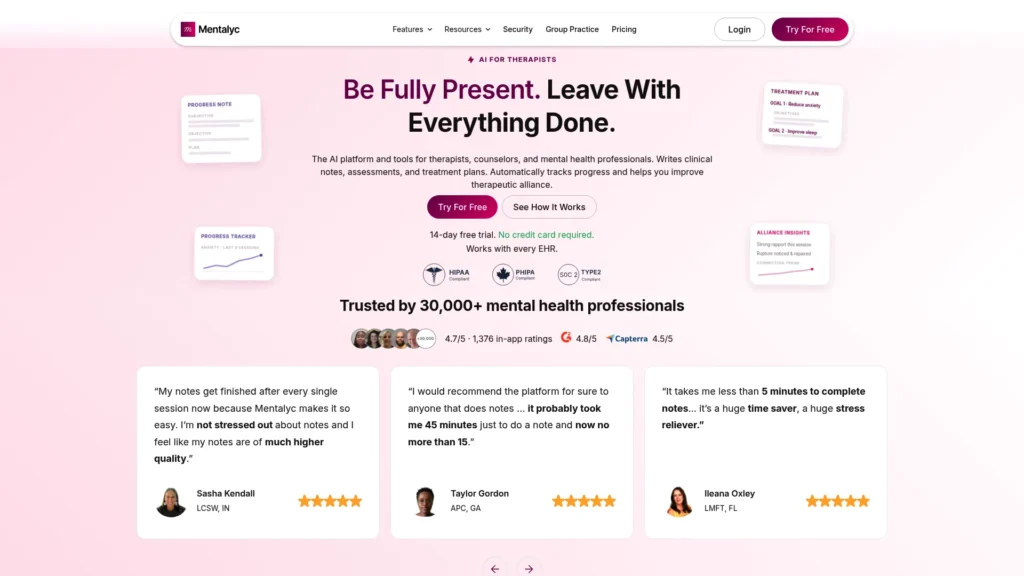
Mentalyc covers similar ground to Freed AI — AI-generated therapy notes from session audio — with a particular emphasis on the range of note formats it supports and integration with existing electronic health record systems. If your practice already uses a specific EHR and you want generated notes to flow into that system directly rather than being copied across separately, Mentalyc is worth evaluating specifically for that reason. Choose it if EHR integration is your deciding factor.
Mentalyc states that it is HIPAA and PHIPA compliant, provides a signed BAA, is SOC 2 Type II certified, and does not store session recordings or use them for AI model training. Verify these terms directly and currently before use with client information.
A 14-day free trial is available, and published pricing starts from $14.99/month, a meaningfully lower entry point than some comparable tools in this category — confirm which specific features and note volume are included at that price versus higher tiers.
What it replaces: session note writing and EHR documentation. Best for: therapists who specifically need AI note generation that integrates with an existing EHR system rather than standing alone. Limitation: the choice between Mentalyc and Freed AI often comes down to which EHR you use and which interface and note format you prefer. Trialing both before committing is reasonable given both offer free trials.
SimplePractice
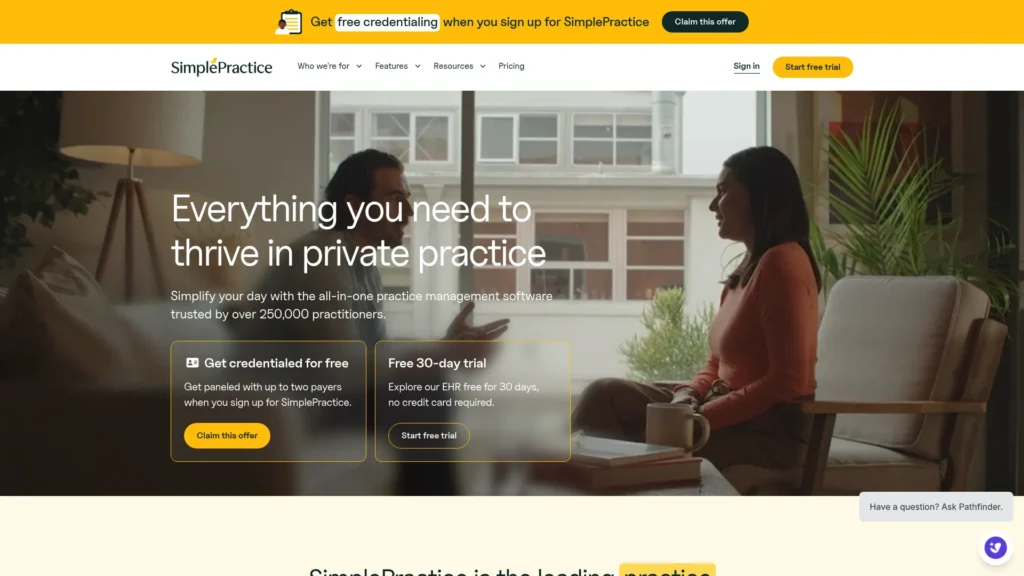
SimplePractice is a practice management platform — not primarily an AI tool — that has been widely used by private practice therapists for several years and now serves a large base of mental health and behavioral health professionals. Its core functions cover scheduling with automated reminders, online booking, intake form collection, billing and insurance claims, telehealth sessions, and client messaging in one system. Newer AI features include note drafting from session recordings and claim-review assistance to reduce rejected claims.
SimplePractice states that it is HIPAA-compliant and provides a BAA, with encryption and a security model built around handling PHI; verify current terms directly. There is no permanent free plan; a 30-day free trial is available.
Pricing is tiered: Starter runs $49/month with basic scheduling and documentation but without telehealth or insurance billing; Essential runs $79/month and adds telehealth, insurance billing, and custom intake forms — the tier most solo therapists actually need for full functionality; Plus runs $99/month and adds group-practice features, with additional clinicians priced separately per seat.
What it replaces: separate scheduling software, billing system, intake forms, telehealth platform, and client portal. Best for: solo and group private practice therapists who want core practice operations in one platform rather than stitching together several separate tools. Limitation: because it covers many functions at once, its individual features — note generation, scheduling flexibility — are generally less specialized than a tool built to do just one of those things. For many solo practices, the convenience of consolidation outweighs that trade-off, but it’s worth being aware of directly.
Client Communication and Scheduling
Calendly AI
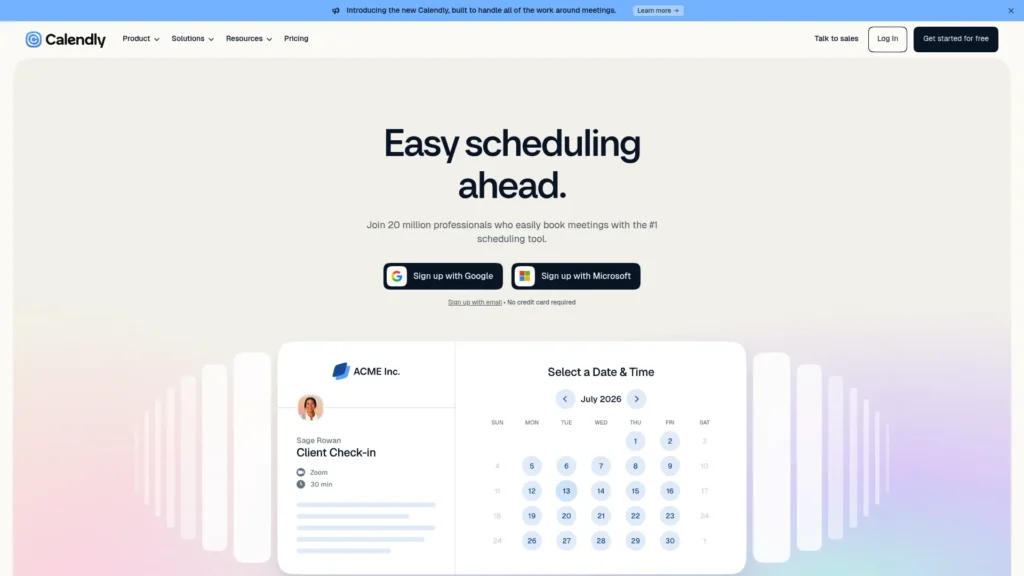
If you’ve spent time in an email thread trying to find a workable time for an initial consultation, Calendly solves that problem. A therapist sets availability once; clients book directly into the calendar; reminders go out automatically; rescheduling happens without the therapist’s direct involvement. Calendly’s AI features include availability suggestions based on historical scheduling patterns and routing logic that can send different inquiry types to different booking links.
Calendly is not built or marketed as a clinical or HIPAA-compliant tool for health information, and it should be used for scheduling logistics only — not for collecting detailed intake information that includes clinical history. If you want scheduling integrated with clinical intake collection, SimplePractice’s built-in scheduling is the better choice.
What it replaces: manual email scheduling coordination. Best for: therapists handling their own scheduling who want to reduce back-and-forth coordination time. Pricing: a functional free plan exists; Standard is $10 per seat/month billed annually. Compare it with tools that also handle intake or clinical workflows only if those are part of your scheduling needs.
Tidio AI
New client inquiries arrive at unpredictable hours, and a message sitting unanswered until Monday morning risks losing that prospective client to someone who responded faster. Tidio AI’s chatbot handles initial website inquiries automatically — answering common questions about services, fees, and availability; collecting basic contact information; and directing the person to a booking link — while notifying the therapist to follow up during business hours.
Configure Tidio to collect only basic, non-clinical contact information at this stage. Do not set it up to collect symptom descriptions, clinical history, or anything that would constitute protected health information; keep the scope limited to scheduling a consultation.
What it replaces: manual after-hours inquiry response. Best for: therapists with an active website receiving a meaningful volume of new inquiries. Pricing: a free plan covers up to 50 conversations a month; Starter runs from about $29/month.
Between-Session Client Support
These two tools are things a therapist might recommend to appropriate clients as a supplement between sessions — not tools a therapist uses directly with client data.
Woebot
Woebot was an AI mental health support chatbot using cognitive behavioral therapy principles, historically available as a free consumer app that therapists could recommend directly to clients for between-session skill practice and mood tracking. This has changed significantly: Woebot Health retired the consumer app in mid-2025, and new accounts can no longer be created through the previous free public sign-up. The company has shifted to an enterprise model, working through partner organizations such as health systems, employers, or payers, and access to Woebot now generally requires an access code provided through one of those partnerships.
In practical terms, this means a therapist can no longer simply tell an individual client to download Woebot as they may have in the past. If your practice, clinic, or affiliated health system has an enterprise relationship with Woebot Health, that access path may still apply — confirm current availability directly with Woebot Health or your organization before recommending it to a client, since public, individual access is no longer the default way to reach it.
Elomia
Elomia offers AI-powered conversational emotional support between sessions, with a more open-ended, conversational approach than a structured, exercise-based tool. Elomia explicitly states in its app description that it provides supportive conversation only, not therapy, diagnosis, or treatment, and directs users in crisis to emergency services or a crisis line rather than continuing the conversation.
The app remains available for individual download and free basic use, with paid subscription tiers (monthly, yearly, or lifetime) for extended access. Because therapists recommending Elomia don’t access client conversations through it, this is a different privacy situation than a tool a therapist uses directly with client data — the therapist isn’t handling PHI through Elomia at all.
What it is: conversational AI support for clients, not a substitute for therapy. Best for: therapists who want a between-session resource to recommend to appropriate clients, particularly those who prefer open conversation over structured exercises. Limitation: as with any between-session digital resource, it is not designed for clients in acute crisis or with severe presentations requiring direct clinical contact — use clinical judgment about which clients this is and isn’t appropriate for.
Business and Administrative Tools
ChatGPT
ChatGPT is broadly useful for a therapy practice’s non-clinical writing: website copy describing your approach and specialties, psychoeducational handouts on general topics like sleep hygiene or communication skills, intake form language, social media content, email templates for routine communications, and a professional bio.
What it should not be used for is anything involving real client information — no session summaries with client details, no notes containing names or identifying information, no descriptions of a specific client’s clinical presentation. Standard consumer ChatGPT/Plus should not be used with PHI. OpenAI also offers separate HIPAA-eligible products and regulated configurations with BAAs, such as ChatGPT for Healthcare. Therapists should use only an eligible product/configuration covered by a current BAA if PHI is involved.
What it replaces: hours of business and educational writing. Best for: every therapist who writes anything for their practice, used strictly for non-clinical content. Pricing: a free tier is available; Plus is $20/month.
Canva AI
Therapists need more visual material than is often obvious: a professional website, social graphics for practice marketing, psychoeducational worksheets, group therapy handouts, workshop presentation materials, and a consistent visual brand. Canva AI’s templates and AI design suggestions (Magic Studio) let a therapist produce professional-looking materials without hiring a designer, and a brand kit keeps colors, fonts, and logo consistent across everything produced.
As with any design tool, do not include client information in materials created here — this is a marketing and administrative tool, not a place for clinical content.
What it replaces: a freelance designer for recurring practice materials. Best for: private practice therapists building their own brand and marketing presence. Pricing: a free tier is available; Pro runs about $12/month billed annually.
QuickBooks
Private practice billing is genuinely complicated: insurance reimbursement, out-of-pocket fees, sliding-scale tracking, business expenses, and quarterly taxes. QuickBooks handles income and expense tracking, invoicing, and financial reporting, with AI features including automated expense categorization, anomaly detection for unusual transactions, and a natural-language query feature for asking questions about your finances.
Financial and business data generally is not protected health information on its own. That said, avoid putting clinical details into transaction memos, invoice descriptions, or notes fields within QuickBooks — keep financial records limited to financial information.
What it replaces: manual financial tracking and spreadsheet bookkeeping. Best for: solo private practice therapists managing their own practice finances without a dedicated bookkeeper. Pricing: no free plan; a trial is commonly available. Pricing was raised in 2026 — Solopreneur runs $20/month for a single-person setup, Simple Start is $38/month, with Essentials, Plus, and Advanced scaling up from there for practices needing multiple users or more advanced reporting.
Which Tools Fit Different Therapist Situations
Solo private practice therapists: the highest-leverage starting point is typically a documentation tool — Freed AI or Mentalyc — since this is where non-clinical time is most concentrated for a therapist writing their own notes. Add SimplePractice if you’re not already on a practice management platform, ChatGPT for business writing, and Canva AI for marketing materials as needs arise. A full stack across documentation, practice management, business writing, design, and finances adds up in monthly cost; most solo therapists find two or three tools cover their actual bottleneck rather than needing all ten.
Group practices: SimplePractice’s value increases with practice size, since scheduling, billing, and client management complexity multiplies as you add clinicians. Freed AI or Mentalyc for each therapist’s individual documentation, and Tidio for managing inquiry volume across multiple clinicians, are worth evaluating at this scale.
Therapists in hospital or institutional settings: most institutional settings already have EHR and practice management infrastructure in place. The tools most relevant here are ones that supplement rather than duplicate that infrastructure — Freed AI or Mentalyc for a draft note that gets reviewed and entered into the institutional EHR, ChatGPT for professional writing, and Woebot or Elomia as client-facing resources where the institutional setting permits recommending them (confirming current Woebot access separately, given its shift to enterprise partnerships).
Therapists on a tight budget: start with what’s free or low-cost. ChatGPT’s free plan covers business writing, Canva’s free plan covers most design needs, Elomia has a free tier for clients, and Calendly has a functional free plan. Documentation tools are where the paid subscription is generally worth the cost given the time involved in writing notes manually — using the free trial period on Freed AI or Mentalyc before committing is a reasonable way to evaluate fit.
What AI Should and Should Not Be Used for in a Therapy Practice
AI tools on this list handle administrative and documentation tasks that surround clinical work. They do not replace the therapeutic relationship itself. The quality of the alliance between therapist and client — built through presence, attunement, and genuine human connection — remains one of the most consistently cited factors in therapy outcomes across modalities, and no AI tool produces that.
There’s also a risk worth naming directly: automating client communication too heavily can make clients feel processed rather than cared for. Automated appointment reminders and a chatbot that handles basic scheduling inquiries are generally fine and expected. An AI system drafting all client communication without meaningful human review before it’s sent is a different matter, especially because mental health clients often navigate vulnerable circumstances where communication from their therapist or practice carries real weight.
The clearest rule, worth repeating: never put identifiable client information into a tool that doesn’t currently offer a BAA and a clear, verified HIPAA-compliant data-handling posture for your specific use case. Use documentation tools built for this — Freed AI, Mentalyc, or SimplePractice’s note features, having verified their current terms — for anything involving client information. Use ChatGPT, Canva, and similar general tools for everything else.
Frequently Asked Questions
What is the best AI for therapists? It depends on the specific problem. For session documentation, Freed AI and Mentalyc are both built for that purpose, and the choice often comes down to EHR integration needs and personal preference after trialing both. For therapists who want one platform for scheduling, billing, and documentation, SimplePractice is the more consolidated option. There isn’t one tool that’s universally the best fit — it depends on which workflow is the actual bottleneck.
How can a therapist use AI? This guide covers the main practical uses: documentation (drafting session notes for review), scheduling coordination, responding to initial client inquiries, business writing (website copy, handouts, email templates), marketing material design, and financial tracking. AI is not appropriate for clinical decision-making, diagnosis, or direct therapeutic intervention.
Can I use AI to write therapy notes? Yes, using a tool built for that purpose and with appropriate current privacy safeguards verified. The therapist remains professionally responsible for the accuracy and clinical judgment reflected in any note, regardless of how the initial draft was generated — review and approval by the therapist before the note becomes part of the official record is essential, not optional.
Can I use ChatGPT as a therapist? For non-clinical tasks, yes — website copy, handouts on general topics, email templates, professional bios, and similar writing. Standard consumer ChatGPT/Plus should not be used with PHI. OpenAI also offers separate HIPAA-eligible products and regulated configurations with BAAs, such as ChatGPT for Healthcare. Therapists should use only an eligible product/configuration covered by a current BAA if PHI is involved.
Are there free AI tools for therapists? Yes, for several categories. ChatGPT’s free plan handles non-clinical business writing. Canva’s free plan covers basic design needs. Calendly has a functional free scheduling plan. Elomia offers free access for clients. The documentation tools where the most time-saving value tends to concentrate — Freed AI and Mentalyc — are paid products, though both currently offer free trials worth using before committing.
What are some effective ChatGPT prompts for therapists? Useful prompts stay specific and non-clinical: asking for a first draft of a psychoeducational handout on a general topic like sleep hygiene, a website paragraph describing your therapeutic approach and specialties in a particular tone, an email template for a common administrative situation like a cancellation policy reminder, or a set of discussion questions for a psychoeducational workshop. In every case, treat the output as a draft to edit into your own voice, and never include real client names, details, or identifying information in the prompt itself.
Conclusion
The tools covered here address the administrative weight of therapy practice—documentation, scheduling, client communication logistics, and the business side of running a practice—without touching the clinical work itself, which remains entirely the therapist’s. Start with whichever single problem is costing you the most time right now, whether that’s evening note-writing, scheduling back-and-forth, or an inconsistent client communication process, and use the tool built for that specific problem. Verify privacy and compliance terms directly with any vendor before using it with client information, regardless of how that vendor markets itself.
For more independent AI tool reviews across every professional category, visit aitoolister.com.
Keep Exploring