Ahsan Javaid
Sep 30, 2026 · @Ahsan javaid
Last reviewed: September 30, 2026. Free-plan limits, watermark rules and usage terms were researched from each company’s official pricing, help and terms pages where available. If a company doesn’t publish an exact number, this article says so.
The best free AI image generators in 2026 are Adobe Firefly for commercially safer images, Gemini AI (Nano Banana) for everyday image generation and editing, ChatGPT for conversational edits, Ideogram for readable text inside images, and Leonardo AI for artistic control.
Free tiers have become tighter and less predictable. Several major platforms no longer publish a fixed daily image count, and some free plans restrict commercial use, make your images public, or add a watermark. That shift helps explain why the tools below differ so much in practice.
This guide compares 10 free AI image generators using the factors that determine whether a free plan is actually usable: how the free allowance works, whether you can use the images commercially, whether outputs are public or watermarked, and which tool each one suits best.
Free AI Image Generators Compared
No two tools measure free usage the same way, so the Free Allowance column describes each system rather than forcing a single “images per day” number. This keeps the comparison consistent across different limit types and makes the basis for comparison clear.
| Adobe Firefly | Commercially safer images | Daily free generations; count not published | Yes for Firefly-model outputs | Partner-model outputs are your responsibility |
| Gemini AI (Nano Banana) | Everyday generation and editing | Free daily image quota; exact count not publicly specified and limits may change | Google doesn’t claim ownership | Visible Gemini watermark on free images |
| ChatGPT Images | Conversational edits | Separate image limit; count not published | OpenAI assigns output ownership to you | Low and variable free volume |
| Ideogram | Text inside images | Weekly slow credits; amount varies | Yes | Free images are published publicly |
| Leonardo AI | Artistic and stylized work | 150 tokens per day | License only; Leonardo owns free outputs | Token cost varies by model |
| Canva AI | Images inside designs | Up to 20 Standard or Premium AI uses per month; actual usage varies by task complexity | Yes, under Canva’s terms | Allowance shared with other AI tools |
| Microsoft Designer | Microsoft users | Monthly AI credits; count not published | Check Microsoft’s current terms | Credits shared across Microsoft AI features |
| Playground AI | Logos, posters and social graphics | 10 generations per 3-hour window | No, personal use only | Commercial license requires Pro |
| NightCafe | Art styles and community | 5 daily credits plus earned credits; unlimited base Stable Diffusion | Yes, subject to copyright law and rights to input images | Better models cost credits |
| Craiyon | No sign-up | No account needed; slower during busy periods | Yes with credit to Craiyon | Watermarked, lower-quality output |
Every tool except Craiyon requires a free account before you can generate images.
How These Free AI Image Generators Were Chosen
Each tool on this list had to meet four conditions in September 2026: it is currently available, it can still generate images without payment, it is relevant to people searching for a general free image generator, and its free tier is competitive enough to recommend. Together, these conditions keep the comparison focused on tools that are still usable in the same search context. Two tools from the previous version of this article were replaced because they no longer met those conditions, as noted at the end.
These five factors separate a useful free tier from a frustrating one and define the criteria used to compare the tools.
How the free allowance works. Free usage now comes in several forms: a daily token pool (Leonardo), a rolling time window (Playground), weekly credits (Ideogram), a monthly allowance (Canva, Microsoft Designer), or a limit with no published image count (Gemini, ChatGPT, Firefly). A daily reset suits steady use; a monthly pool suits occasional bursts. Because the limit structure affects usability, this comparison shows why the free plans feel different.
Commercial rights. Some free plans allow commercial use, some allow it only with attribution, and Playground’s free plan is personal-use only. Ownership and permission are also different things. Leonardo, for example, keeps ownership of free-plan images but grants free users a commercial license. Because similar output rights can still mean very different practical use, this comparison matters.
Public images. Several free tiers publish your generations to a community gallery by default. That matters for client work, unreleased products and anything confidential. This comparison helps show which tools suit private work and which don’t, so the next section stays practical.
Watermarks and provenance labels. A visible watermark, like Craiyon’s or Gemini’s free-tier mark, is different from invisible provenance data such as Adobe’s Content Credentials or Google’s SynthID, which label an image as AI-generated without changing how it looks. This comparison separates what you can see from what is embedded, making the next sections easier to follow.
Model access. Many platforms now route free users to their standard model and reserve the newest or highest-quality models for paid plans. The free model may not be the one shown in the marketing. This comparison sets expectations for what the free tier actually includes, before the tool-by-tool review starts.
The 10 Best Free AI Image Generators in 2026
1. Adobe Firefly: Best for Commercially Safer Images
Adobe Firefly remains the strongest free option when commercial safety matters more than volume. Adobe says outputs from its own Firefly models are safe for commercial use because those models are trained on licensed content and public-domain content where copyright has expired. Adobe also attaches Content Credentials to Firefly images to show they were AI-generated (Adobe Firefly plans). As a result, Firefly stands apart from tools that don’t offer the same commercial-use framing on their free plans.
The free plan has changed since last year. Instead of a fixed monthly credit balance, Adobe now offers free daily generations across image, video, and audio, including access to partner models such as Google’s Nano Banana, with limits that refresh daily. Adobe does not publish the exact daily number, so the change is easy to note but hard to plan around.
- Free allowance: Daily free generations; exact count not published
- Commercial use: Yes for Firefly-model outputs. Adobe says you are responsible for checking whether partner-model outputs suit your project.
- Sign-up: Free Adobe account
- Upgrade path: Firefly Standard starts at US$9.99/month with 2,000 generative credits
Best for: Bloggers, marketers and small businesses that want images for commercial use with the clearest training-data story available on a free plan.
Limitations: The daily allowance is unpublished, so heavy users can’t plan around it. The commercial-safety claim applies to Adobe’s own models, not every model inside the Firefly app. IP indemnification is only available to eligible enterprise customers, not free users.
2. Gemini AI (Nano Banana): Best All-Round Free Image Generator
Google’s Gemini app includes image generation with Nano Banana 2 for users without a paid Google AI plan. It is the most practical choice when you want to create an image and then refine it in plain language (“make the background warmer”, “move the logo left”) without learning a separate tool. In that way, it works better for everyday editing than tools that are less flexible in follow-up prompts.
Google describes Nano Banana 2 image generation as having a daily image quota, but it does not publicly specify an exact count for free personal accounts, and limits may change. Broader Gemini app usage also runs on separate compute-based limits, and Google says users without a plan may be limited first when capacity is tight (Gemini Apps limits). Since the higher-end Nano Banana Pro “redo” feature is reserved for paid plans, free users should expect a lower ceiling.
- Free allowance: Free daily image quota; exact count not publicly specified, and limits may change
- Commercial use: Google’s terms say it won’t claim ownership of content you generate (Google terms summary). Check Google’s current terms for your use case.
- Watermark: Google has said free-tier images carry a visible Gemini sparkle watermark, and all Gemini images carry an invisible SynthID watermark (TechRadar)
- Sign-up: Google account
Best for: Beginners and everyday users who want strong image quality and conversational editing inside an assistant they may already use.
Limitations: Unpredictable volume, a visible watermark on free images, and the best Nano Banana Pro features sit behind a subscription.
3. ChatGPT Images: Best for Conversational Image Editing
ChatGPT can create and edit images on the free plan. OpenAI states that image generation has its own usage limit, separate from text chats, and ChatGPT tells you when you reach it (ChatGPT Free Tier FAQ). OpenAI doesn’t publish a fixed free image count, and its free volume is low compared with the other tools on this list. That lower volume is why it ranks behind more generous free options.
The reason to use it anyway is conversational control. You can describe a change in a follow-up message instead of rewriting your whole prompt, which makes ChatGPT useful for iterating on one important image rather than producing many. That workflow is what makes it stand out.
- Free allowance: Separate image-generation limit; count not published
- Commercial use: OpenAI’s terms assign ownership of output to you, to the extent permitted by law, and note that other users may receive similar output (OpenAI Terms of Use)
- Sign-up: Free OpenAI account
Best for: People who already use ChatGPT and want a few carefully refined images rather than high volume.
Limitations: The free allowance is the least predictable on this list and can run out after a handful of images.
4. Ideogram: Best for Text Inside Images
Ideogram is still the first tool to try when an image needs readable words: event posters, quote cards, thumbnails, packaging mockups or social graphics with a headline. Most generators still struggle to spell text correctly inside an image, and Ideogram has always focused on text rendering.
The free plan is smaller than it used to be. Eligible free accounts receive weekly slow credits when signing in with Google, Apple or Microsoft, and Ideogram says the amount may vary. Free accounts can run one generation at a time, and all images are published to the community by default. Because private generation requires a paid plan (Ideogram pricing), these limits explain why Ideogram ranks high for text quality but lower for privacy and speed.
- Free allowance: Weekly slow credits; amount may vary
- Commercial use: Yes. Ideogram says it does not claim ownership of generated images, and you may use them for any purpose, including commercial use.
- Privacy: Free images are public
- Upgrade path: Plus costs US$20/month, or US$15/month billed annually
Best for: Anyone creating graphics where specific words must appear correctly.
Limitations: Slow-queue waits, a weekly rather than daily allowance, and public-by-default images make the free plan unsuitable for confidential work.
5. Leonardo AI: Best for Artistic and Stylised Images
Leonardo AI offers one of the most usable daily free allowances for creative work. Free users receive 150 tokens per day, and the allowance resets daily rather than rolling over (Leonardo pricing). The number of images those tokens produce depends on the model and settings you choose. This makes Leonardo a strong choice when the comparison favours regular free usage over a fixed image count.
Leonardo suits concept art, character design, fantasy illustration and game-style assets, where its range of models and style controls matter more than one-click simplicity.
- Free allowance: 150 tokens per day; images per day vary by model and settings
- Commercial use: Allowed, with an important difference. On the free plan, Leonardo holds the rights to the images you create and grants you a non-exclusive, royalty-free license to use them commercially. Paid subscribers keep full ownership.
- Privacy: Private generation is a paid-plan feature
- Sign-up: Free account
Best for: Artists, designers and game creators who want stylistic range on a free plan.
Limitations: The token system takes time to learn, and free-plan ownership terms make it a weaker fit for work where you need to own the image outright.
6. Canva AI: Best for Images Inside a Design Workflow
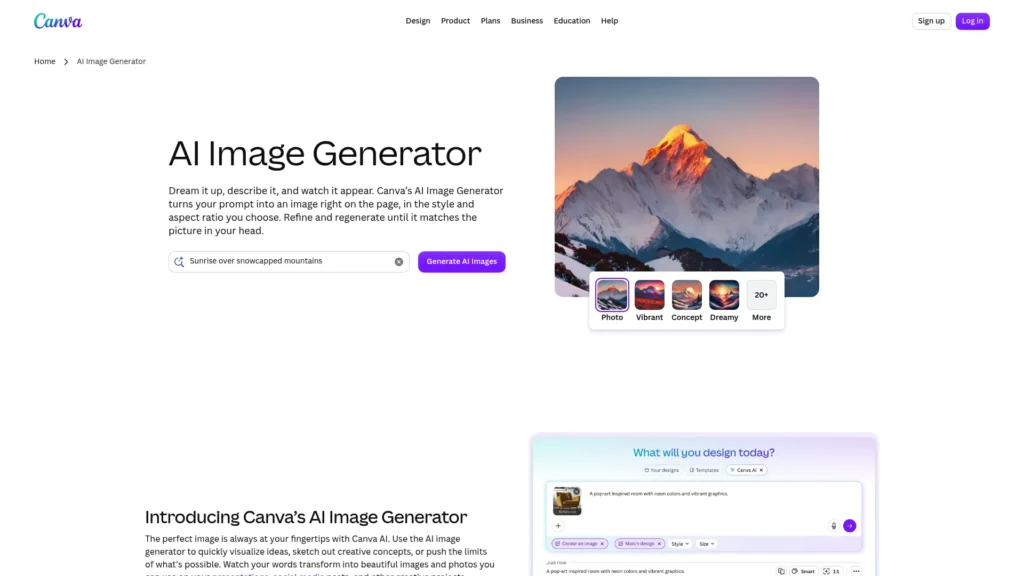
Canva’s image generator is less about producing the most impressive standalone image and more about putting a new image straight into a social post, presentation or blog header you are already building. Dream Lab, Canva’s main image generator, produces four options per prompt and can use a reference image to guide style or composition (Canva Help: Dream Lab).
Canva Free includes up to 20 Standard or Premium AI uses per month, and actual usage varies by task complexity. When free users reach the limit, Canva introduces short pauses between generations rather than cutting access completely (Canva Help: AI usage).
- Free allowance: Up to 20 Standard or Premium AI uses per month; actual usage varies by task complexity; short pauses after the limit
- Commercial use: Canva says you own the images you create with Dream Lab as long as you follow its terms
- Sign-up: Free Canva account
Best for: Social media managers, small business owners and anyone who already designs in Canva.
Limitations: The allowance is shared with other AI features, so heavy use of one tool reduces the others. Many of Canva’s most useful editing tools remain paid features.
7. Microsoft Designer: Best for Microsoft Users
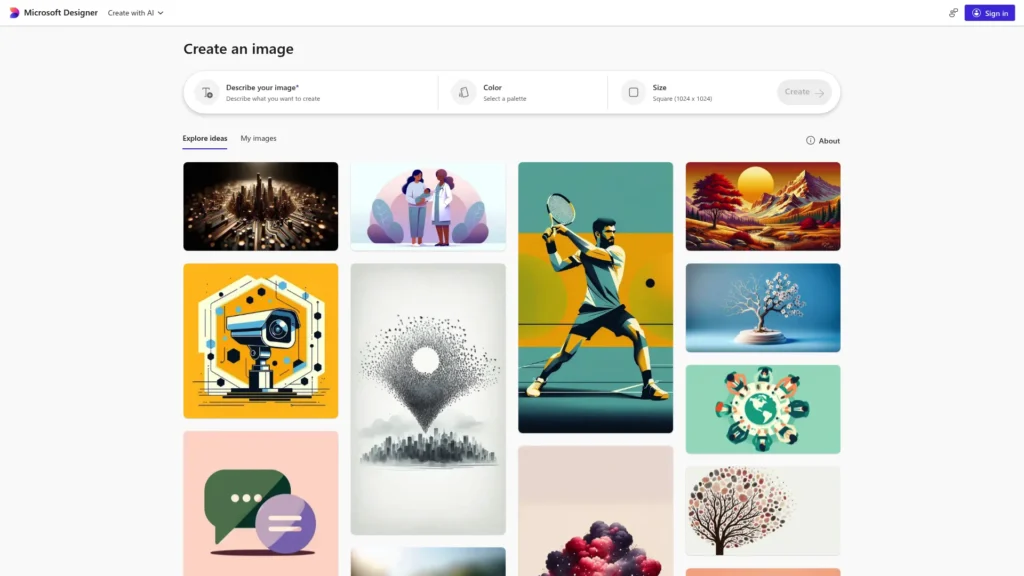
Microsoft Designer is free on the web and mobile, with a monthly allotment of AI credits for creating and editing images. It adds practical design tools around generation, including one-click background removal and ready-made formats for social posts and invitations (Microsoft Designer).
The free tier is much less generous than it was when this article was first written. Microsoft does not publish the free credit number on its main Designer page. It says Microsoft 365 Personal, Family and Premium plans provide up to four times more credits, and those credits are shared across AI features in Microsoft apps (Microsoft Support).
- Free allowance: Monthly AI credits; exact free number not published
- Commercial use: Review Microsoft’s current terms before commercial use, as they can differ between free and paid plans
- Sign-up: Free Microsoft account
Best for: Windows and Microsoft 365 users who want quick, template-based graphics.
Limitations: A small, shared monthly credit pool makes it a supplementary tool rather than a primary one.
8. Playground AI: Best for Logos, Posters and Social Graphics
Playground has moved from a pure image generator to an AI design platform with templates for logos, T-shirts, posters, stickers and social media posts. It offers several image models in one place, including OpenAI and Google models (Playground).
The free plan includes 10 AI image generations per 3-hour rolling window, 3 pro-model edits per month, 10 downloads per day and unlimited design files, with no credit card required (Playground: free vs Pro). The rolling window is generous if you spread your work across the day.
- Free allowance: 10 generations per 3-hour window; 10 downloads per day
- Commercial use: No. Playground says the free plan is for personal use only; the commercial license comes with Pro.
- Sign-up: Free account; no card required
Best for: Hobbyists, students and personal projects that benefit from design templates.
Limitations: Not suitable for business or client work on the free plan. The download cap can bite before the generation cap does.
9. NightCafe: Best for Art Styles and Community Credits
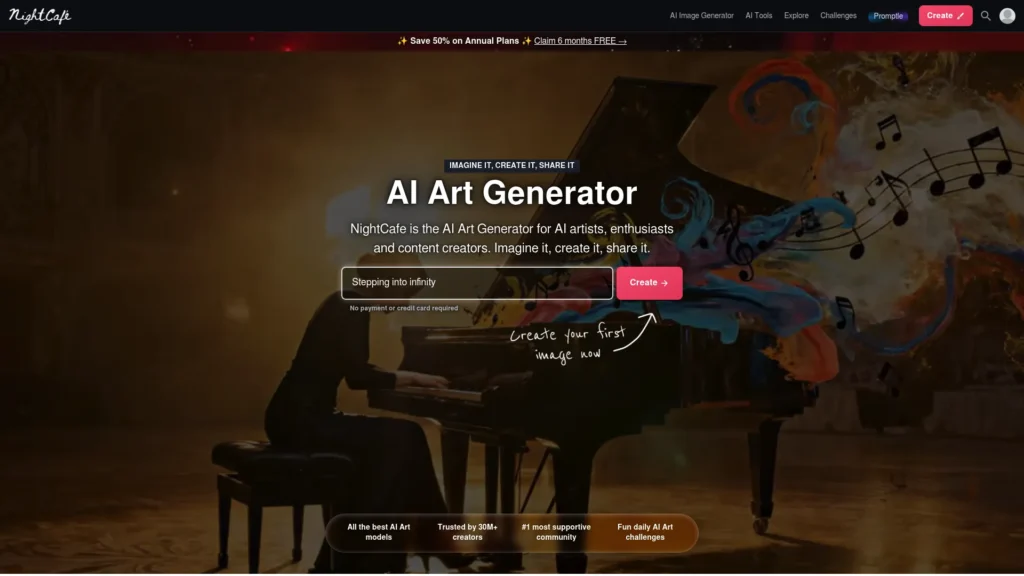
NightCafe is one of the longest-running AI art platforms, built around a community gallery, daily challenges and a wide choice of models. Its free system rewards regular activity: every user gets 5 free credits each day they log in or use the app, can earn 3 more by entering and voting in the daily challenge, and receives a 10-credit bonus for a 5-day streak (NightCafe pricing).
NightCafe also says users can create unlimited images with base Stable Diffusion models for free. That makes it one of the few web tools with genuinely unlimited free generation, although the premium models that produce stronger results cost credits.
- Free allowance: 5 daily credits, plus earned credits; unlimited base Stable Diffusion generations
- Commercial use: Yes. NightCafe’s terms permit commercial use, subject to copyright law and your having the rights to any input images you upload.
- Sign-up: Free account
Best for: Hobbyists and artists who enjoy experimenting with styles and don’t mind engaging with a community to earn credits.
Limitations: Free credits generate at lower priority, and the unlimited option uses older base models.
10. Craiyon: Best With No Sign-Up
Craiyon, formerly DALL-E mini, is still the easiest way to try AI image generation: open the site, type a prompt and get a grid of results without creating an account.
The trade-offs are significant. According to Craiyon, free users receive watermarked, base-quality images; free generation can involve wait times; and free users may use images commercially as long as they credit Craiyon (Craiyon). Image quality is also clearly below the other tools on this list.
- Free allowance: Free generation without an account; wait times possible
- Commercial use: Yes, with credit to Craiyon
- Watermark: Yes; free images are watermarked and of base quality
- Sign-up: Not required
Best for: Students, casual users and anyone who wants to try AI images in under a minute without sharing personal details.
Limitations: Watermarked, lower-quality output makes it unsuitable for professional use.
Which Free AI Image Generator Should You Use?
The right choice depends on what you’ll do with the image. Combining two free tools often works better than relying on one.
| Blog or website images for commercial use | Adobe Firefly | Gemini AI |
| Readable text in an image | Ideogram | ChatGPT |
| Quick edits to one image through conversation | Gemini AI | ChatGPT |
| Artistic, fantasy or game-style visuals | Leonardo AI | NightCafe |
| An image placed straight into a design | Canva AI | Microsoft Designer |
| Personal logos, posters or T-shirt designs | Playground AI | Canva AI |
| The highest free volume | NightCafe (base models) | Leonardo AI |
| No account at all | Craiyon | None on this list |
For business and client work, favour tools whose free-plan terms allow commercial use and that don’t publish your images publicly. Firefly and Canva are the most straightforward here. Ideogram and Leonardo allow commercial use, but free images are public, and Leonardo keeps ownership of free-plan outputs.
For beginners, Gemini, ChatGPT and Canva require the least learning. You describe what you want in everyday language, and in Gemini and ChatGPT you can refine the result by replying rather than rewriting the prompt.
Can You Use Free AI Images Commercially?
Often yes, but the answer depends on the platform, the plan and sometimes the model you used. Check three things before using a free AI image in a business context.
1. Does the platform’s free plan permit commercial use? Playground’s free plan is for personal use only. Craiyon permits commercial use with attribution. Ideogram, Canva and Firefly (for its own models) permit commercial use under their terms. NightCafe permits commercial use, subject to copyright law and rights to any input images. Microsoft’s current terms should be checked directly.
2. Who owns the output? Terms differ. OpenAI assigns output ownership to the user to the extent the law allows. Google says it won’t claim ownership. Leonardo holds the rights to free-plan images while granting free users a commercial license.
3. Can anyone own the image at all? In the United States, the Copyright Office’s January 2025 report concluded that prompts alone do not give users enough control to be considered the authors of AI output. Copyright can still protect human contributions, such as meaningful edits or a creative arrangement of AI-generated material (Copyright Alliance summary). Other countries treat the question differently.
In practice, a purely AI-generated image may be usable in your marketing while still being difficult to protect from copying. If ownership matters, for example, in a logo, a product design or images you plan to license, get advice from a qualified lawyer in your jurisdiction. This article is not legal advice.
How to Get More From a Free Allowance
With smaller free tiers, every wasted generation costs more. These habits help on any platform.
Write one detailed prompt instead of several vague ones. “A coffee shop” produces something generic. “A small independent coffee shop interior on a rainy afternoon, warm lighting, wooden furniture, steam rising from cups, film photography style” gives the model far less to guess.
Name the style, lighting and medium. Words like watercolour, product photography, flat vector illustration, golden hour, or studio lighting change the result more than most people expect.
Set the aspect ratio before generating. Use 16:9 for blog headers and slides, 1:1 for square social posts, 4:5 for Instagram feed posts and 9:16 for Stories and Reels. Cropping a square image into a banner usually ruins the composition.
Edit instead of regenerating. In Gemini and ChatGPT, a follow-up such as “keep everything but make the sky darker” usually costs less of your allowance than starting again.
Use negative prompts where available. On tools that offer a negative prompt field, excluding problems like “blurry, extra fingers, distorted text” reduces failed generations.
Spread usage across tools. Firefly and Leonardo reset daily, Playground works on 3-hour windows, and Ideogram resets weekly. Using them together gives you more free capacity than any one plan.
Frequently Asked Questions
Is there a 100% free AI image generator?
Yes, several AI image generators are free to use, including Craiyon, NightCafe, Gemini, ChatGPT, and Adobe Firefly. However, none offers unlimited top-quality generation with no conditions. Free plans limit volume, restrict the best models, make images public, add watermarks or limit commercial use. Craiyon is the most unconditional option because it needs no account, but its image quality is the lowest on this list.
Is there a free AI image generator without limits?
The closest options are NightCafe, which allows unlimited free generations with its base Stable Diffusion models, and Craiyon, which is free without an account but slows down at busy times. You can also run open-weight Stable Diffusion models on your own computer, where the only limit is your hardware, but that requires a capable graphics card and some technical setup. Mainstream tools such as Firefly, Gemini, ChatGPT and Leonardo all apply usage limits.
What AI is better than ChatGPT for image creation?
It depends on the task. Gemini (Nano Banana) is a strong alternative for everyday generation and conversational editing. Ideogram is more specialised for readable text inside images. Adobe Firefly has a clearer commercial-safety position for its own models. Leonardo AI offers more stylistic control for artistic work. ChatGPT remains a good choice for refining a single image through conversation, but its free image allowance is small.
Can I use free AI-generated images commercially?
Sometimes. Firefly (for its own models), Ideogram and Canva allow commercial use on their free plans under their terms. Leonardo allows commercial use through a license while keeping ownership of free-plan images. Craiyon requires attribution. Playground’s free plan is for personal use only. Always read the current terms, because they change and may differ by model.
Which free AI image generator has the best image quality?
For general and photorealistic images, Gemini, ChatGPT and Adobe Firefly are among the strongest free options. For stylised and artistic work, Leonardo AI has the widest range of models. For images containing text, Ideogram usually produces the most reliable lettering. Quality also depends on your prompt, and some free plans use standard models rather than each company’s newest one.
Do free AI image generators put watermarks on images?
Some do. Craiyon adds a visible watermark to free images, and Google has said free Gemini images carry a visible sparkle mark. Others add invisible provenance data instead: Adobe attaches Content Credentials to Firefly images, and Google embeds SynthID in Gemini images. Invisible labels don’t change how an image looks but can identify it as AI-generated.
Which free AI image generator requires no sign-up?
Craiyon is the only tool on this list that works without an account. Every other tool requires at least a free account, such as an Adobe, Google, OpenAI, Microsoft or Canva login.
What is the best free AI image generator for beginners?
Gemini, ChatGPT and Canva are the easiest starting points. Gemini and ChatGPT let you describe an image in everyday language and adjust it by replying. Canva places the image directly into a design template, so you can use it immediately.
Can free AI image generators create realistic photos?
Yes. Gemini, ChatGPT and Adobe Firefly can produce convincing photorealistic images on free plans. Results can still show errors in hands, small text and fine details, so check images carefully before publishing. Some platforms also label images as AI-generated through visible or invisible watermarks.
What is the difference between free and paid AI image generators?
Paid plans usually offer higher and more predictable limits, faster generation, access to premium models, private generation and fewer or no visible watermarks. They can also change ownership and commercial terms. For example, Leonardo’s paid subscribers own their images, and Playground’s commercial license starts on its Pro plan. Free tiers work well for occasional use; paid plans make sense when you keep hitting limits or need privacy and clear rights for client work.
Final Verdict
No single free AI image generator is best in 2026, but each option has a clear starting point. Choose Adobe Firefly when commercial safety matters, Gemini for the best all-round free experience, Ideogram when an image needs readable text, and Leonardo AI for artistic work. Use ChatGPT for refining a few important images, and Craiyon only when you want to try AI images without an account.
Because free limits change often, try the same prompt in two or three of these tools before settling on one, and check each platform’s current terms before using an image commercially.
Keep Exploring