Best AI Tools for Teachers in 2026 (Honest, In-Depth Review)
Last updated: June 2026 | 10 tools reviewed | Pricing verified
Introduction
Teaching is one of the few professions where the actual job — standing in front of students, building relationships, explaining difficult ideas in ways that finally click — represents only a fraction of the total hours worked. The rest goes somewhere else entirely. Lesson planning. Grading. Differentiated materials for students at different levels. Parent emails. Progress reports. Substitute plans. Quiz creation. The list does not end, and the school day does not get longer to accommodate it.
AI tools are not going to fix everything about the teaching profession. They are not going to reduce class sizes, increase salaries, or solve the systemic pressures that drive talented teachers out of the classroom. What they can do — and what the best of them do genuinely well in 2026 — is give teachers back hours that were previously lost to tasks that required effort but not necessarily expertise.
This article covers ten AI tools that are either built specifically for teachers or are widely used by educators in practical, classroom-relevant ways. For each one, the focus is on what it actually does in daily teaching life, what it costs at every tier, and which type of teacher gets the most value from using it. The goal is not to present a list of impressive-sounding software — it is to help you identify one or two tools that will make a real difference in your week starting now.
Why Teachers Need AI Tools in 2026
The Reality of a Teacher’s Workload Outside the Classroom
Studies on teacher working hours consistently show that for every hour spent in the classroom, teachers spend close to an equal amount of time on work outside it. For a full-time teacher with five or six classes, that adds up to evenings and weekends disappearing into planning, marking, and administrative tasks that never quite get finished.
What makes this particularly draining is not the volume alone — it is the type of work. Writing the same category of feedback on student essays thirty times in a row. Creating differentiated versions of the same worksheet for students at different reading levels. Drafting the same type of parent update email with slightly different details each time. These tasks are necessary but they do not require the depth of skill and judgment that drew most people into teaching in the first place.
Where AI Can Make an Immediate Difference
The tasks where AI delivers the fastest and most measurable impact for teachers are writing tasks, content generation, and structured output creation. Lesson plan frameworks, quiz questions, reading passages at different Lexile levels, rubric creation, email drafts, discussion prompts — all of these can be produced in seconds with AI tools, leaving the teacher to review, refine, and apply their own professional judgment to the output.
The time savings compound quickly. A teacher who saves thirty minutes per day on planning and communication tasks reclaims two and a half hours per week — time that can go toward actual student interaction, professional development, or simply finishing work at a reasonable hour.
What AI Cannot Replace in Teaching
This is worth saying clearly at the outset: the core of good teaching is a human relationship. The ability to notice that a student is struggling before they say anything, to adjust an explanation mid-lesson when a concept is not landing, to make a disengaged student feel seen and valued — none of those things are on the roadmap for AI, and they are not at risk of being automated.
AI tools work best as a backstage assistant that handles the production work so the teacher can be more present in the classroom. They should never be positioned as a replacement for the teacher’s voice, judgment, or relationship with students.
How These Tools Were Selected
Evaluation Criteria
Every tool in this list was evaluated against the same criteria. First, practical classroom relevance — does it solve a problem that teachers actually experience, or does it solve a problem that engineers imagined teachers have? Second, ease of adoption — can a teacher with no technical background start using it productively within an hour, or does it require weeks of setup and training? Third, pricing — is there a free tier that provides genuine value, and is the paid tier priced in a way that is accessible for individual teachers who often pay for their own tools? Fourth, student safety — does the tool handle student data responsibly, with compliance documentation that schools and districts can review?
Who These Tools Are Built For
The tools in this list cover a range of teaching contexts — K-12 classroom teachers, higher education lecturers, ESL and language teachers, special education professionals, and online and remote educators. Throughout the tool sections, the intended user is clearly identified so you can quickly assess relevance to your own situation without reading every section in full.
Best AI Tools for Teachers in 2026
1. MagicSchool AI — Best All-in-One AI Platform for Teachers
MagicSchool AI has established itself as one of the most widely adopted AI platforms in K-12 education, and the reason is straightforward: it was built by educators for educators, and it shows in every feature decision.
The platform gives teachers access to over sixty AI-powered tools covering virtually every content creation task in a teacher’s workflow. You can generate complete lesson plans with learning objectives, activities, and assessments. You can create differentiated reading materials at multiple grade levels from a single source text. You can write IEP goals, generate rubrics, produce quiz questions in multiple formats, draft parent communication emails, and create substitute teacher plans — all within the same platform, without switching between tools or writing complex prompts.
What makes MagicSchool particularly accessible is that it does not require teachers to know how to prompt AI effectively. The platform structures the inputs for you — you fill in fields like subject, grade level, learning objective, and any special considerations, and the AI generates output calibrated to those specifications.
Key Features:
- Lesson plan generator with objectives, activities, and assessments
- Differentiated reading material creation at multiple levels
- IEP goal and accommodation suggestion tools
- Quiz and worksheet generation
- Parent communication email drafting
- Rubric creation
- Substitute teacher plan generator
- Student report comment writer
Who It Is Best For: K-12 classroom teachers across all subjects. Particularly valuable for teachers who work with diverse learners and need to differentiate materials regularly. Special education teachers find the IEP tools especially useful.
Pricing:
- Free Plan: Yes — generous free tier with access to most tools
- Starting Price: $99/year (Pro plan for individuals)
- Best Value: School and district plans available with admin dashboard and usage analytics
Pros:
- Built specifically for teachers — every tool is classroom-relevant
- Generous free plan that works well for individual teachers
- No AI prompting knowledge required
- Covers the widest range of teacher tasks in one platform
Cons:
- Output quality varies and always requires teacher review
- Some advanced features locked behind paid plan
- Can feel overwhelming initially given the number of tools available
2. Khanmigo (Khan Academy) — Best AI Tutoring Assistant for Students
Khanmigo is Khan Academy’s AI-powered tutoring assistant, and it represents one of the most carefully considered approaches to AI in education available. Rather than giving students answers, Khanmigo is designed to guide students toward answers through questions — modeling good tutoring practice rather than replacing the learning process with shortcuts.
For teachers, Khanmigo serves two distinct purposes. For students, it provides a patient, always-available tutoring presence that can work through math problems, explain reading passages, help with essay writing, and support learning in any subject Khan Academy covers — without ever simply handing over a completed answer. For teachers, Khanmigo includes a separate set of tools for lesson planning, creating discussion questions, writing lesson hooks, and generating classroom activities.
The AI tutor approach means that students who use Khanmigo are genuinely engaging with material rather than bypassing it, which addresses one of the core concerns teachers have about AI tools in student hands.
Key Features:
- Socratic tutoring method — guides students rather than giving answers
- Subject coverage across math, science, humanities, and test prep
- Teacher tools for lesson planning and activity generation
- Writing coach that gives feedback without writing for the student
- Safe and monitored environment designed for student use
- Conversation history visible to teachers
Who It Is Best For: Teachers who want to give students access to AI-assisted learning in a responsible way. Particularly useful for flipped classroom models, independent study, and supporting students who need additional help outside class hours.
Pricing:
- Free Plan: Limited free access
- Starting Price: $4/month per student (through school accounts)
- Best Value: School and district accounts — contact Khan Academy for pricing
Pros:
- One of the most educationally responsible AI tools available
- Encourages student thinking rather than replacing it
- Teacher visibility into student interactions
- Built on Khan Academy’s trusted educational foundation
Cons:
- Student pricing adds up for large classes without school funding
- Limited to Khan Academy’s content areas
- Less useful for teachers who want quick content generation tools
3. Diffit — Best for Differentiating Reading Materials
Differentiation is one of the most time-consuming responsibilities in modern teaching. Creating multiple versions of a reading text at different complexity levels — for grade-level readers, struggling readers, and advanced readers — from a single source can take an hour or more per resource. Diffit reduces that to under two minutes.
You provide Diffit with a topic, a URL, a YouTube video, or an uploaded document, and it generates a complete differentiated reading resource complete with the passage, vocabulary highlights, comprehension questions, and discussion prompts — all calibrated to the reading level you specify. The output is clean, formatted, and ready to use or adapt.
For teachers who work with mixed-ability classrooms, English language learners, or students with reading support needs, Diffit addresses one of the most specific and persistent pain points in daily preparation. The ability to produce three different versions of the same resource simultaneously — each appropriate for a different group of students — is genuinely transformative for planning time.
Key Features:
- Reading passage generation at any specified grade level
- Differentiated versions of the same text at multiple levels simultaneously
- Vocabulary support and key term highlighting
- Comprehension questions generated automatically
- Discussion prompts and extension activities
- Import from URL, YouTube video, or uploaded document
- Export to Google Docs, PDF, or direct to Google Classroom
Who It Is Best For: K-12 teachers with mixed-ability classrooms, ESL teachers, special education teachers, and any teacher who regularly needs to adapt the same content for students at different reading levels.
Pricing:
- Free Plan: Yes — limited number of resources per month
- Starting Price: $12/month or $96/year (individual teacher)
- Best Value: School plans available with shared resource libraries
Pros:
- Solves one of the most time-consuming differentiation tasks immediately
- Clean, classroom-ready output
- Easy Google Classroom integration
- Free plan works well for occasional use
Cons:
- Monthly free limit is reached quickly for active users
- Content accuracy requires teacher verification, especially for topic-specific passages
- Limited customization beyond reading level and format
4. Curipod — Best for AI-Generated Interactive Lessons
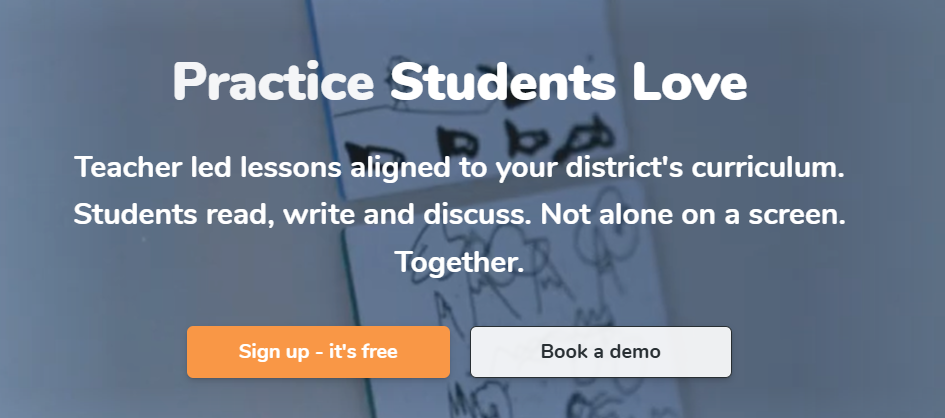
Curipod is a presentation and interactive lesson tool that uses AI to generate complete, engagement-focused lessons from a topic or learning objective in seconds. Unlike slide tools that simply produce static content, Curipod builds interactive elements into every lesson — polls, word clouds, drawing activities, open-ended questions, and reflection prompts that students respond to in real time from their devices.
The AI generation is fast and the output is structured around genuine pedagogical flow — lessons typically open with an activation activity, move through instruction and practice, and close with a reflection or check for understanding. Teachers can edit, reorder, and customize every element before using the lesson or can use it as a strong first draft that saves significant planning time.
For teachers who want to make lessons more interactive without spending hours building activities from scratch, Curipod represents a meaningful upgrade to standard presentation tools with very little additional effort.
Key Features:
- AI lesson generation from topic or learning objective
- Built-in interactive elements — polls, word clouds, drawing activities, open questions
- Student response collection in real time
- Template library organized by subject and grade level
- Editable output — full teacher control over content
- Integration with Google Classroom and other LMS platforms
Who It Is Best For: Teachers who want more student engagement and interactivity in lessons without the time investment of building activities manually. Works well across subjects and grade levels from upper elementary through high school.
Pricing:
- Free Plan: Yes — solid free tier for individual teachers
- Starting Price: $8/month (Pro plan billed annually)
- Best Value: Pro plan at $8/month includes unlimited AI generations and advanced features
Pros:
- Interactive elements built in — not just slides with text
- Fast AI generation produces usable lessons immediately
- Students engage through their own devices with no app download required
- Strong free plan for individual use
Cons:
- AI-generated content is a starting point, not a finished lesson
- Less suitable for subjects requiring precise technical accuracy
- Engagement depends on student device access
5. Brisk Teaching — Best Chrome Extension for Teachers
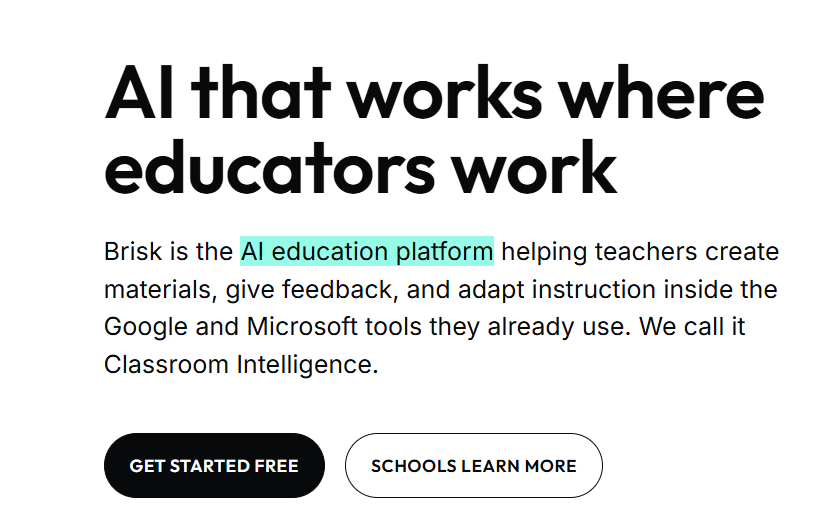
Brisk Teaching takes a different approach from most AI education tools. Rather than requiring teachers to open a separate platform, it works as a Chrome extension that brings AI capability directly into the tools teachers are already using — Google Docs, Google Slides, Google Classroom, YouTube, and websites.
With Brisk installed, a teacher can highlight text in a Google Doc and instantly generate feedback, create a quiz from a YouTube video they are watching, adapt a resource to a different reading level, translate content for English language learners, or check student writing for AI use — all without leaving the page they are already on.
The integration-first approach solves one of the most common barriers to AI adoption among teachers: the friction of switching between platforms. When the AI is built into your existing workflow rather than requiring you to go somewhere else, the habit forms naturally and the tool gets used consistently.
Key Features:
- Works inside Google Docs, Slides, Classroom, and YouTube
- One-click feedback generation on student writing
- Quiz creation from any webpage or video
- Reading level adaptation of any selected text
- AI detection for student writing
- Content translation for multilingual learners
- Lesson plan generation from any resource
Who It Is Best For: Teachers who live in Google Workspace and want AI capability embedded in their existing workflow rather than a separate platform to manage. Particularly useful for teachers who give written feedback frequently.
Pricing:
- Free Plan: Yes — core features available free
- Starting Price: $10/month (Pro plan)
- Best Value: Pro plan includes unlimited AI features and priority support
Pros:
- No new platform to learn — works inside existing tools
- Feedback generation on student work is excellent
- Extremely low friction to adopt and use daily
- Free plan covers the most commonly used features
Cons:
- Requires Chrome browser — not compatible with other browsers
- Dependent on Google Workspace ecosystem
- Some features require paid plan for unlimited use
6. Gradescope — Best for AI-Assisted Grading
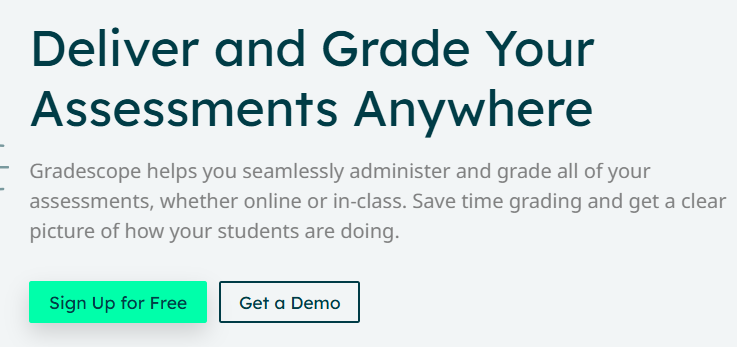
Grading is where teacher time goes most reliably and most frustratingly. Gradescope uses AI to make the grading process faster, more consistent, and more useful for students — particularly for assignments with structured responses, short answers, and problem sets.
The platform allows teachers to define a rubric once, and the AI groups student responses that are similar together, allowing the teacher to grade an entire category of responses with a single action rather than evaluating each student individually. For a class of thirty students where eight gave essentially the same partially correct answer, Gradescope lets the teacher review and grade that group once — dramatically reducing repetition.
It is particularly well established in higher education and STEM subjects where structured problem-solving and short answer responses are common. The platform also produces analytics that show class-wide patterns in understanding and misunderstanding — useful data for informing the next lesson.
Key Features:
- AI answer grouping for efficient batch grading
- Rubric-based grading with partial credit support
- Handwritten and typed assignment support
- Class-wide response analytics and insights
- Student feedback delivery through the platform
- Integration with Canvas, Blackboard, Moodle, and other LMS platforms
Who It Is Best For: Higher education instructors and high school teachers with large classes, particularly in STEM subjects, writing-intensive courses, and any class using structured short-answer assessments.
Pricing:
- Free Plan: Yes — free tier for individual instructors
- Starting Price: $0 for basic (free forever plan)
- Best Value: Institutional plans through university or school license
Pros:
- Dramatically reduces time spent on repetitive grading
- Consistent feedback quality across all students
- Strong analytics on class-wide understanding
- Free tier is genuinely functional for most use cases
Cons:
- Learning curve for initial setup and rubric creation
- Works best for structured assessments — less useful for open-ended creative work
- Full feature set requires institutional license at most schools
7. Eduaide.Ai — Best for Lesson Planning and Resource Creation
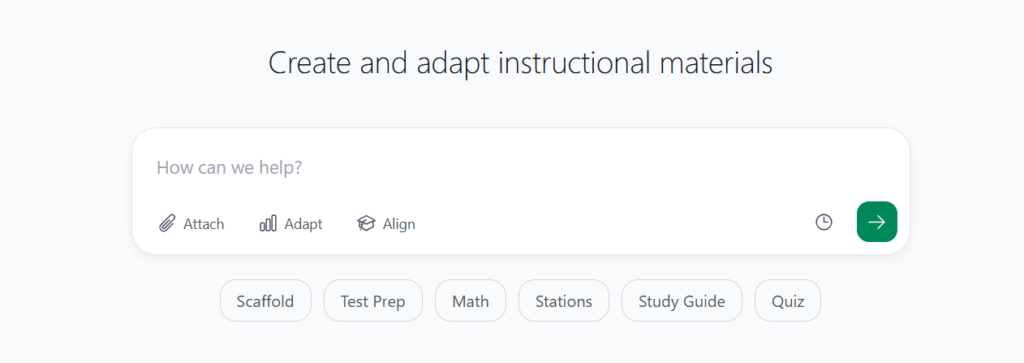
Eduaide.Ai is a content generation platform built specifically for educators, with a focus on producing teaching resources rather than student-facing content. The platform offers over one hundred resource types — everything from lesson plans and exit tickets to debate prompts, scenario-based learning activities, vocabulary exercises, and accommodation suggestions for diverse learners.
What distinguishes Eduaide from more general AI tools is the depth of educational context built into each generator. When you create a lesson plan, it prompts you for grade level, subject, learning standard, instructional time, and any accommodation needs — and produces output that reflects all of those specifications rather than generating a generic lesson structure that requires significant reworking.
The resource library is genuinely comprehensive for planning purposes, and the platform updates its generators based on teacher feedback, which means the output quality continues to improve over time.
Key Features:
- Over 100 resource type generators
- Standards-aligned lesson planning
- Differentiation and accommodation suggestion tools
- Exit ticket and formative assessment creation
- Debate prompts and critical thinking activities
- Vocabulary and language support resources
- Feedback report writing tools
Who It Is Best For: Teachers who want a deep library of specific resource types rather than a general-purpose AI tool. Particularly valuable for curriculum designers, instructional coaches, and teachers building unit plans from scratch.
Pricing:
- Free Plan: Yes — limited generations per month
- Starting Price: $8.99/month (Pro plan)
- Best Value: Pro plan at $8.99/month — affordable for individual teachers
Pros:
- Most comprehensive resource type library of any teacher AI tool
- Standards alignment built into planning tools
- Affordable Pro plan accessible for individual teachers
- Differentiation tools are detailed and practical
Cons:
- Free plan monthly limits are restrictive for regular users
- Output requires teacher review and refinement
- Interface can feel complex initially given the number of options
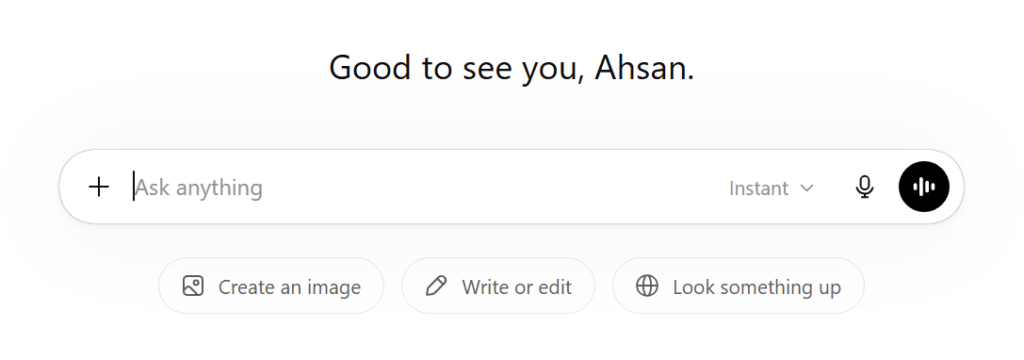
8. ChatGPT — Best for Writing, Planning, and Communication Tasks
ChatGPT is on this list not because it is built for education specifically, but because it is one of the most practically useful tools for teachers in daily use — and it costs almost nothing compared to purpose-built platforms.
The use cases in teaching are broad and immediate. A teacher who needs to write a set of discussion questions for a novel, draft a parent email about a challenging student situation, create a list of scaffolded hints for a math problem, generate five different explanations of the same concept for different learning styles, or adapt a complex text to a simpler reading level can do all of that with ChatGPT faster than any other method available.
The limitation is that ChatGPT has no inherent knowledge of your students, your school’s specific curriculum standards, or your classroom context. Every output is a draft that requires your professional judgment to become a finished resource. Teachers who treat it as a thinking partner and first-draft generator get enormous value from it. Teachers who expect it to produce ready-to-use classroom materials without review will be disappointed.
Key Features:
- Lesson plan and activity drafting
- Parent and administrator communication writing
- Quiz and discussion question generation
- Text simplification and differentiation
- Multiple explanation styles for difficult concepts
- Rubric and assessment criteria creation
- Professional development reflection prompts
Who It Is Best For: Every teacher regardless of subject, grade level, or school context. The free plan is sufficient for most daily writing and planning tasks. The Plus plan at $20/month adds more advanced capabilities for teachers who use it heavily.
Pricing:
- Free Plan: Yes
- Starting Price: $20/month (Plus plan)
- Best Value: Plus plan at $20/month
Pros:
- Immediate value with no setup or onboarding
- Handles an enormous variety of writing and planning tasks
- Free plan is genuinely useful for most teacher use cases
- Available on any device at any time
Cons:
- No education-specific context or curriculum knowledge built in
- All output requires human review before classroom use
- Quality depends heavily on the specificity of prompting
9. Twee — Best for English Language Teachers
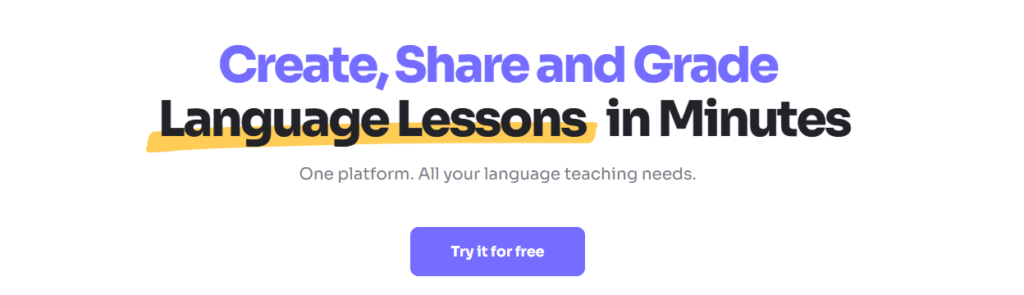
Twee is a purpose-built AI tool for English language teachers, and it addresses the specific content creation challenges that ESL, EFL, and English literature teachers face in a way that general AI tools do not.
The platform generates complete, ready-to-use activities built around texts, topics, videos, or grammar points — comprehension questions in multiple formats, gap fill exercises, matching activities, conversation starters, essay prompts, and vocabulary exercises. Every activity is designed with language learning pedagogy in mind rather than being a generic quiz generator that happens to work for English content.
For language teachers who produce new materials every single week for multiple class levels, Twee eliminates hours of material creation time. The output is formatted, level-appropriate, and ready to use or adapt immediately — which is exactly what a language teacher needs before a Monday morning class.
Key Features:
- Reading comprehension question generation in multiple formats
- Gap fill and vocabulary exercise creation
- Conversation starter and discussion prompt generation
- Grammar exercise creation by structure and level
- Activity generation from YouTube videos
- Essay and writing prompt creation
- CEFR level alignment for language-appropriate output
Who It Is Best For: ESL, EFL, and English language teachers at any level. Also useful for English literature teachers who need comprehension and analysis activities for set texts. Less relevant for non-language subject teachers.
Pricing:
- Free Plan: Yes — limited activities per month
- Starting Price: $12/month (Pro plan)
- Best Value: Annual plan at approximately $96/year
Pros:
- Purpose-built for language teaching — output reflects real pedagogy
- Covers the full range of language skill activities in one tool
- Clean, ready-to-use output format
- YouTube video integration is particularly useful
Cons:
- Limited to English language teaching use cases
- Free plan monthly limits are restrictive for full-time teachers
- Less useful outside language education contexts
10. Sown to Grow — Best for Student Reflection and SEL
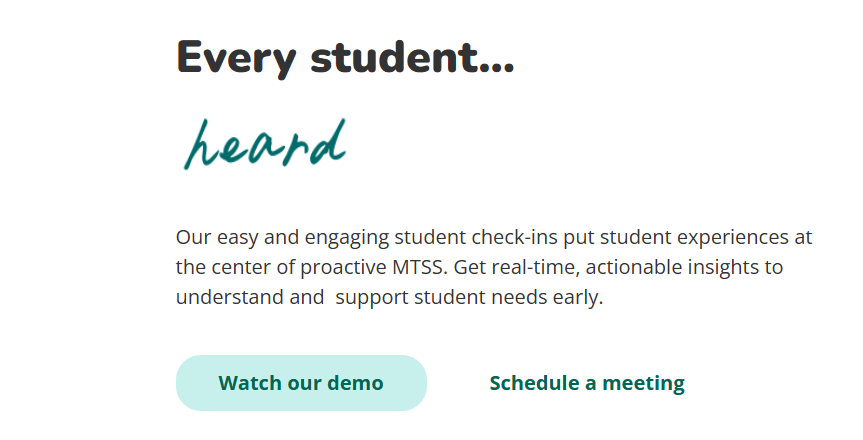
Sown to Grow addresses a part of teaching that most AI tools ignore entirely — the social and emotional dimension of learning. The platform uses AI to support structured student reflection, goal-setting, and check-ins that help teachers understand how students are feeling about their learning, their workload, and their wellbeing — at scale.
Students complete regular reflection prompts through the platform, and the AI analyzes responses to surface patterns and flag students who may need additional support. For a teacher with thirty students, reading every reflection response every week is not realistic. Sown to Grow makes the insights accessible without requiring the teacher to read every response manually — while still preserving the genuine student voice in the data.
For teachers in schools that prioritize social-emotional learning, or for any teacher who wants to better understand the human experience of their students without adding administrative burden, Sown to Grow fills a gap that no other tool on this list addresses.
Key Features:
- Structured student reflection and goal-setting tools
- AI-powered pattern recognition across student responses
- Wellbeing and engagement flagging for at-risk students
- Teacher dashboard with class-wide insights
- Integration with Google Classroom and major LMS platforms
- Culturally responsive reflection prompts
Who It Is Best For: Teachers in schools with an explicit social-emotional learning focus, advisory or homeroom teachers, counselors, and any teacher who wants regular insight into student wellbeing without manual data analysis.
Pricing:
- Free Plan: Yes — free tier for individual teachers
- Starting Price: Free for individual teachers
- Best Value: School and district plans with admin reporting and wider implementation
Pros:
- Addresses the SEL dimension that other AI tools overlook
- Saves significant time versus reading every student reflection manually
- Surfaces at-risk students before issues escalate
- Free for individual teachers — no cost barrier to starting
Cons:
- Value depends on student consistency in completing reflections
- Less useful in school cultures without SEL structures in place
- AI pattern analysis is a summary — does not replace teacher knowledge of individual students
Pricing Comparison Table
| Tool | Free Plan | Starting Price | Best Value Plan | Best For | Difficulty |
|---|---|---|---|---|---|
| MagicSchool AI | Yes | $99/year | School plan | All-in-one teacher platform | Easy |
| Khanmigo | Limited | $4/month per student | School account | Student AI tutoring | Easy |
| Diffit | Yes | $12/month | School plan | Differentiated reading | Easy |
| Curipod | Yes | $8/month | Pro annual | Interactive lessons | Easy |
| Brisk Teaching | Yes | $10/month | Pro plan | Google Workspace users | Easy |
| Gradescope | Yes | Free forever | Institutional license | AI-assisted grading | Medium |
| Eduaide.Ai | Yes | $8.99/month | Pro plan | Lesson planning and resources | Easy |
| ChatGPT | Yes | $20/month | Plus plan | Writing and planning tasks | Easy |
| Twee | Yes | $12/month | Annual plan | English language teachers | Easy |
| Sown to Grow | Yes | Free | School/district plan | SEL and student reflection | Easy |
AI Tools by Teaching Context
Best AI Tools for K-12 Classroom Teachers
For K-12 teachers, the priority is tools that are fast to use, require no technical expertise, and produce classroom-ready output. MagicSchool AI is the clearest starting recommendation — its breadth of tools covers the widest range of daily tasks in one platform. Diffit adds differentiation capability for mixed-ability classrooms. Brisk Teaching embeds AI directly into Google Workspace, which most K-12 teachers already use daily.
Best AI Tools for Higher Education and University Lecturers
University lecturers typically work with larger class sizes, more complex assessments, and a greater emphasis on research and writing. Gradescope is the standout recommendation for managing grading at scale with consistency. ChatGPT supports lecture planning, course design, and academic communication. Khanmigo can support student learning outside lecture hours in a responsible, guided way.
Best AI Tools for Special Education and Differentiated Learning
Special education teachers have some of the highest content creation demands in any teaching context — IEP goals, accommodation plans, modified materials, and progress reports all require significant writing time. MagicSchool AI’s IEP and accommodation tools make it the strongest recommendation for this context. Diffit handles reading-level differentiation efficiently. Sown to Grow adds valuable insight into student wellbeing and emotional engagement.
Best AI Tools for Online and Remote Teachers
Online teachers need tools that produce engaging digital content quickly and integrate with the LMS platforms their students use. Curipod creates interactive lessons that work well in digital delivery. Eduaide.Ai’s broad resource library supports asynchronous learning design. ChatGPT handles the constant written communication demands of online teaching.
Best AI Tools for ESL and Language Teachers
Twee is the obvious first recommendation for English language teachers — it is purpose-built for exactly this context. Diffit handles reading level differentiation for learners at different proficiency stages. Brisk Teaching’s translation feature supports multilingual communication. MagicSchool AI rounds out the toolkit for planning and communication tasks.
Real Benefits of AI Tools for Teachers
Reclaiming Time Outside the Classroom
The most immediate and universal benefit is time. Teachers who consistently use AI tools for planning, resource creation, and communication tasks report saving between one and three hours per day depending on their role and workload. Over a school year, that is significant — not just in productivity terms but in sustainable work-life balance.
More Personalized Student Learning Experiences
AI makes differentiation practical at a scale that was previously unachievable for most teachers working alone. Creating materials at three different reading levels, generating additional practice for students who are struggling and extension tasks for students who are ready to go further, producing individualized feedback on written work — all of these become achievable as regular practice rather than exceptional effort.
Reducing Teacher Burnout and Cognitive Load
Teacher burnout is substantially driven by cognitive load — the constant mental effort required to manage a complex, multitasking professional role. When AI absorbs the production work — the drafting, the formatting, the repetitive content creation — the mental energy that was going to those tasks becomes available for the work that is genuinely fulfilling: teaching, connecting with students, and growing professionally.
Better Feedback Quality Through Consistency
One of the consistent findings in grading research is that feedback quality degrades over a marking session. The comments on the thirtieth essay are rarely as thoughtful as the comments on the first. AI-assisted feedback tools help maintain consistency across a full set of student work, ensuring that every student receives useful, specific feedback regardless of where their work falls in the marking order.
Concerns and Limitations of AI in Education
Academic Integrity and Student AI Use
The most widely discussed concern about AI in education is the potential for students to use it to complete work that is meant to demonstrate their own learning. This is a real issue, and it requires a genuine pedagogical response rather than just detection tools. Assessment design that requires personal reflection, oral components, in-class demonstration, and iterative process work is more resistant to AI misuse than traditional take-home written tasks. AI detection tools exist — including features in Brisk Teaching — but they are not fully reliable and should not be the primary strategy.
Data Privacy and Student Safety
Any tool that processes student data — particularly for students under thirteen — must comply with FERPA in the United States and equivalent regulations in other countries. Before deploying any AI tool in a classroom, teachers should verify that the vendor provides FERPA and COPPA compliance documentation, that student data is not used to train AI models, and that the school or district has reviewed and approved the tool for use with student data.
Risk of Over-Automating the Human Side of Teaching
There is a version of AI-assisted teaching where so much of the communication, feedback, and relationship management is automated that students feel processed rather than educated. Automated feedback on every piece of work, chatbot responses to student questions, AI-generated encouragement — none of these replace the impact of a teacher who knows a student, notices their progress, and takes the time to communicate that personally. AI should support the teacher’s presence in student learning, not substitute for it.
The Digital Divide and Access Concerns
Not all students have equal access to devices and reliable internet. AI-enhanced lessons and student-facing AI tools that depend on personal devices create equity gaps in classrooms where technology access is uneven. Teachers implementing AI tools should ensure that every student has a pathway to engage with the learning regardless of their technology access at home.
Frequently Asked Questions
What is the best AI tool for teachers in 2026?
MagicSchool AI is the strongest all-around recommendation for most K-12 teachers — it covers the widest range of teacher tasks in one platform, has a generous free tier, and requires no technical knowledge to use productively. For teachers who want AI embedded in their existing Google Workspace workflow, Brisk Teaching is the most frictionless option. For teachers focused specifically on differentiation, Diffit addresses that need more directly than any other tool on this list.
Are AI tools safe to use with student data?
It depends on the specific tool and how it is being used. Tools like MagicSchool AI, Khanmigo, Gradescope, and Sown to Grow are designed with student data privacy in mind and provide FERPA and COPPA compliance documentation. General-purpose tools like ChatGPT should not be used with identifiable student information — they are appropriate for teacher planning tasks that do not involve student data. Always verify compliance documentation before using any AI tool with student-facing content.
Can AI replace teachers?
No. Teaching is fundamentally a relational profession. The ability to understand where a student is emotionally and cognitively, to build trust, to adapt in real time to what a group of human beings needs in that moment — these are not computational tasks. AI tools handle the production and administrative work of teaching. The teaching itself remains irreducibly human.
How can AI help with lesson planning?
AI tools like MagicSchool AI, Eduaide.Ai, and ChatGPT can generate lesson plan frameworks in seconds from a topic, learning objective, and grade level. This does not mean the lesson plan is finished — the teacher still needs to review, adjust for their specific students, and apply their curriculum knowledge. But it eliminates the blank-page problem and reduces the drafting time from thirty to forty minutes to five to ten minutes of review and refinement.
Are there free AI tools for teachers?
Yes — several of the tools on this list have functional free plans. MagicSchool AI, Brisk Teaching, Curipod, Gradescope, and Sown to Grow all offer free tiers that provide genuine value for individual teachers. ChatGPT’s free plan is also sufficient for most daily planning and writing tasks. A teacher could build a useful AI workflow using only free tools before ever spending money on a paid subscription.
What is the best AI tool for grading?
Gradescope is the clearest recommendation for teachers who want to reduce grading time without sacrificing feedback quality. Its AI grouping of similar responses allows teachers to grade categories of answers rather than individual papers, which is particularly valuable for large classes and structured assessments. For written feedback on essays and extended responses, Brisk Teaching’s feedback generation within Google Docs is the most practical option.
Can AI help with special education and differentiated instruction?
Yes — this is one of the areas where AI tools deliver some of their highest value. MagicSchool AI includes specific tools for IEP goal writing, accommodation suggestions, and modified resource creation. Diffit generates differentiated reading materials at any specified level in under two minutes. These tools do not replace the expertise and relationship knowledge of a special education teacher, but they significantly reduce the production time required to create individualized materials.
Will students misuse AI tools for academic dishonesty?
Some students will attempt to. The more useful framing is that assessment design needs to evolve alongside AI availability. Assessments that require demonstrated process, personal reflection, oral defense, or in-class performance are significantly more resistant to AI misuse than traditional take-home written tasks. AI detection tools exist but are imperfect — they should be one part of an academic integrity strategy, not the whole strategy.
Conclusion
The teachers who will look back at 2026 as a turning point in how they work are the ones who stopped waiting for a perfect AI solution and started using the tools that are available right now — imperfect, requiring review, needing adaptation, but genuinely capable of returning meaningful time to the people who need it most.
You do not need all ten tools on this list. You do not need to overhaul your entire practice. What you need is one tool that addresses the task that is most reliably taking your evenings and weekends, and thirty minutes to try the free version before committing to anything.
If planning is the drain, start with MagicSchool AI or ChatGPT today. If differentiation is consuming your preparation time, try Diffit this week. If grading is where your hours go, explore Gradescope before the next assignment is due. If you want AI built into the Google tools you already use, install Brisk Teaching in five minutes and see what it does to your feedback workflow.
The goal is not to use AI. The goal is to be a better teacher with more time and energy for the parts of teaching that matter most. These tools help you get there — as long as you remain the professional judgment behind everything they produce.
For more in-depth reviews of AI tools across business and education categories, explore the full library at aitoolister.com.